ONVIF Meaning: What You Need to Know for Smarter Home Security Planning
Understanding ONVIF can make a real difference when you are planning or upgrading a home security system. It helps explain why some cameras work well together across brands while others do not.
ONVIF stands for Open Network Video Interface Forum. It is an open industry standard designed to create a unified communication method for IP-based security devices such as cameras, recorders, and access control systems.
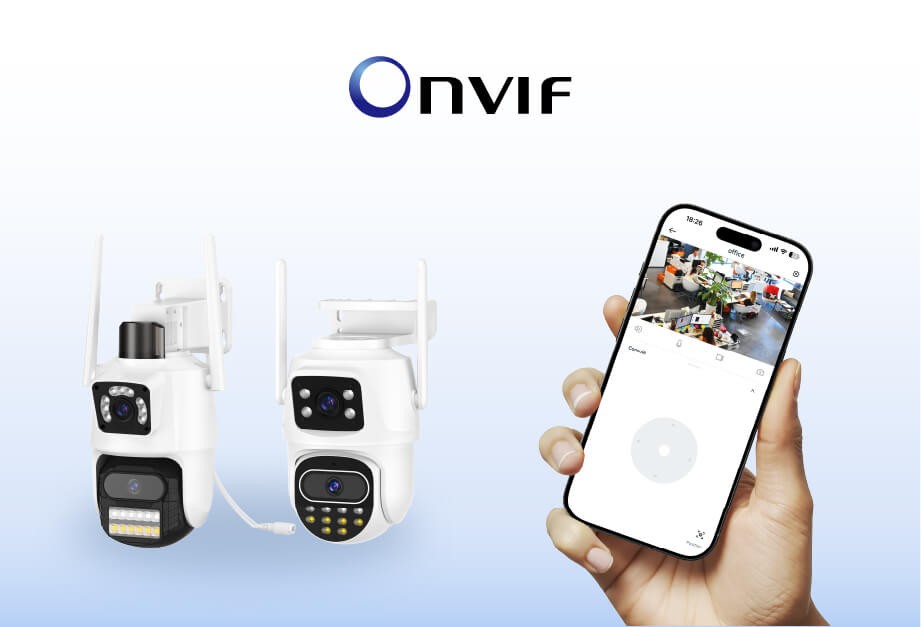
For home users, ONVIF reduces brand lock-in. It allows you to combine devices from different manufacturers and expand your system over time without replacing everything. This is especially useful when choosing an indoor security camera or a wireless home camera with future upgrades in mind.
How ONVIF Works Behind the Scenes
ONVIF works by defining standardized communication methods that devices use to discover, manage, and control each other over a network. These methods are based on SOAP and XML, operating over HTTP or HTTPS.
Instead of relying on brand-specific software, ONVIF allows compatible devices to exchange information using the same rules. This makes it possible for cameras, recorders, and apps from different brands to interact reliably.
The key mechanism behind this interoperability is the ONVIF Profile system.
Understanding ONVIF Profiles
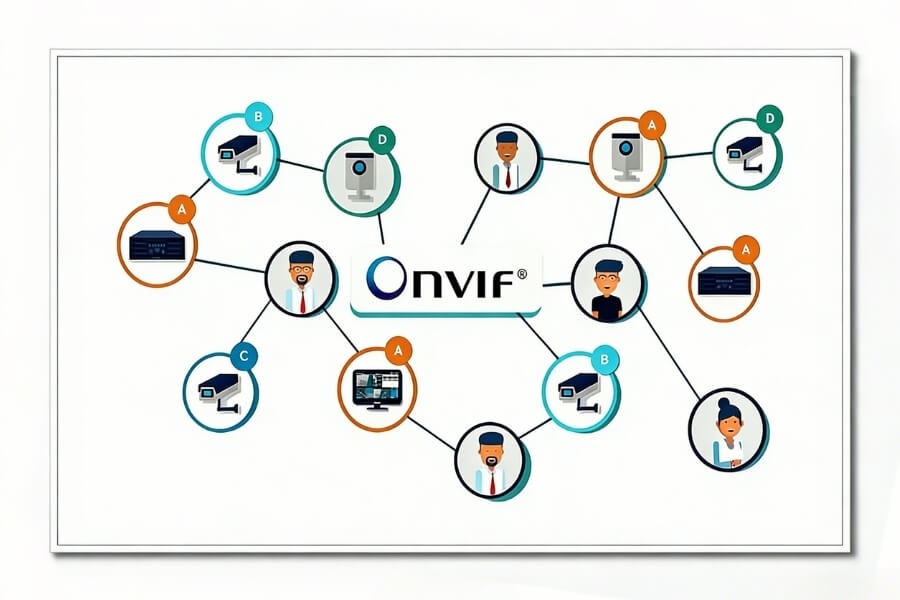
ONVIF Profiles group specific features into clearly defined capability sets. Devices only need to support the same profile to work together at that functional level.
Below are the most common profiles relevant to home security use.
Profile S
Profile S covers basic video streaming, audio support, and PTZ control. It is commonly used for indoor cameras and wireless home cameras that allow remote viewing and camera movement through a mobile app.
Profile G
Profile G focuses on edge storage and recording control. Cameras that support local storage using SD cards can expose recordings to compatible NVRs or video management software through this profile.
Profile T
Profile T supports advanced video features such as H.265 compression, motion and tamper detection, and two-way audio. Many modern home cameras with AI motion alerts and voice communication rely on this profile.
Profile M
Profile M enables metadata and analytics exchange, including person or vehicle detection. It supports future integration with AI-based platforms and smart indoor monitoring systems.
Profile A and Profile C
These profiles are designed for access control systems. They are mainly used for smart locks, door controllers, and integrated security environments rather than standalone cameras.
For most home users, cameras that support Profile S and Profile T provide a practical balance of compatibility and features.
Why ONVIF Matters for Home Security Users
ONVIF provides several practical benefits that directly affect how a home security system performs over time.
Device Compatibility and Flexibility
ONVIF allows cameras, recorders, and apps from different brands to work together. This makes it easier to build a system that fits your space and budget without committing to a single manufacturer.
Easier System Expansion
As your needs change, ONVIF makes it simpler to add new cameras or replace older devices. As long as new equipment supports the same profiles, it can usually be integrated without redesigning the entire system.
Simplified Installation and Management
ONVIF supports automatic device discovery using network broadcasts. Many NVRs and mobile platforms can detect compatible cameras automatically, reducing setup time and configuration errors.
For wireless Wi-Fi cameras, this often results in a more straightforward plug-and-play experience.
For users planning a flexible home security setup, standards like ONVIF help reduce long-term compatibility risks. At RusinVision, system planning often starts from this perspective, considering how cameras, storage, and accessories are expected to work together over time rather than focusing on a single device in isolation.
Improved Security and Reliability
ONVIF specifications include baseline cybersecurity practices such as encrypted communication and credential management. While configuration still matters, standardized security requirements help reduce exposure compared to unmanaged proprietary systems.
How to Check if a Camera Supports ONVIF
Before purchasing or integrating a camera, you can confirm ONVIF support using several methods.
- Check the product specification sheet or manufacturer website for ONVIF compliance.
- Look for the ONVIF logo on the camera body or packaging.
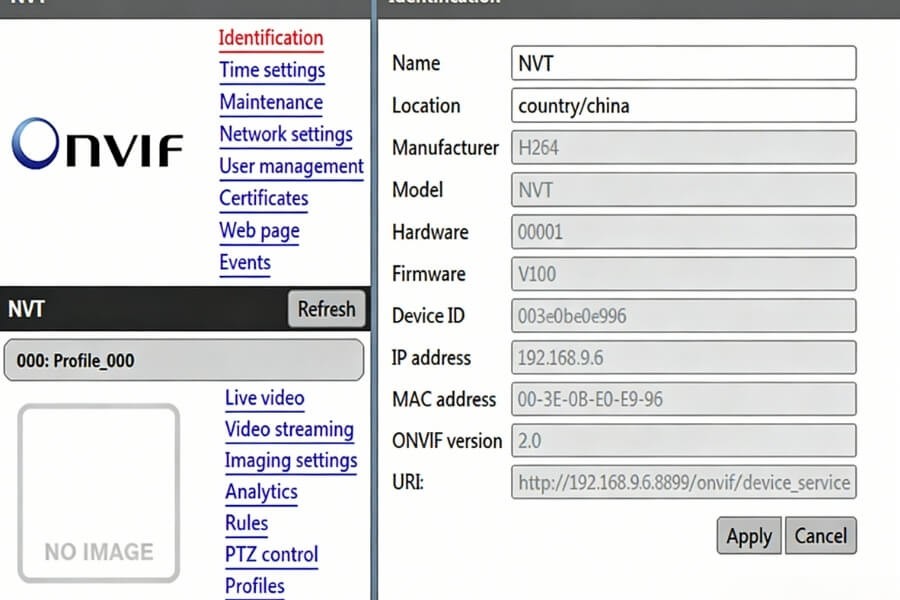
- Log into the camera’s web interface and review available protocol or profile settings.
- Use ONVIF Device Manager to scan your local network for compatible devices.
Verifying profile support is just as important as confirming ONVIF compatibility.
How to Choose an ONVIF Camera for Home Use
When selecting a camera for a home security setup, profile support should match your actual usage needs.
- Prioritize Profile S and Profile T for live viewing, audio, motion alerts, and two-way communication.
- Wireless cameras with pan and tilt functions are well suited for indoor spaces such as living rooms or entryways.
- AI-based human detection can help reduce false alerts and improve notification relevance.
- Local storage support aligns with Profile G and helps maintain recording privacy.
- Profile M support can provide flexibility for future analytics upgrades.
This planning-first approach is central to how RusinVision evaluates home and small-scale security setups.
Conclusion
ONVIF is more than a technical standard. It plays a practical role in how a security system is planned, expanded, and maintained over time.
Whether you are installing your first indoor security camera or integrating multiple devices into a unified home protection network, ONVIF helps ensure long-term flexibility and control. By understanding how profiles work and what features matter most, you can make informed decisions and plan your system with greater confidence.
FAQ
What is the difference between ONVIF and RTSP?
ONVIF is an interoperability standard that covers device discovery, configuration, user management, and feature control. RTSP is a transport protocol used only to deliver live video streams. Many ONVIF cameras use RTSP for video, but RTSP alone does not support device discovery, event handling, or cross-brand system management.
Do all IP cameras support ONVIF?
No. While many modern IP cameras support ONVIF, some manufacturers use proprietary protocols instead. ONVIF support must be explicitly stated in the product specifications. Even when ONVIF is supported, available features may vary by profile, so compatibility should always be verified before integrating a camera into an existing system.
Does ONVIF work with wireless home cameras?
Yes. ONVIF is not limited to PoE or wired cameras. Wireless Wi-Fi home cameras can also support ONVIF if it is listed in their specifications. When supported, ONVIF allows wireless cameras to be discovered, managed, and viewed alongside other compatible devices, regardless of network connection type.
Do I need professional equipment to use ONVIF?
No. Many consumer-grade NVRs, home security platforms, and mobile applications already support ONVIF. Most home users can set up an ONVIF-based system using standard networking equipment. In many cases, cameras are discovered automatically, reducing the need for specialized tools or advanced technical knowledge.
Can I view ONVIF cameras remotely on my phone?
Yes. If your mobile app, cloud platform, or home monitoring system supports ONVIF, you can add and monitor cameras from different brands through a single interface. Remote viewing depends on the platform’s capabilities and network configuration, but ONVIF enables standardized access across compatible devices.
What are the pros and cons of using ONVIF?
ONVIF improves compatibility, system flexibility, and long-term scalability by allowing devices from different brands to work together. However, not all cameras implement every ONVIF feature, and profile support may vary. Users should confirm supported profiles to ensure required functions such as events, audio, or recording are available.