ONVIF vs. RTSP: What’s the Difference for IP Camera Streaming?
When building a home security system, you may come across two technical terms — ONVIF and RTSP. They often sound complex, but understanding the difference between them can make it much easier to choose the right indoor wireless security camera for everyday use.
This article explains what ONVIF and RTSP are, how they differ, and how they are typically used in real systems. It also shows why, for most home users, a plug-and-play wireless Wi-Fi camera with HD video and AI detection is often the simpler and safer option.
At RusinVision, we work with both residential and professional security camera deployments, and these questions come up frequently when users compare system complexity with everyday usability.
What ONVIF and RTSP Actually Mean
ONVIF as a Device Interoperability Standard
ONVIF stands for Open Network Video Interface Forum. It is an open industry standard designed to help IP-based security devices from different manufacturers recognize and work with each other.
ONVIF focuses on device management rather than video transmission. It allows systems to discover cameras on a network, read their capabilities, and apply configuration settings through a unified interface.
In practice, ONVIF is used for device discovery, camera configuration, user authentication, PTZ control, event management, and standardized profiles such as Profile S, T, and G. ONVIF does not transmit video streams and only handles control data and metadata.
RTSP as a Real-Time Streaming Protocol
RTSP stands for Real Time Streaming Protocol. It is a network protocol used to control and deliver live audio and video streams over IP networks.
RTSP is responsible for establishing and managing video sessions. It controls actions such as play, pause, and stop, while the actual media data is typically carried using RTP.
RTSP is commonly used in IP security cameras, network video recorders, media players, and analytics platforms. Unlike ONVIF, RTSP directly handles live video delivery.
Key Differences Between ONVIF and RTSP
ONVIF and RTSP serve different purposes within an IP camera system.
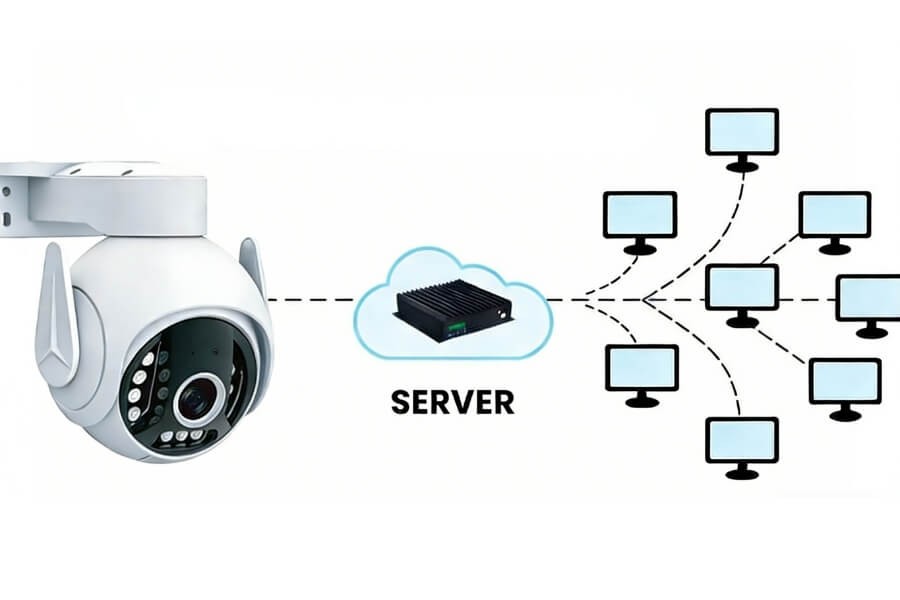
ONVIF defines how devices communicate, expose services, and are managed. RTSP defines how video is delivered in real time. ONVIF does not replace RTSP, and RTSP does not handle device management.
ONVIF is optional but improves system integration and scalability. RTSP is essential for live video streaming and recording.
When Each One Is Typically Used
Scenarios Where RTSP Alone Is Sufficient
RTSP is often enough when the goal is simple video access rather than full system integration.
Common scenarios include viewing live video through a mobile app, using a single camera brand with its own software, sending video to a NAS or analytics tool, and indoor wireless cameras used for home monitoring. Most consumer Wi-Fi cameras already provide RTSP streams without requiring ONVIF.
Scenarios Where ONVIF Becomes Useful
ONVIF becomes useful when flexibility and centralized control are required.
Typical use cases include mixing cameras from different manufacturers, managing multiple cameras from one interface, using third-party VMS or NVR software, and planning for future system expansion. ONVIF simplifies setup and long-term scalability in these environments.
How ONVIF and RTSP Work Together in Real Systems
In modern IP surveillance systems, ONVIF and RTSP usually work together rather than compete.
In RusinVision projects, ONVIF is typically used for device discovery and configuration during setup, while RTSP remains the primary method for delivering live video in daily operation.
A typical workflow starts with discovering the camera using ONVIF, retrieving supported resolutions and stream profiles, obtaining RTSP stream URLs, and then establishing RTSP sessions for live viewing and recording.
Choosing the Right Option for Home Users
For most home users, simplicity matters more than system extensibility. Renters, apartment residents, and families often want a solution that works immediately without network configuration.
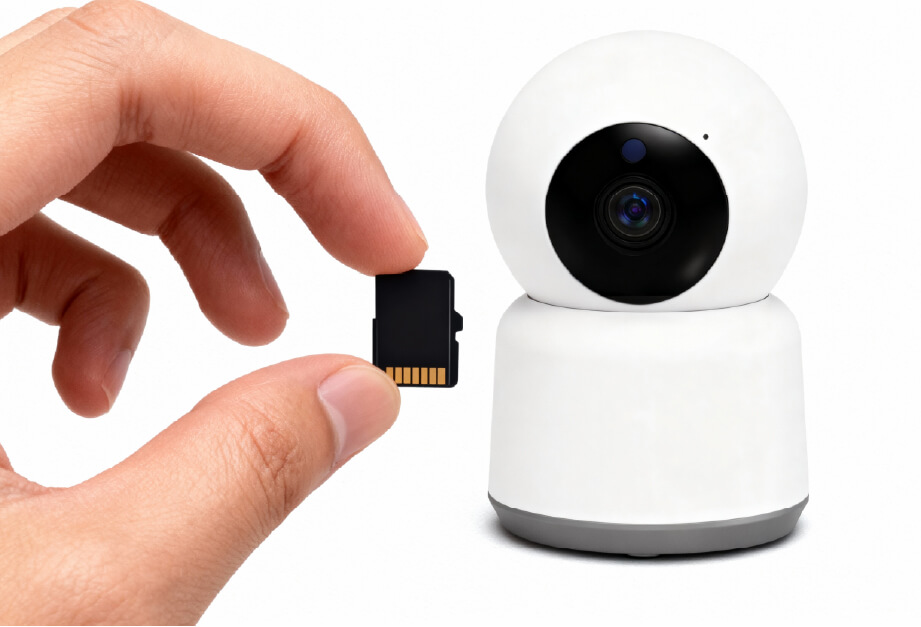
In these cases, a wireless Wi-Fi camera with built-in RTSP support is usually sufficient. A suitable option is a camera that offers wireless installation, 2MP or 3MP HD resolution, AI-based human detection, pan and tilt coverage, local SD card storage, and mobile app access.
If you are using a RusinVision indoor Wi-Fi camera, RTSP support is already optimized for local viewing and recording, while advanced features remain accessible through the mobile app without requiring ONVIF configuration.

FAQ
Can ONVIF and RTSP be used together?
Yes. ONVIF and RTSP are commonly used together in IP camera systems. ONVIF handles device discovery, configuration, and control, while RTSP delivers the live video stream. Most modern systems rely on ONVIF to obtain stream details and then use RTSP for real-time viewing and recording.
Do home users need ONVIF support?
In most cases, no. Home users typically rely on a single brand and use mobile apps for monitoring. RTSP is usually sufficient for live viewing and local recording. ONVIF is mainly useful when managing multiple cameras from different brands or using third-party recorders or software.
Is RTSP secure by default?
No. RTSP does not provide built-in encryption. It is best used within a local network. For remote access, security can be improved by using VPN connections, firewalls, or encrypted tunnels. Proper network isolation and strong passwords are important for safe deployment.
Do all IP cameras support RTSP?
Not all IP cameras support RTSP, especially entry-level or app-only consumer models. Many professional and mid-range cameras include RTSP for compatibility with recorders and third-party software. Support depends on the manufacturer, firmware, and intended use.
How can I check if a camera supports RTSP?
Check the camera’s settings menu, product specifications, or user manual for RTSP options. Some cameras include an RTSP toggle in the web interface. Manufacturer support resources usually confirm whether RTSP streaming is available.
Does ONVIF guarantee full compatibility?
No. ONVIF improves interoperability, but feature support depends on the ONVIF profile and firmware version. Some devices support only basic functions, while advanced features may not work across brands. Verifying supported profiles helps avoid integration issues.