Mobile Security Cameras: How to View Live Video Without WiFi or Internet
Why Some Locations Need Security Cameras Without WiFi
Not every location has reliable broadband or WiFi coverage. Rural properties, construction sites, RVs, vacation cabins, and temporary work areas often sit outside traditional network infrastructure.
In these environments, users still need clear visibility, motion alerts, and the ability to check live footage remotely. Running cables or installing fixed internet connections is often impractical or impossible.
For most home users, a wireless home camera is the most cost-effective and convenient option when stable WiFi is available. However, when monitoring must continue in locations without fixed networks, mobile data security cameras become the only practical solution.
What Is a Mobile Data Security Camera and How Does It Work?
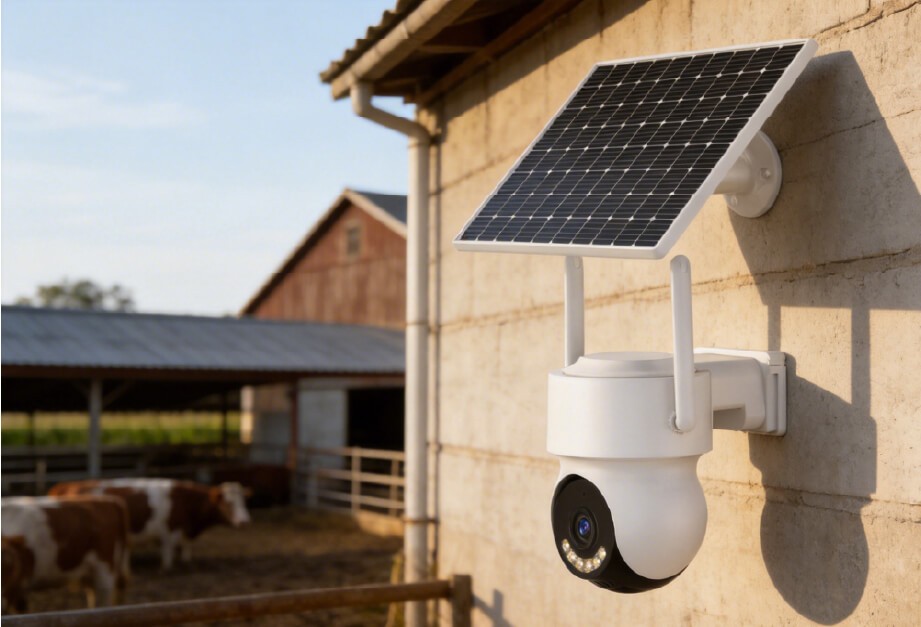
A mobile data security camera connects to the internet through a 4G or 5G cellular network instead of WiFi or wired broadband.
These cameras include a built-in SIM or eSIM module. Once activated, they connect directly to nearby cellular base stations. Video streams, alerts, and remote access are handled through a mobile app, similar to how a smartphone uses mobile data.
This type of camera is commonly used by:
- Farm and ranch owners
- Construction site managers
- RV and boat users
- Outdoor and remote property owners
The key advantage is flexibility. As long as there is cellular signal coverage, the camera can operate without any fixed network infrastructure.
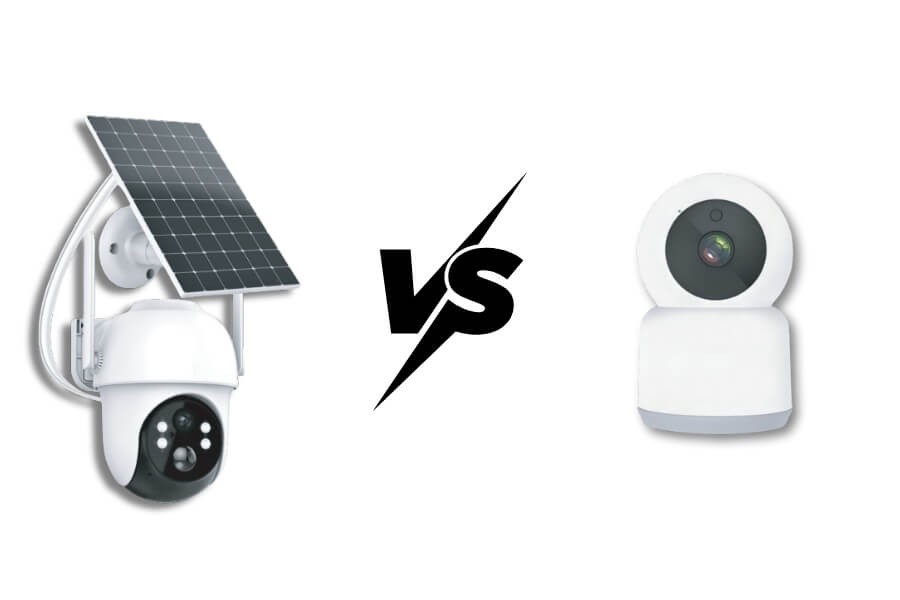
Mobile Data Cameras vs. WiFi Cameras: What’s the Real Difference?
| Feature | Mobile Data Cameras | Traditional WiFi Cameras |
|---|---|---|
| Network dependency | 4G or 5G cellular signal | Home broadband or WiFi |
| Installation location | Anywhere with mobile signal | Within WiFi coverage range |
| Monthly cost | Data plan, typically $10–$30 per month | None, unless cloud storage is used |
| Typical use cases | Remote and mobile locations | Homes, offices, retail spaces |
| Security | Encrypted cellular transmission | Depends on local network security |
Mobile data cameras are designed for areas where WiFi cannot reach. WiFi cameras remain the more economical and feature-rich option when a stable home network is available.
How to Choose a Security Camera That Works Without WiFi
Selecting the right mobile security camera starts with understanding the conditions at your installation site.
Network Compatibility
Confirm that the camera supports local cellular carriers and frequency bands. Reliable signal coverage is essential for live viewing and alerts.
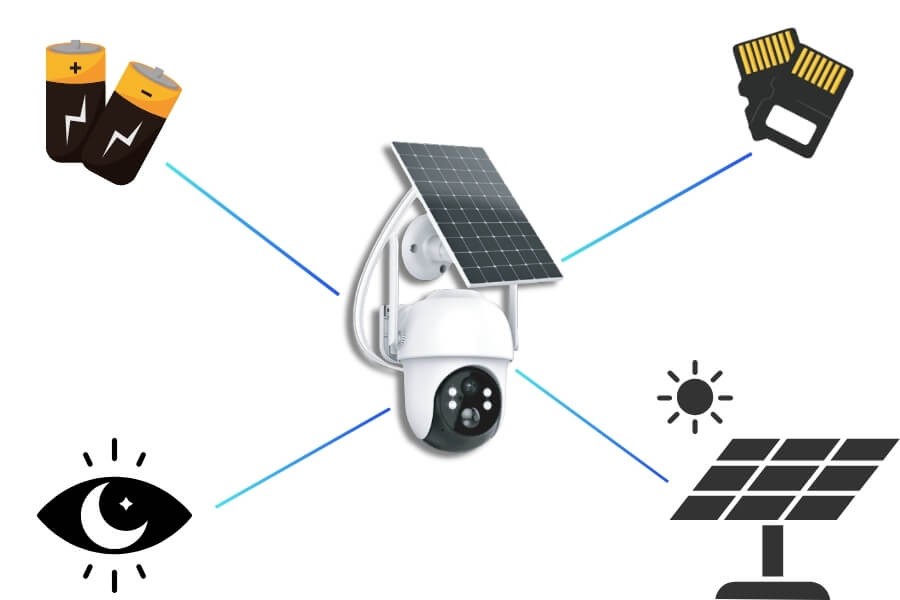
Power Options
Most mobile cameras are designed for flexible power use:
- Rechargeable batteries that last weeks or months
- Optional solar charging for long-term outdoor deployment
- External power adapters for fixed installations
For users deploying mobile cameras in outdoor environments, systems designed for long-endurance outdoor use tend to be more reliable over time. Based on RusinVision’s experience supporting mobile camera deployments in outdoor and off-grid environments, long-endurance designs with flexible power options tend to reduce maintenance and on-site visits over time.
Image Quality and Night Vision
Clear footage matters, especially in outdoor environments:
- 1080P or 4K resolution for identifiable details
- Infrared night vision for low-light conditions
- Color night vision using starlight sensors in supported models
Smart Features
Modern mobile cameras often include:
- AI-based human or vehicle detection
- Motion-triggered alerts via app or email
- Two-way audio for basic communication
Storage Methods
Recording options typically include:
- Local microSD storage, often supporting 128GB or more
- Optional cloud storage with subscription plans
Installation Simplicity
Wireless designs allow fast setup. Many models support magnetic mounts or wall mounting without complex wiring.
Where No-WiFi Security Cameras Are Most Commonly Used
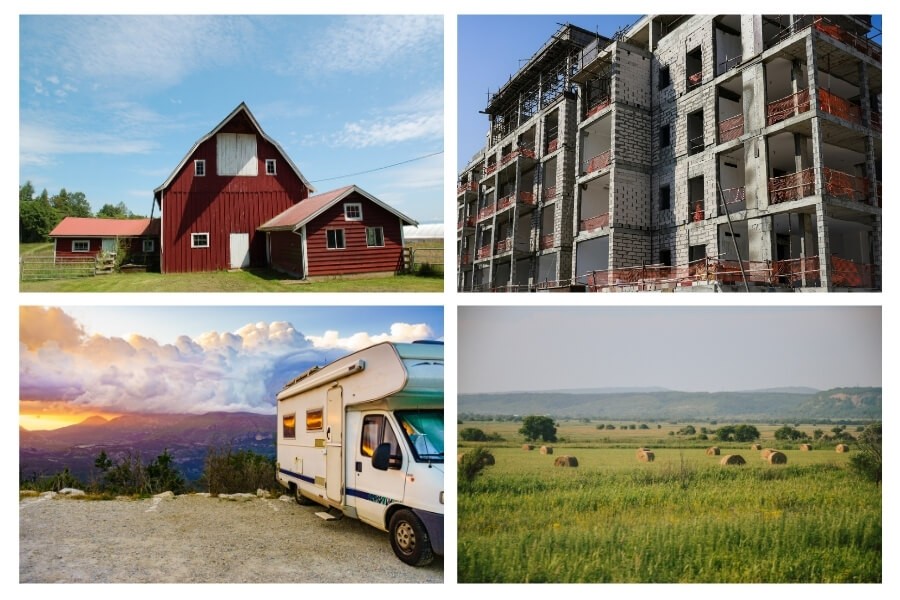
Mobile data security cameras are commonly used in locations such as:
- Farms, ranches, and stables
- Construction sites and temporary storage areas
- RVs, boats, and campers
- Vacation homes and remote villas
- Temporary event spaces and market stalls
- Temporary commercial sites and short-term project locations
- Wildlife monitoring zones and outdoor observation areas
These environments share one requirement. Monitoring must continue without fixed internet access. These scenarios are commonly addressed in projects supported by RusinVision, particularly where monitoring must remain stable across changing locations and network conditions.
How to Set Up and Use a Mobile Security Camera
Most mobile security cameras follow a similar setup process:
- Insert a SIM card or activate the eSIM data plan
- Mount the camera, ideally 3–4 meters high for better signal and coverage
- Download the companion app and add the device by scanning the QR code
- Configure motion detection zones and alert preferences
- Test live view and playback functions
No networking expertise is required. The system is designed to be plug-and-play.
FAQ
Can I view a security camera remotely without WiFi?
Yes. Mobile data security cameras operate through 4G or 5G cellular networks. With an active SIM card and sufficient signal coverage, you can access live video, alerts, and playback remotely through a mobile app without relying on WiFi or fixed broadband.
Do mobile security cameras use a lot of data?
Data usage occurs only when viewing live video, playing back footage remotely, or receiving alert previews. For most users, 2–10GB per month is sufficient. Continuous live streaming is generally not recommended, as motion-based monitoring provides security coverage with far lower data consumption.
Will the camera work in areas with weak signal?
Performance depends on local cellular coverage. In low-signal areas, mounting the camera higher, using external antennas, or choosing models that support multi-carrier eSIMs can improve reliability. A stable mobile signal is still required for live viewing and remote access.
Can multiple users access the same camera?
Most mobile security camera apps support device sharing. Authorized family members or team users can access live video and alerts simultaneously through their own accounts, making shared monitoring practical for households, worksites, or temporary project locations.
If my home has WiFi, do I still need a mobile data camera?
If stable WiFi is available, a standard indoor or outdoor WiFi security camera is usually more cost-effective and feature-rich. Mobile data cameras are best suited for locations without fixed internet access or where monitoring needs to remain portable.
Is my video data secure?
Most mobile security cameras use encrypted connections for video transmission. When recordings are stored locally on an SD card, footage remains on the device rather than in the cloud, offering additional privacy control depending on the chosen storage method.
Choosing the Right Camera Based on Your Network Conditions
Mobile data security cameras offer a reliable monitoring solution for locations without fixed internet access. They are especially suitable for outdoor, mobile, and remote environments where flexibility matters more than minimizing monthly costs.
In RusinVision’s work across residential, commercial, and outdoor monitoring environments, matching camera type to actual network conditions has proven more effective than prioritizing feature lists alone. When WiFi is available, wireless home cameras often provide more features at a lower ongoing cost. Choosing the right solution depends on your location, network conditions, budget, and monitoring needs.
If You Have WiFi: Smart Features in Modern Wireless Home Cameras
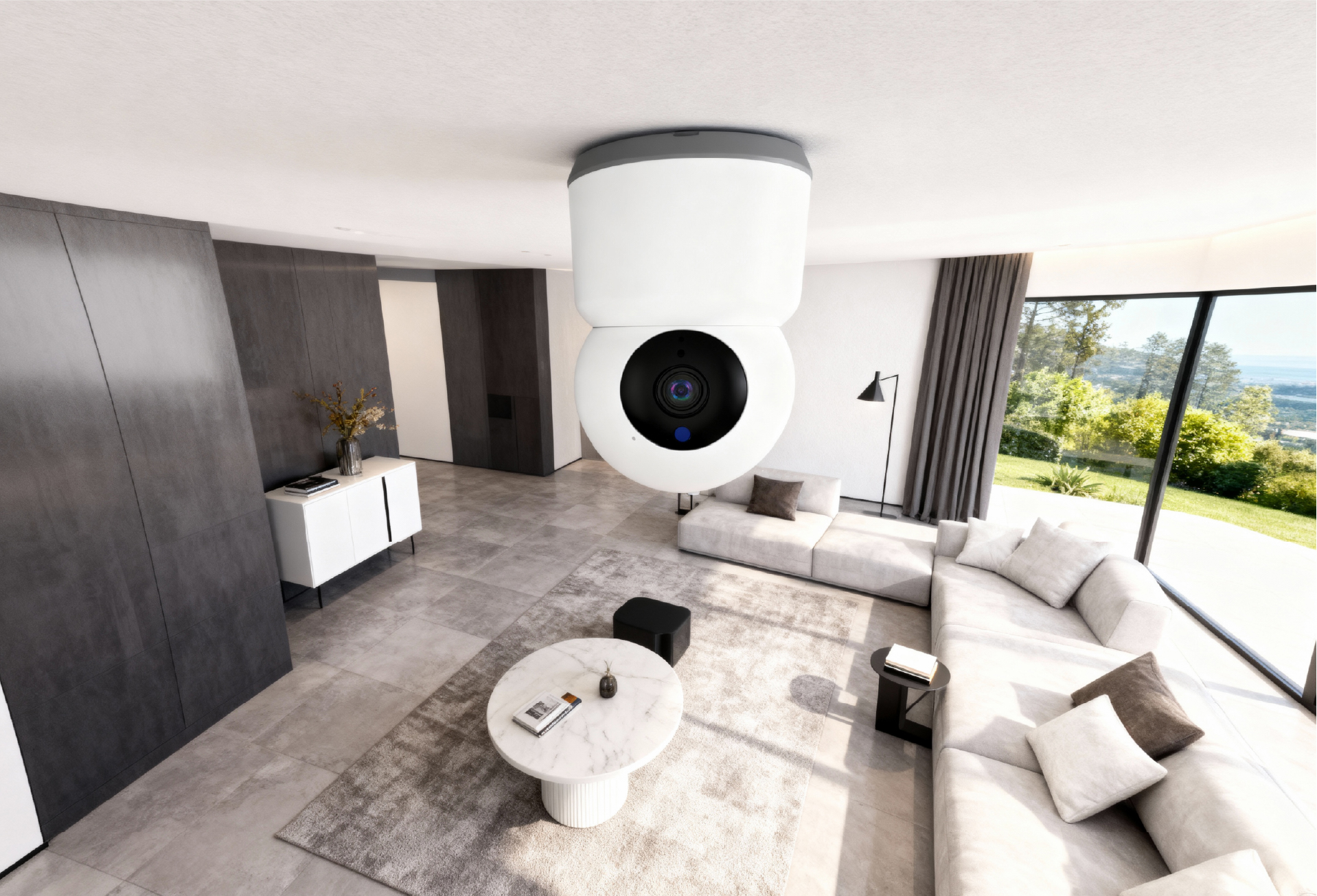
For homes, apartments, or rental properties with WiFi access, modern indoor monitoring cameras provide practical smart features:
- 360-degree pan and tilt controlled from a phone
- AI-based detection for people, sounds, or activity
- Two-way audio with optional voice masking
- Local SD storage for added privacy
- One-touch call or SOS alerts for care scenarios
These devices are typically easy to install and require no wiring, making them suitable for everyday home protection.