SD Card Security Camera: The Complete Buying Guide
Why SD Card Storage Matters for Home Security Cameras
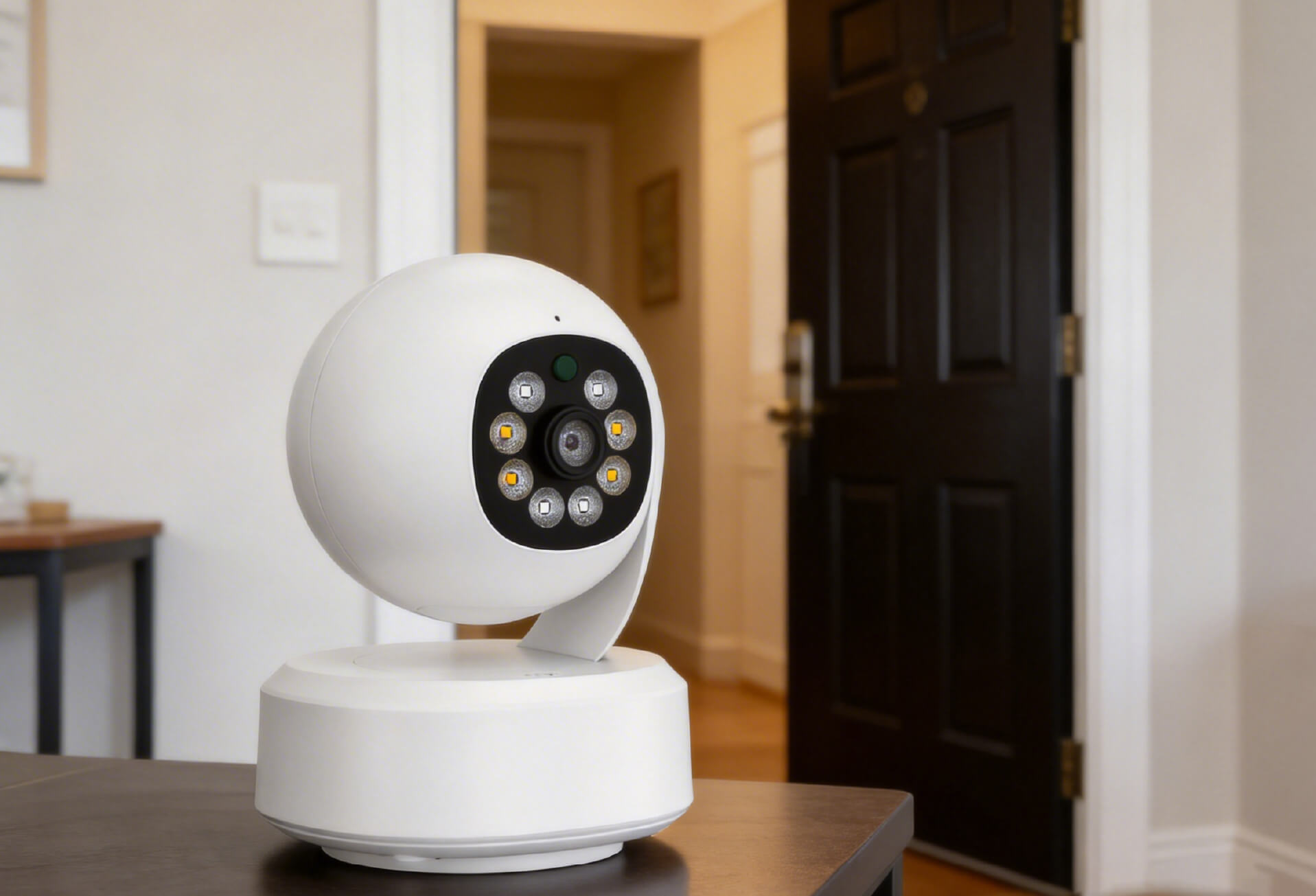
In today’s smart home environment, an indoor security camera is a practical tool for everyday home monitoring. Households use cameras to keep an eye on elderly family members, check in on babies, monitor pets, or observe entry points while away. A wireless home camera supports these needs by providing consistent visual access without requiring complex setup.
At the center of this system is local storage. An SD card allows a security camera to record and retain footage directly on the device. This approach reduces reliance on cloud services and gives users more control over how video data is stored and accessed. For many homes, SD card storage is a reliable foundation for local, subscription-free security monitoring.
This guide explains how SD card security cameras work and how to choose the right setup based on real household needs.
What Makes an SD Card Security Camera Different
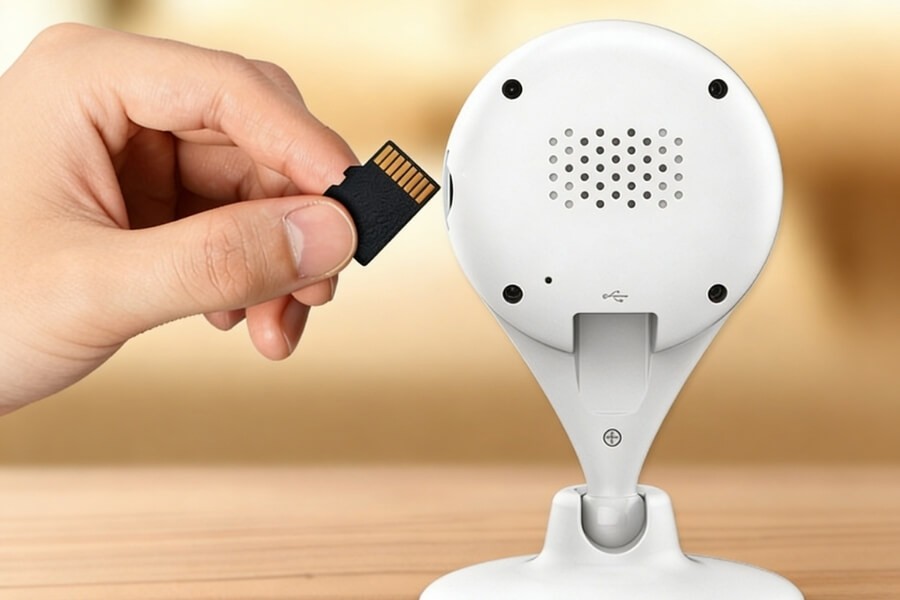
An SD card security camera records video footage directly to an inserted or built-in SD card. Instead of uploading recordings to external servers by default, the camera stores data locally on the device.
Key Characteristics
- Local storage Video files are written directly to the SD card inside the camera, without mandatory cloud upload.
- Offline recording capability The camera continues recording even when internet access is unavailable. This is useful in locations with unstable or limited connectivity.
- Greater privacy control Footage remains under the user’s control, reducing exposure to third-party storage platforms.
- Predictable long-term cost A one-time SD card purchase replaces recurring subscription fees for basic video storage.
For users who prefer a straightforward local-storage approach, SD card security cameras offer a clear and manageable recording method.
When an SD Card Security Camera Is the Right Choice
Limited or Unstable Internet Access
SD card security cameras work well in homes or locations where internet connectivity is unreliable. Garages, detached buildings, and vacation properties are common examples.
Lower Ongoing Costs
Local storage avoids monthly cloud fees. With a suitable SD card, long-term recording can be maintained without recurring expenses.
Faster Local Playback
Footage stored on an SD card can usually be accessed more quickly through the camera app or by removing the card. This can be helpful when reviewing time-sensitive events.
Broad Device Compatibility
Many modern indoor and outdoor security cameras support SD card storage as either primary or backup recording.
Clear Data Ownership
All recordings are stored locally and managed by the user. This is important for households that prefer direct control over recorded footage.
In short, SD card security cameras are a practical option for users who value local access, predictable costs, and simplified storage management.
How to Choose an SD Card Security Camera for Your Home
Camera Types and Typical Use Scenarios
| Camera Type | Suitable Scenarios | Key Characteristics |
|---|---|---|
| Wireless Wi-Fi camera | Homes, apartments, rental properties | Flexible placement and app-based monitoring |
| Battery-powered camera | Areas without fixed power | No wiring required, suitable for temporary monitoring |
| Pan-and-tilt camera | Rooms requiring wider coverage | Adjustable viewing angles to reduce blind spots |
| Indoor-only camera | Living rooms, nurseries, care spaces | Compact design with smart detection features |
Core Features to Prioritize
When comparing SD card security cameras, focus on functional requirements:
- Video resolution 2MP (1080p) or higher provides sufficient detail for indoor monitoring.
- Night vision Infrared or low-light color modes support recording in dark environments.
- Motion detection Person detection helps reduce unnecessary alerts from pets or shadows.
- Two-way audio Enables basic communication or audible alerts when needed.
- SD card support Support for up to 128GB SD cards allows longer retention before recordings are overwritten.
For example, an indoor camera with moderate resolution, pan-and-tilt coverage, and local SD card storage can meet most household monitoring needs without additional services.
How to Choose an SD Card That Works Reliably in Security Cameras
Key Selection Factors
| Factor | Recommended Range | Reason |
|---|---|---|
| Speed class | Class 10 or UHS-I U3 | Supports stable recording at higher resolutions |
| Capacity | 32GB to 128GB | Balances storage duration and compatibility |
| Endurance rating | High-endurance SD cards | Designed for continuous write cycles |
| Environmental protection | IP67 or IP68 for outdoor use | Helps withstand temperature and moisture exposure |
| Authenticity | Purchase from trusted sources | Reduces risk of data corruption or failure |
Practical Capacity Reference
- 32GB Suitable for 1080p motion-based recording. Typically stores 7–10 days of footage.
- 64GB Suitable for 1080p continuous recording or 4K motion recording. Stores approximately 15–20 days.
- 128GB Suitable for extended retention or higher-resolution recording. Stores roughly 12–15 days at 4K.
Please note that not all cameras support the same maximum SD card capacity. Always verify device specifications before purchasing.
How to Use and Maintain SD Card Storage Effectively
Installation and Initial Setup
- Power off the camera before inserting the SD card.
- Format the card using the camera app after installation.
- Select the appropriate recording mode and resolution.
Ongoing Maintenance
- Periodically check available storage through the app.
- Back up important recordings to a computer or local network storage.
- Avoid removing the SD card while recording is active.
Important Limitations to Understand
SD card storage may not be suitable for environments that require long-term evidence retention, regulatory compliance, or centralized archive management. In such cases, combining local storage with additional backup solutions may be more appropriate.
Final Thoughts: Building Reliable Local Storage for Home Security
SD card security cameras provide a balanced approach to home monitoring. They offer local recording, predictable costs, and direct control over stored footage. For many households, this setup reduces complexity while meeting everyday security needs.
When building a local-storage-based system, the key is compatibility and long-term reliability. A security camera that supports stable SD card recording, paired with an appropriate high-endurance card, helps ensure consistent performance over time.
For example, home security cameras designed by RusinVision support SD card storage as part of a local monitoring workflow. This allows users to apply the same selection and maintenance principles outlined in this guide while keeping storage decisions simple and transparent.
By focusing on storage reliability, camera suitability, and realistic usage needs, users can create a home monitoring system that records events consistently and remains easy to manage over the long term.
FAQ
What SD card speed is required for a security camera?
Most security cameras require a minimum SD card speed of Class 10 to ensure stable recording. For higher resolutions, such as 4K, or for continuous recording modes, UHS-I U3 cards provide more consistent write performance and help prevent dropped frames or incomplete video files.
How long can a 128GB SD card record in a security camera?
Recording duration depends on video resolution and recording mode. With 4K continuous recording, a 128GB SD card typically stores around 12–15 days of footage. With 1080p motion-based recording, storage duration may exceed 30 days due to fewer recorded events.
What type of SD card is best for security cameras?
High-endurance microSD cards are recommended for security cameras. These cards are designed to handle continuous writing and overwriting cycles. A Class 10 or UHS-I U3 speed rating is suitable for most cameras. Always verify capacity and compatibility with the camera’s specifications before purchase.
How can recorded footage be accessed from an SD card camera?
Recorded footage can usually be reviewed through the camera’s mobile or desktop application, allowing playback and downloads. Alternatively, the SD card can be removed and inserted into a card reader to view files directly on a computer, depending on the camera’s file system.
Do SD cards need to be replaced regularly?
Yes. SD cards experience wear from repeated write cycles. For cameras that record frequently, replacing the SD card every 2–3 years helps maintain stable performance and reduces the risk of data corruption or recording failures over time.
What should I do if the camera does not recognize the SD card?
First, confirm the SD card is properly inserted and supported by the camera. Formatting the card within the camera’s app often resolves recognition issues. If problems persist, testing the camera with a different SD card can help identify card failure or compatibility limitations.