How to Calculate CCTV Storage: Easy Formula & Smart Tips to Save Space
Introduction
Many home security camera users face common frustrations like running out of storage space quickly or not knowing how much storage they need.
In this blog, we’ll show you a simple way to calculate the storage your CCTV system needs, and we’ll share some smart tips to save space while still keeping your home protected.
CCTV Storage Calculation Made Simple
The DIY Formula
To calculate the required storage space for your CCTV system, use the following formula:
Storage Space (GB) = Bitrate (Kbps) × 1000/8 × 3600 × 24 × Number of Cameras × Days ÷ 1,000,000,000
Understanding the Formula
- 1000/8: Converts Kbps to Bytes per second
- 3600: Converts seconds to hours
- 24: Converts hours to days
- The final division by 10⁹ converts the result to gigabytes (GB).
Example Calculation
Let’s say you have two wireless home cameras, with a bitrate of 1024 Kbps, and you want to record continuously for 7 days:Required Storage Space=1024×10008×3600×24×2×7÷1,000,000,000≈154.83 GB\text{Required Storage Space} = 1024 \times \frac{1000}{8} \times 3600 \times 24 \times 2 \times 7 \div 1,000,000,000 \approx 154.83 \text{ GB}Required Storage Space=1024×81000×3600×24×2×7÷1,000,000,000≈154.83 GB
Key Factors Affecting CCTV Storage
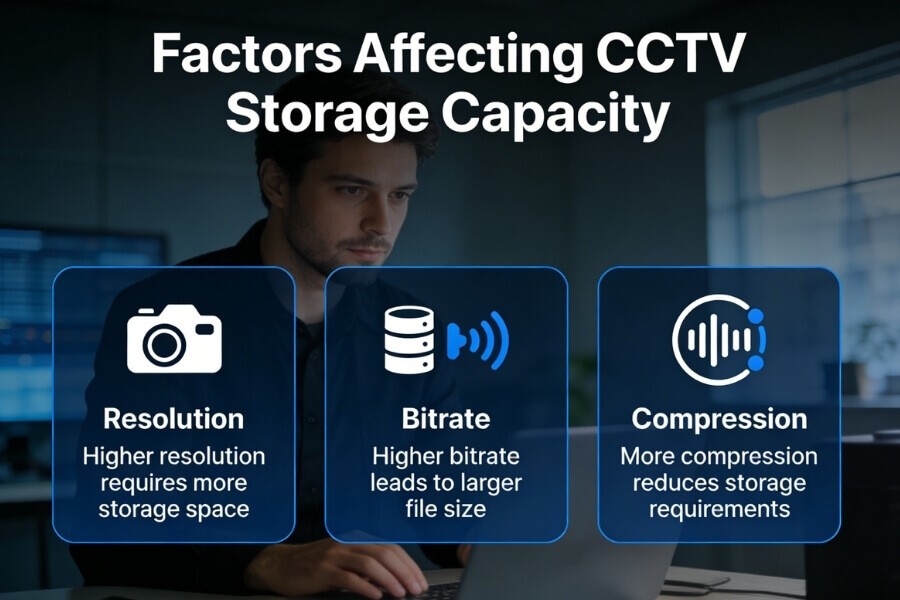
| Factor | Description | Impact on Storage |
|---|---|---|
| Resolution | Higher resolution = larger file sizes | 4K takes up more space than 720p |
| Compression | Formats like H.264 reduce storage size | H.264 cuts storage use by up to 80% |
| Bitrate | Larger bitrates offer better quality but require more storage | Higher bitrate means greater storage demand |
| Number of Cameras | More cameras = more storage required | Multiple cameras increase storage needs |
| Recording Mode | Continuous vs motion-triggered recording | Motion detection saves up to 70% space |
| Audio Recording | Whether audio is recorded | Audio can take up 10%-20% more storage |
Space-Saving Tips for CCTV Storage
- Choose Efficient Video Compression Use cameras that support H.264 or H.265 to save space while maintaining quality.
- Activate Motion-Triggered Recording Rather than recording continuously, motion-triggered recording ensures only important moments are captured. Ideal for low-traffic areas like homes or apartments.
- Adjust Camera Resolution Based on Need Use high resolution for critical areas and lower resolution for less important ones to optimize storage.
- Turn Off Unnecessary Audio Recording In areas like parking lots or corridors, disabling audio recording can significantly save storage space.
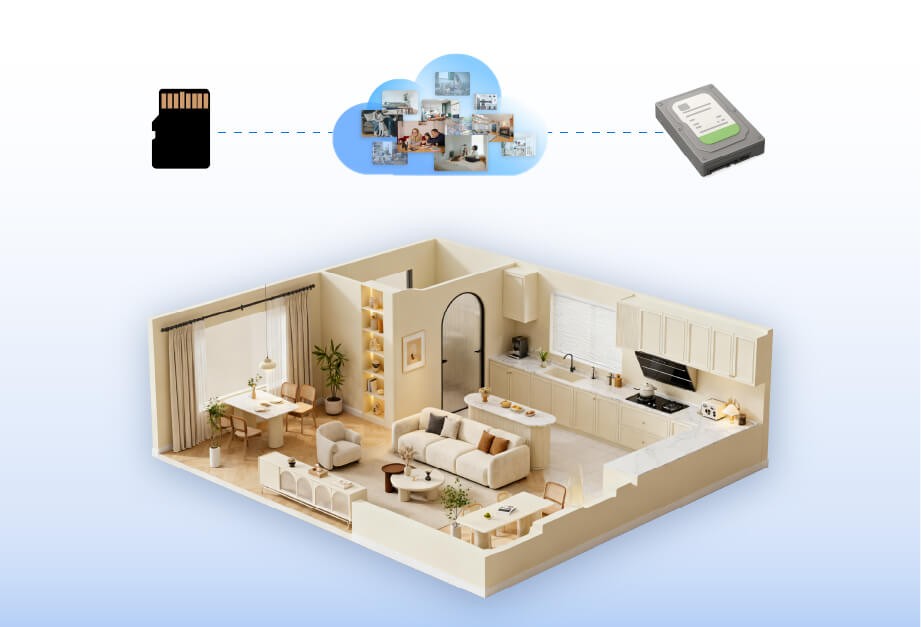
- Use External Storage or Cloud Backup Many of our cameras, such as Home Vision Core, support SD cards (up to 128GB) and offer cloud backup for additional storage.
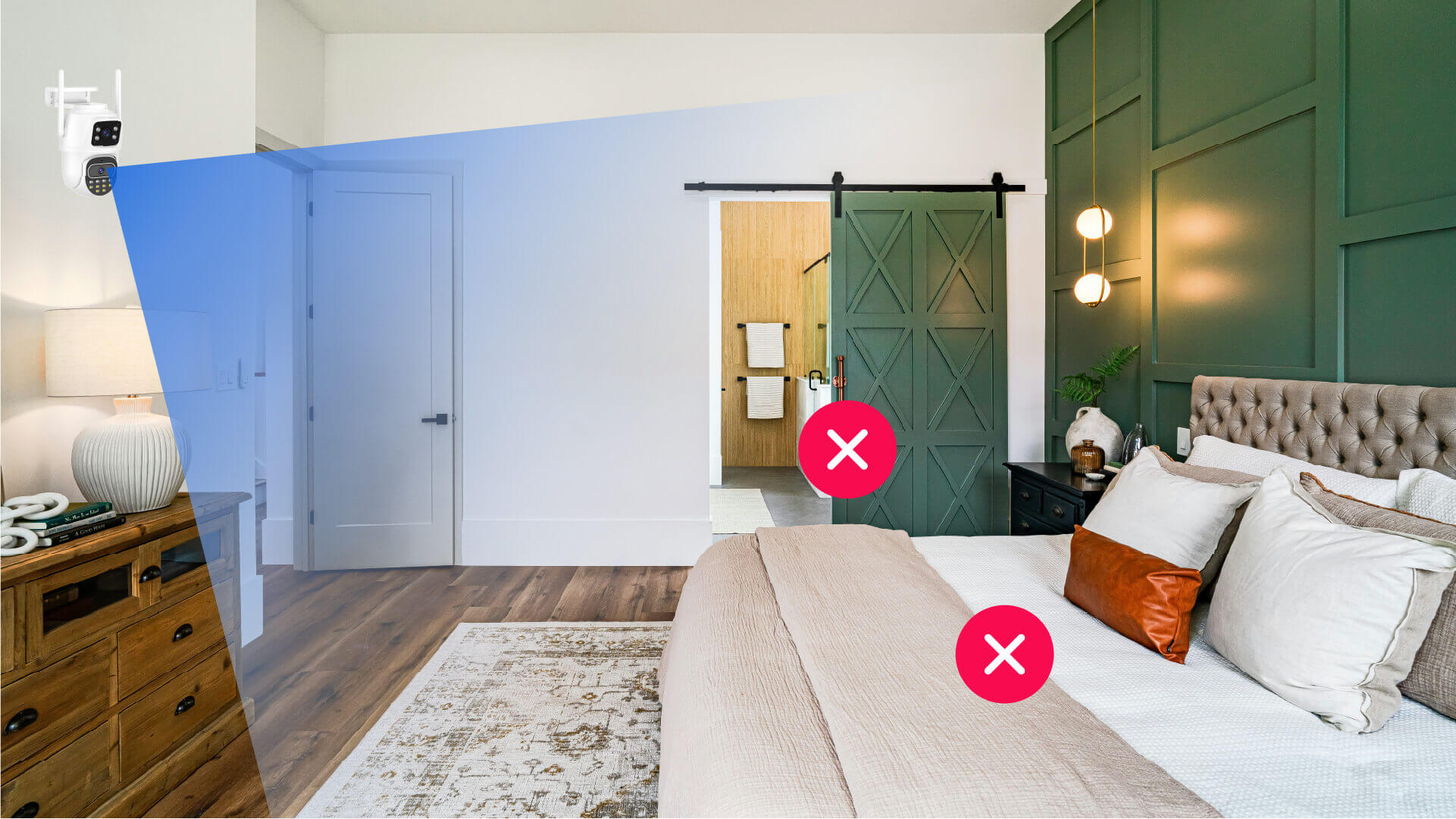
- Install Cameras Wisely Avoid placing cameras in areas prone to frequent false alarms, such as near trees or objects that move.
- Regularly Backup and Free Up Storage Set a schedule to back up important files and delete unnecessary footage.
FAQ
How long will 1TB of storage last for CCTV?
It depends on the resolution and compression used:
- 720p + H.264: Approximately 30 days
- 1080p + H.264: Approximately 15-20 days
- 4K + H.264: Approximately 7-10 days
How much storage do I need for 3 cameras?
Use the formula above to calculate your storage needs, or opt for cameras like Home Vision Magnet that support SD card expansion (up to 128GB per camera).
Is motion detection really helpful for saving storage?
Yes! Motion detection can save up to 70% of storage space by recording only when there's movement, making it ideal for home use.
How much space does audio recording use?
Audio recording can take up an additional 10%-20% of storage. It's best to turn it off in areas where audio isn't necessary.
How can I check my remaining storage?
Use the Rusin Vision App to monitor your camera’s storage status in real-time and set up notifications when you're running low.
What storage options do cameras support?
Most indoor security cameras support:
- Local SD cards
- Cloud storage (subscription-based)
- NVR/DVR extensions (on some models)
Storage Solutions for Different Home Users
| User Type | Recommended Storage Solution | Recommended Product Series |
|---|---|---|
| Single/Rented Users | Single camera + 64GB SD card | Home Vision Core / Magnet |
| Small Families (2-3 people) | 2-3 cameras + 128GB SD card / Cloud | Home Vision Pro |
| Multiple Rooms/Surveillance Needs | Multiple cameras + External HDD/Cloud Backup | Home Vision Care / Ultra |
Conclusion
Mastering the CCTV storage calculation formula will help you plan and optimize your home surveillance system.
By using efficient encoding, motion detection, and adjusting camera settings, you can maximize storage efficiency.
Choose a wireless Wi-Fi camera like the Home Vision Series for intelligent storage management and remote control, making home protection easier than ever.