Camera That Follows You – How to Stay in Frame Without Manual Adjustment
Why Fixed Cameras Miss Movement in Real Use
Fixed cameras work well when activity stays within a limited area. In real homes or offices, movement is rarely predictable.
Once a person walks out of frame, the camera stops providing useful visibility. This creates blind spots and gaps in monitoring.
A camera that follows you addresses this directly. It tracks movement and keeps the subject centered, reducing the need for manual adjustment.
This is useful in situations such as:
- Monitoring children or pets moving between rooms
- Walking during video calls or presentations
- Covering open indoor spaces without adding more cameras
What a Camera That Follows You Really Does
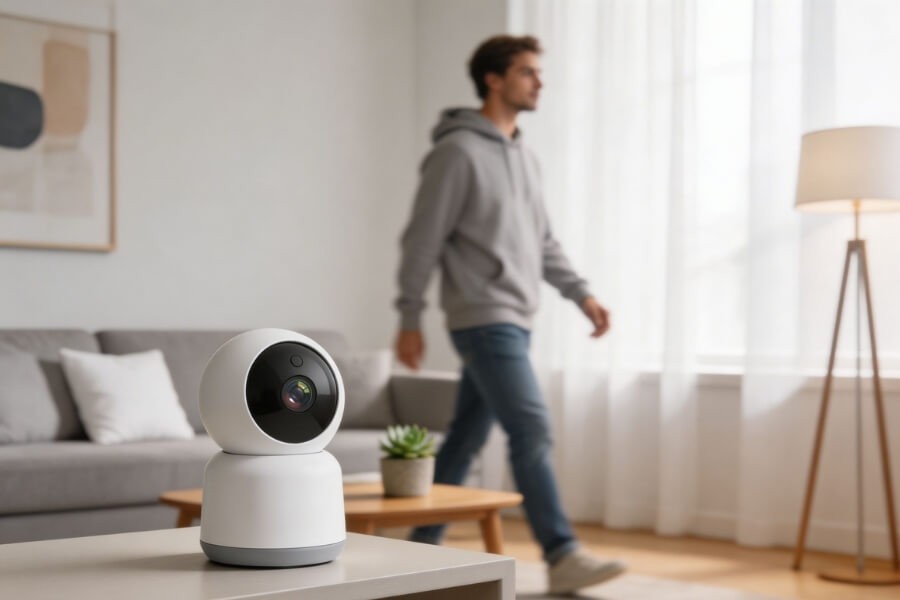
A camera that follows you is often called an auto tracking camera or motion tracking camera.
It is designed to:
- Detect movement in real time
- Identify a subject such as a person or pet
- Adjust its viewing angle to maintain visibility
Unlike standard motion detection cameras that only trigger recording, tracking cameras actively follow movement across the scene.
In daily use, this means the camera continues to capture activity even when the subject changes position.
How Auto Tracking Keeps You in Frame
Auto tracking cameras combine motion sensing and intelligent detection to follow movement automatically.
Core components
- Motion detection identifies activity
- Object recognition distinguishes people or pets
- Tracking algorithms predict movement direction
What happens during use
- The camera detects movement
- It locks onto a subject
- The camera rotates or reframes
- The subject remains centered
Most tracking cameras use a PTZ mechanism:
- Pan for horizontal movement
- Tilt for vertical adjustment
- Zoom for detail when needed
In a typical home setup, this allows the camera to follow someone walking across a room without losing visibility.
For example, if you are using a RusinVision indoor camera with AI detection, the system can maintain stable tracking across common living spaces without requiring manual control.
When a Tracking Camera Makes the Most Difference
Tracking cameras are most effective where movement is frequent and coverage needs to adapt.
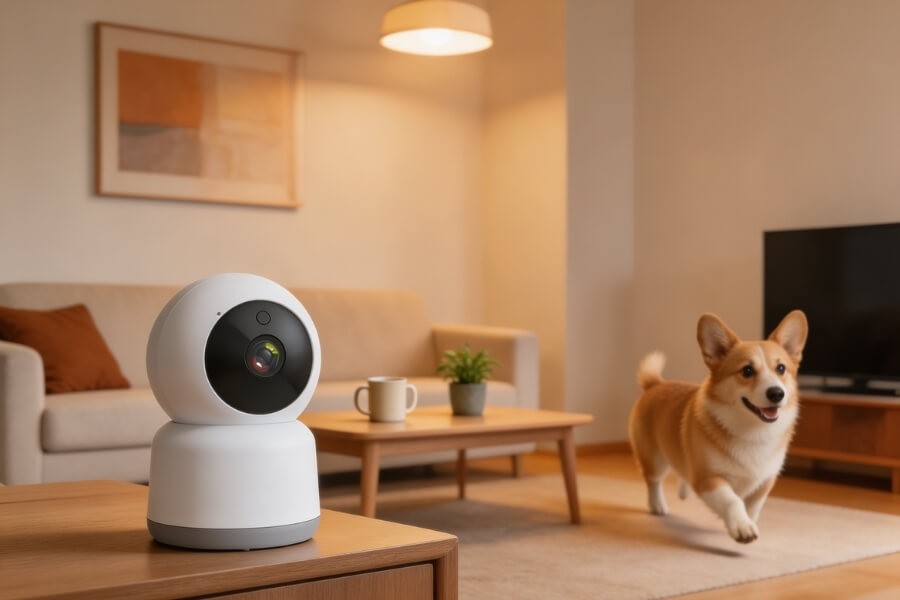
Home monitoring
- Follow children or pets throughout the day
- Reduce blind spots in apartments or houses
- Maintain visibility across multiple zones
A wireless indoor camera with full rotation can provide continuous coverage without complex installation.
Video calls and remote work
- Keep you centered while moving
- Adjust framing during presentations
- Reduce the need to reposition the camera
Indoor security
- Monitor entrances and hallways
- Track movement across shared spaces
- Capture continuous activity instead of isolated clips
Larger indoor areas
- Cover open-plan rooms
- Reduce the number of cameras required
- Maintain visibility across wider spaces
When Auto Tracking May Not Work Well
Auto tracking improves coverage, but it is not always ideal in every environment.
Multiple subjects
If several people move at once, the camera may switch targets or fail to maintain focus on one subject.
Obstructions
Objects such as walls, furniture, or partitions can block the camera’s view and interrupt tracking.
Low-light conditions
Tracking may become less stable in very dark environments, even with night vision enabled.
Fast or unpredictable movement
Sudden direction changes can cause temporary delays in tracking response.
Small rooms
In compact spaces, a fixed camera may already cover the entire area. Tracking may not add significant value.
Important. Understanding these limits helps you decide whether tracking is necessary for your setup.
Tracking Camera vs Fixed Camera
Choosing between a tracking camera and a fixed camera depends on how the space is used.
Tracking camera
- Follows movement automatically
- Reduces blind spots
- Suitable for dynamic environments
Fixed camera
- Covers a static area
- No moving parts
- Suitable for small or predictable spaces
Practical guidance
- Use a tracking camera if people or pets move frequently
- Use a fixed camera if the monitored area is small and stable
In many homes, combining both types provides better overall coverage.
What Affects Tracking Accuracy in Real Use
Tracking performance depends on several practical factors.
Detection quality
- AI-based human or pet detection improves accuracy
- Reduces false tracking from shadows or objects
PTZ range
- Wider rotation allows better subject following
- Limited angles can restrict tracking coverage
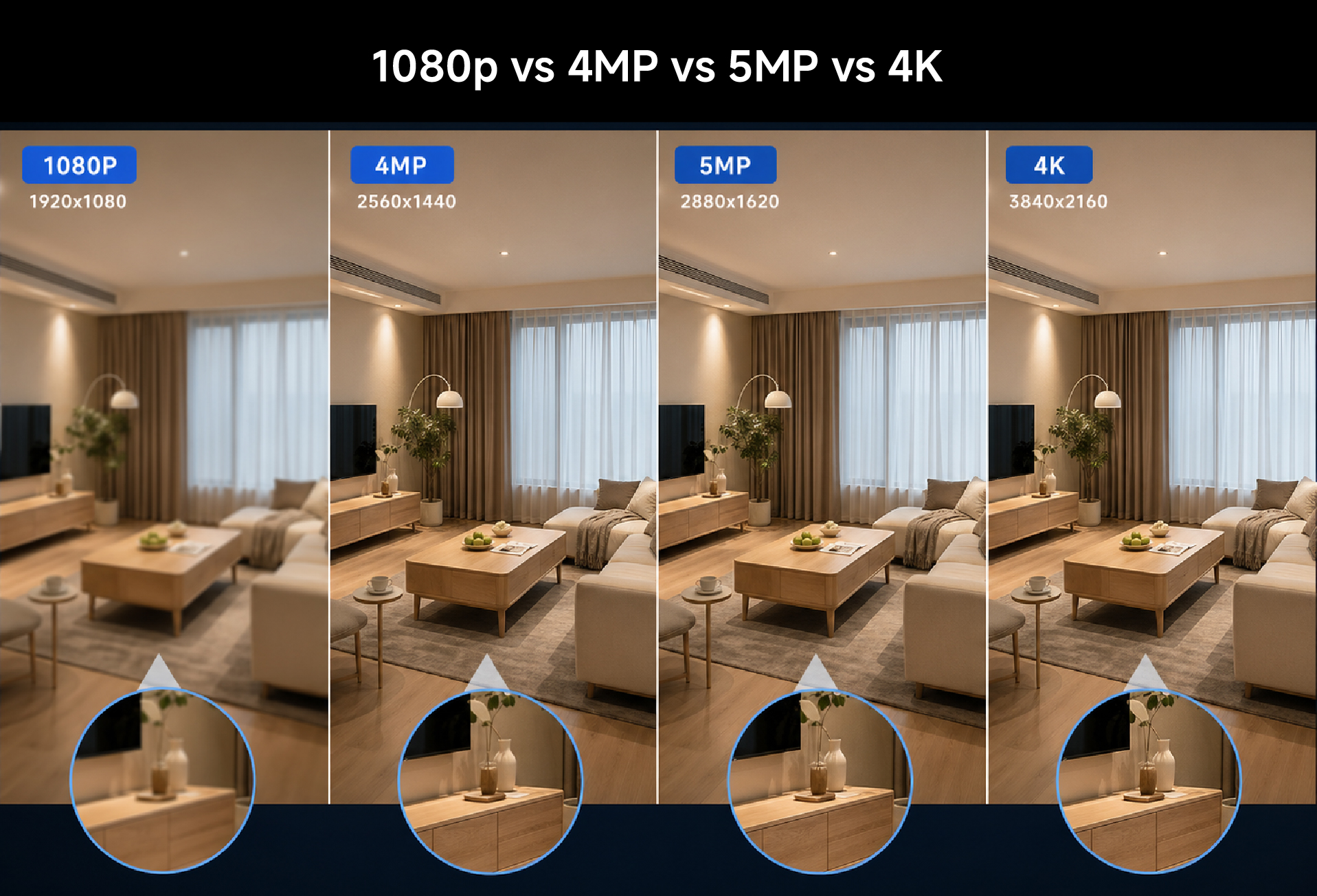
Image resolution
- 2MP or 3MP is sufficient for general home use
- Higher resolution helps when identifying details
Night performance
- Infrared supports low-light tracking
- Color night vision improves clarity
Network stability
- Stable WiFi ensures smooth tracking and real-time viewing
- Weak connections may cause delays
Installation position
Placement directly affects performance:
- Mount at a height that covers movement paths
- Avoid placing behind obstacles
- Position toward open areas
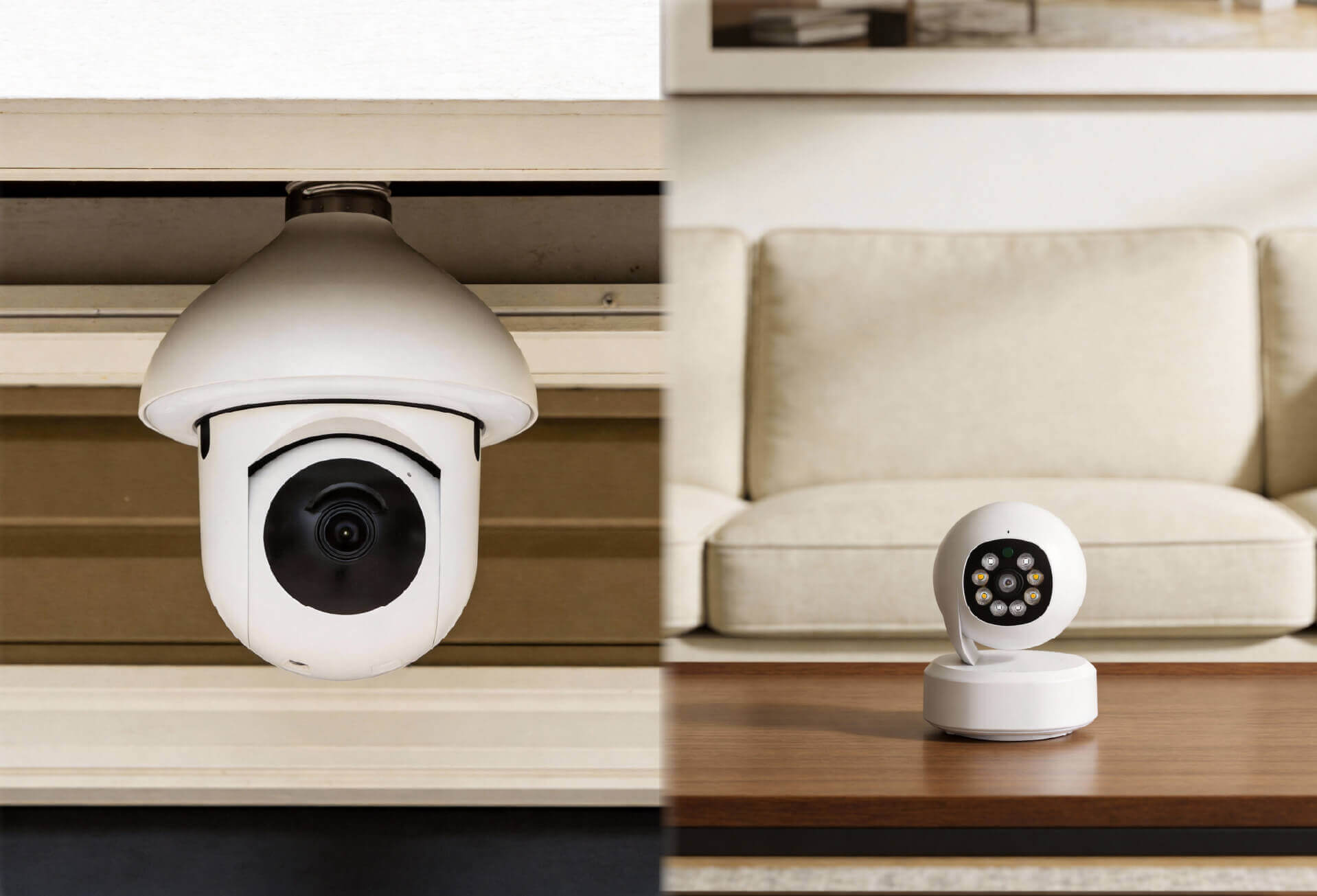
If you are using a compact indoor system such as a RusinVision wireless camera, flexible mounting options can help adjust placement without rewiring.
Storage setup
- Local storage supports privacy and offline access
- Cloud storage allows remote backup and playback
How to Choose the Right Tracking Camera for Your Space
The best option depends on your environment and use case.
For home monitoring
Choose:
- Indoor PTZ camera
- AI human or pet tracking
- Mobile app access
For apartments or flexible setups
Choose:
- Wireless camera
- Compact design
- Easy mounting options
For child or elder care
Choose:
- Stable tracking performance
- Two-way audio
- Reliable night visibility
For indoor security
Choose:
- Wide coverage with PTZ
- Motion alerts
- Local storage for privacy control
Please note. Tracking stability and detection accuracy matter more than resolution alone in daily use.
FAQ
What is a camera that follows you?
A camera that follows you is designed to track movement and keep the subject centered in the frame. It automatically adjusts its viewing angle in real time, helping maintain visibility without manual repositioning in everyday situations such as home monitoring or video calls.
How does auto tracking work on a security camera?
Auto tracking works by combining motion detection, object recognition, and motorized movement. The camera detects activity, identifies a subject, and adjusts its position to follow it. This allows continuous coverage across a space without requiring manual control or frequent adjustments.
Do all PTZ cameras support auto tracking?
No. Many PTZ cameras only provide manual control or preset movement paths. Auto tracking requires additional detection and tracking capabilities. It is important to check whether the camera includes AI-based tracking before selecting a model for dynamic monitoring environments.
Is an auto tracking camera suitable for home use?
Yes. Auto tracking cameras are well suited for home use, especially when monitoring pets, children, or daily activity. They help reduce blind spots and maintain continuous visibility, making them practical for apartments, shared spaces, and general indoor monitoring.
Can auto tracking be turned off?
In most cases, auto tracking can be disabled through the camera’s mobile app or settings. This allows users to switch between tracking mode and a fixed view, depending on the environment or specific monitoring needs at different times.
Do tracking cameras record all the time?
Not always. Most tracking cameras start recording when motion is detected. Some models support continuous recording, depending on storage capacity and power supply. Users can usually choose between motion-based recording and 24/7 recording modes.
What to Expect from a Camera That Follows You
A camera that follows you improves visibility by adapting to movement instead of relying on fixed positioning.
It works best in spaces where activity is frequent and coverage needs to adjust in real time. In smaller or static environments, a fixed camera may be sufficient.
By understanding how tracking works, where it performs well, and how to choose the right setup, you can build a system that fits your daily needs without unnecessary complexity.