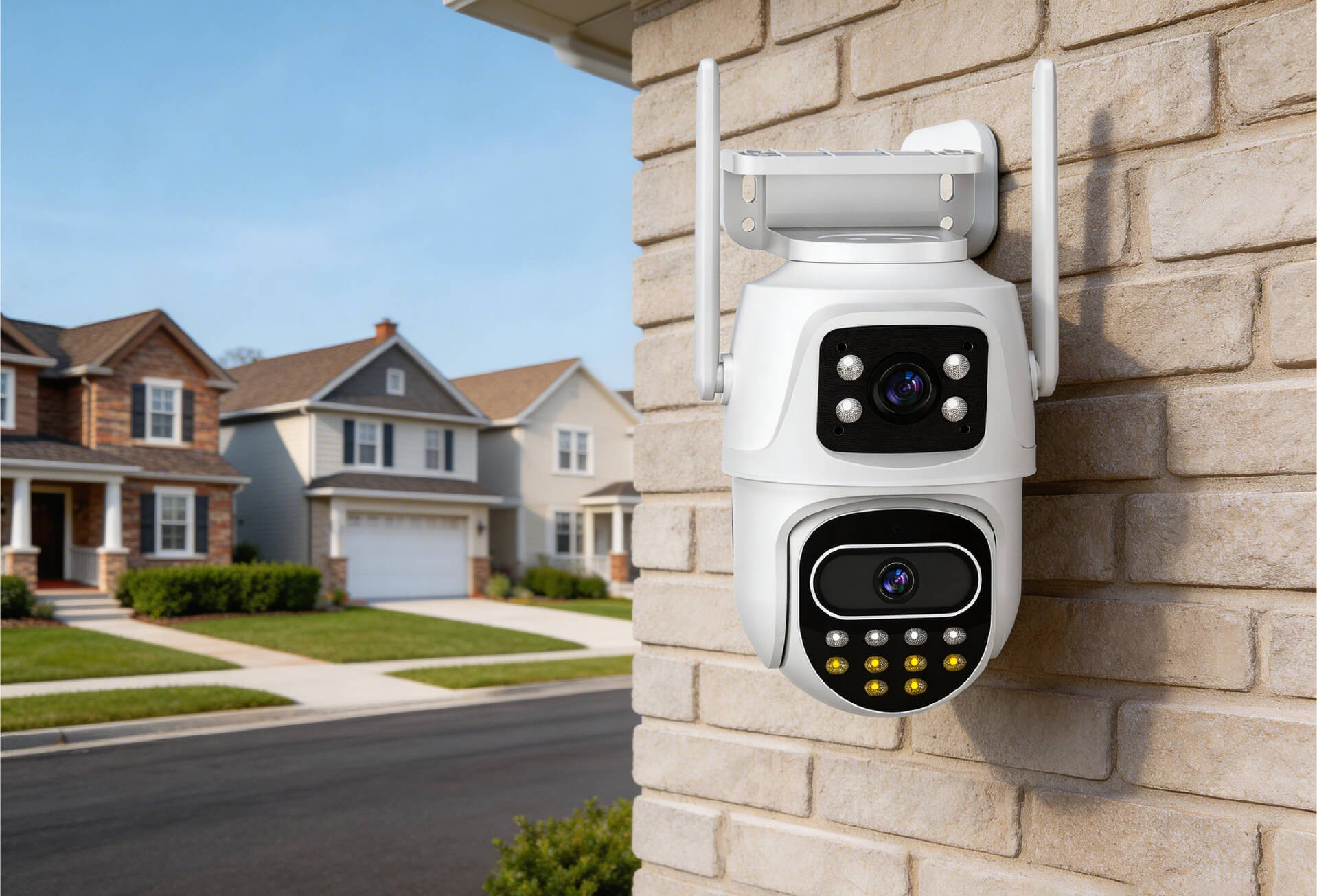
PoE vs. WiFi Cameras: How to Choose the Right Home Security System
Introduction: Why Camera Type Affects Daily Home Security
Home security involves more than video resolution. It also depends on system stability, installation flexibility, and how well the camera fits the living environment.
This article compares PoE (Power over Ethernet) cameras and WiFi cameras to help homeowners understand which option better matches common home use scenarios.
In apartments and rental homes, wireless home cameras are commonly used because they require less installation planning and are easier to manage day to day.
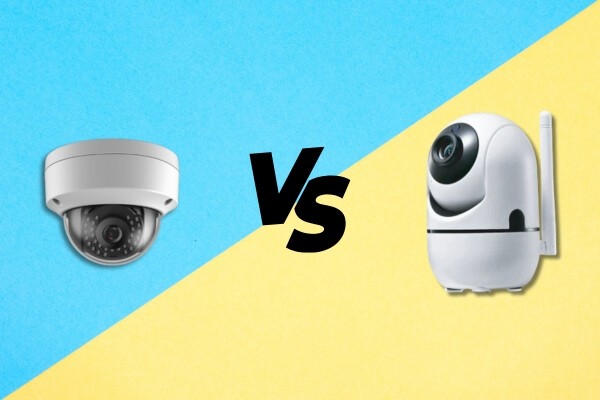
How PoE and WiFi Cameras Work
| Comparison Factor | PoE Camera | WiFi Camera |
|---|---|---|
| Power Supply | Power and data delivered through one Ethernet cable | Requires a separate power source |
| Data Transmission | Wired connection, stable and consistent | Wireless transmission, depends on WiFi signal |
| Typical Use Cases | Enterprises, factories, large-scale systems | Homes, apartments, rentals, small shops |
For indoor security setups that avoid network cabling, WiFi cameras are commonly used in residential environments.
Installation and Wiring: What Setup Looks Like at Home
PoE Cameras
- Require Ethernet cabling, ideally planned during construction or renovation
- Need a PoE switch or PoE injector
- Better suited for new buildings or full security system upgrades
WiFi Cameras
- Plug-and-play installation without network cabling
- Support 2.4 GHz or dual-band WiFi for flexible placement
- Suitable for renters or finished homes where rewiring is not practical
For example, a compact indoor WiFi camera with a magnetic mount and pan-and-tilt support can be installed and adjusted within minutes, reducing setup complexity for first-time users.

Connection Stability and Signal Reliability
PoE Cameras
- Use wired connections that are not affected by wireless interference
- Suitable for long cable runs and multi-camera deployments
WiFi Cameras
- Performance may be affected by router distance, walls, or wireless congestion
- Dual-band models can reduce interference by using the 5 GHz band
- WiFi extenders or mesh systems can help improve coverage
Understanding these factors helps set realistic expectations when selecting a wireless home camera for indoor use.
Upfront Cost and Long-Term Ownership
| Cost Type | PoE System | WiFi System |
|---|---|---|
| Initial Investment | Higher, including cameras, switch, and cabling | Lower, typically camera only |
| Installation Cost | Professional or DIY cabling required | Self-installation, no added cost |
| Long-Term Maintenance | Stable with minimal adjustment | May require occasional network optimization |
For most households, WiFi cameras offer a lower entry cost while still meeting everyday monitoring needs.
Which Camera Fits Common Home Situations
Choose PoE Cameras If You Need:
- Long-distance outdoor monitoring
- Business, warehouse, or campus security
- Maximum stability for critical locations
Choose WiFi Cameras If You Need:
- Indoor monitoring in living rooms, entryways, or nurseries
- Rental-friendly or temporary setups
- Installation in finished homes without rewiring
- Flexible camera placement or repositioning
In care-focused scenarios such as monitoring elderly family members, children, or pets, users often select WiFi pan-and-tilt cameras for their remote access and adjustable viewing angles.

Features and Everyday Use
Shared Features
- 2MP or 3MP high-definition video
- Night vision support
- Motion detection
- Remote viewing through a mobile app
PoE Camera Advantages
- Centralized management for larger systems
- Easier scaling for multi-camera installations
WiFi Camera Advantages
- Pan-and-tilt coverage for wider indoor views
- AI-based human detection to reduce false alerts
- Local SD card storage up to 128 GB without subscriptions
- Two-way audio for basic communication
These features support common indoor monitoring needs in everyday home environments.
FAQ
Do PoE cameras require a PoE switch?
Yes. PoE cameras require a PoE switch or PoE injector to supply power through the Ethernet cable. Without PoE-capable equipment, the camera will not operate. This setup is typical in wired systems planned during installation.
Can WiFi cameras record if the internet goes down?
Some WiFi cameras support local SD card recording, allowing footage to be stored during internet outages. Live viewing, alerts, and remote access will be unavailable until the connection is restored.
How can I improve WiFi camera stability?
Place the camera closer to the router and use a dual-band model when possible. The 5 GHz band can reduce interference. In larger homes, WiFi extenders or mesh systems can improve signal consistency.
Do indoor cameras need to be waterproof?
Indoor cameras usually do not require waterproof protection. Standard models work well in dry areas such as living rooms or bedrooms. In humid spaces, basic moisture resistance may help improve long-term reliability.
Which camera is better for monitoring elderly family members or children?
WiFi pan-and-tilt cameras are commonly used for care-focused monitoring. Features such as remote camera control, two-way audio, and mobile app access allow family members to check in without complex setup.
Final Thoughts: Choosing What Works for Your Home
PoE cameras are well suited for users who prioritize stability, have cabling options, or are building larger systems.
WiFi cameras offer simpler installation and flexibility for homes, rentals, and finished interiors.
With proper configuration, an indoor security camera can support daily safety and visibility without becoming a complex technical project.