Best Monitor for Security Camera: 2026 Guide
Choosing the best monitor for a security camera isn’t just about finding the biggest or sharpest screen.
It’s about selecting a setup that fits how your system works and meets your unique needs.
In 2026, many indoor security cameras no longer rely on a dedicated monitor at all. Wireless connectivity, mobile apps, and flexible viewing options have completely changed the game.
This guide will help you choose the right monitor setup for your security system, with a focus on indoor and home use.
What Does a Monitor Mean for Security Cameras Today
A "monitor" used to mean a physical screen connected to your security system.
Today, that definition no longer applies in most home security setups.
For modern indoor security cameras, a monitor can be:
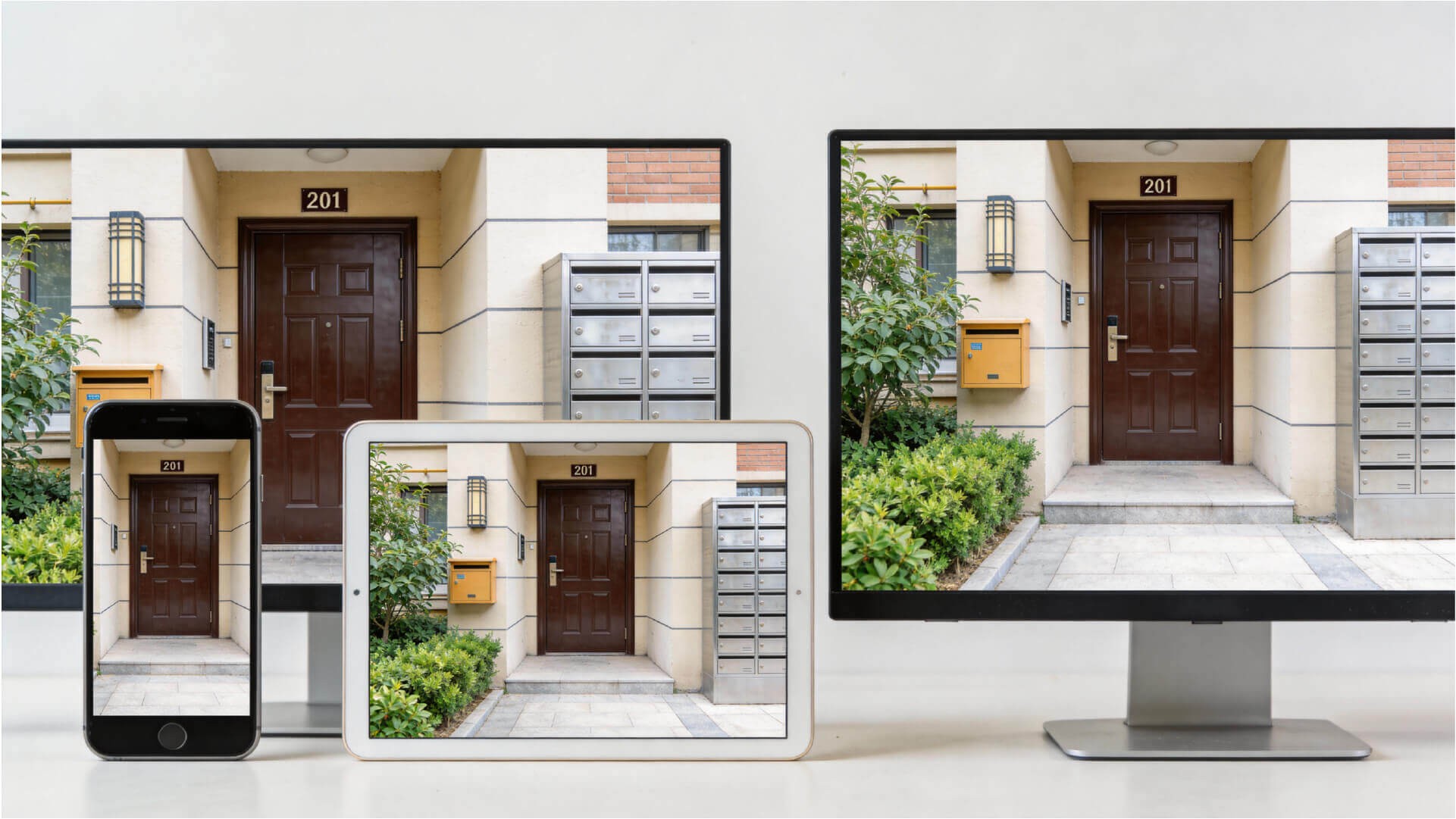
- A smartphone or tablet
- A laptop or desktop screen
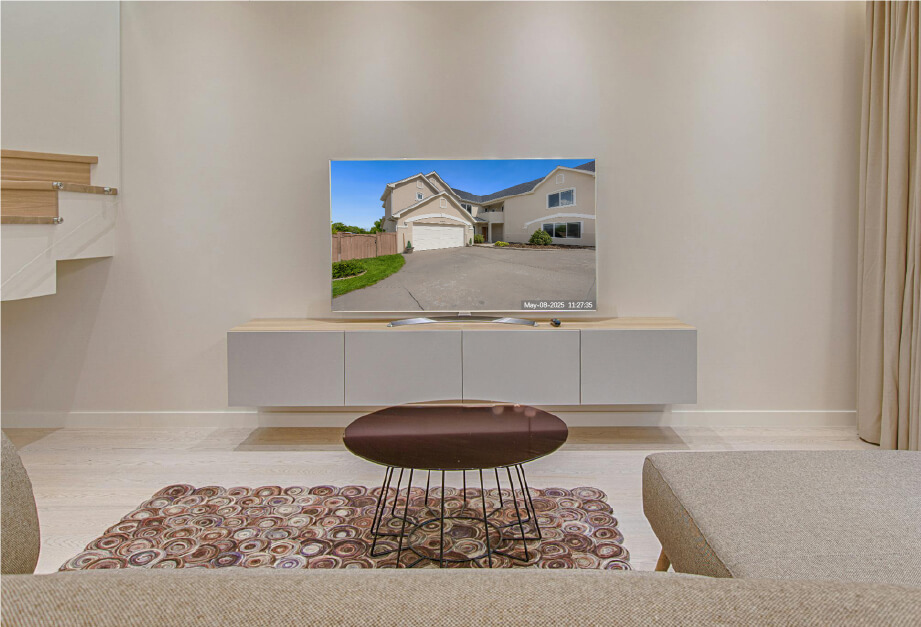
- A TV connected via HDMI
- A dedicated display connected to an NVR
The right choice depends on how your cameras are installed, how often you’ll view the footage, and who needs access.
For most homes with wireless home cameras, the most practical monitor is already in your hand.
When to Choose a Traditional Monitor for Your Security System
There are still cases where a dedicated monitor is a good choice for security setups.
Best for:
- Multi-camera systems with continuous live viewing
- Commercial spaces or offices
- NVR-based systems with HDMI output
- Security rooms or control desks
Features:
- 24 to 32-inch display
- 1080p or 4K resolution
- Always-on operation
- Split-screen viewing
For homes and small apartments, however, a dedicated monitor is often unnecessary.
Why Your Phone or Tablet Is the Best Monitor for Home Security
For wireless indoor security cameras, mobile viewing provides clear advantages:
- Always available
- No extra hardware required
- Real-time alerts and notifications
- Easy access for multiple users
Phones and tablets are especially useful for:
- Renters who can’t install cables
- Parents checking in on kids remotely
- Seniors or caregivers needing quick access
- Users who don’t need constant live footage
This is why indoor security camera systems designed for smart indoor monitoring are optimized for app-based monitoring.
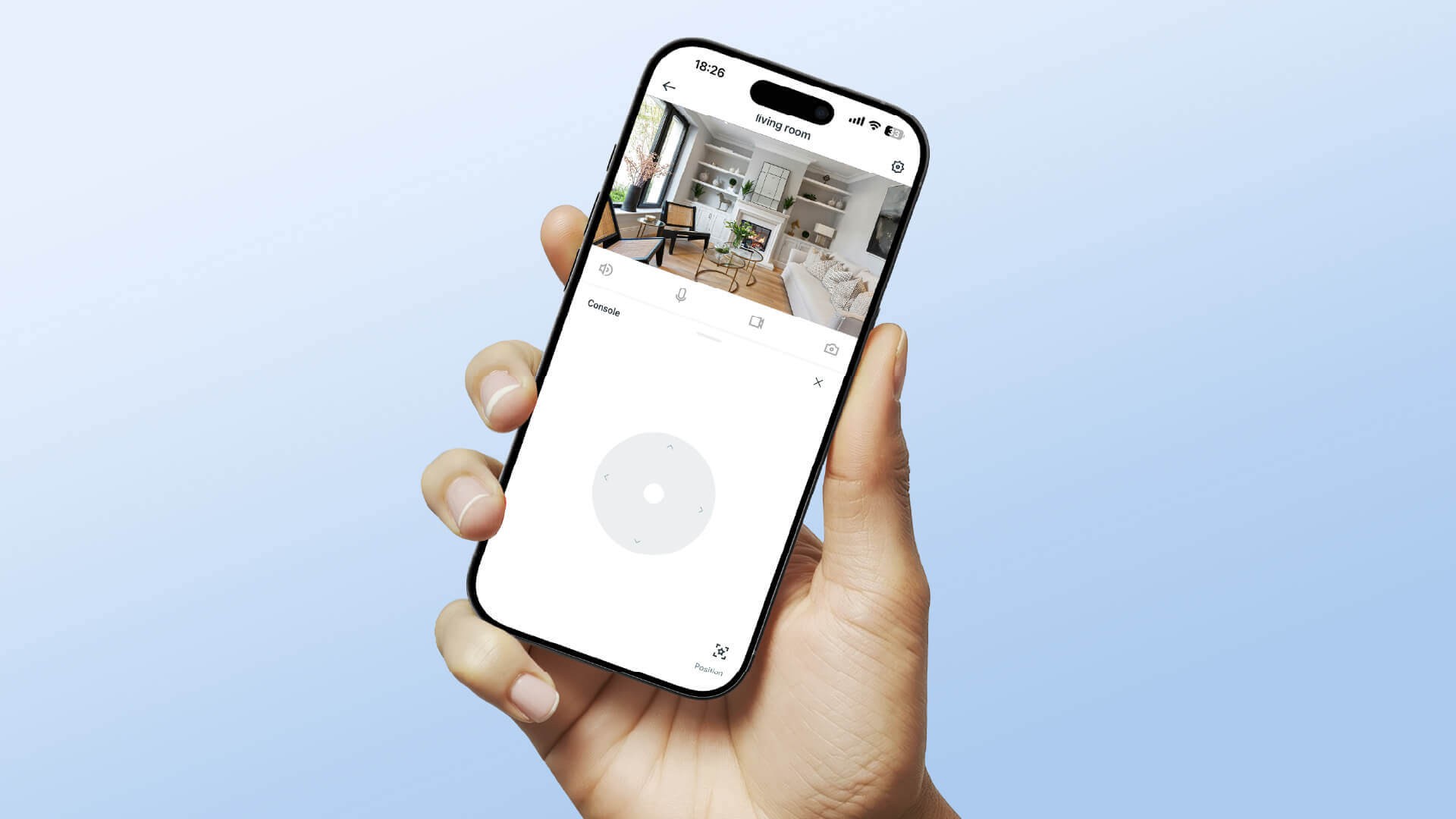
How Wireless Cameras Make Monitors Optional for Home Security
With wireless cameras that connect to your network and stream footage directly to an app, the monitor question becomes simpler.
A typical wireless security system includes:
- Wi-Fi enabled camera (2.4G / Dual Band)
- Mobile app for live view and playback
- Local storage via SD card
- Optional cloud access
In this setup, the monitor is your phone or tablet.
No extra display is needed.
This is ideal for homeowners looking for easy home protection without the hassle of additional screens or devices.
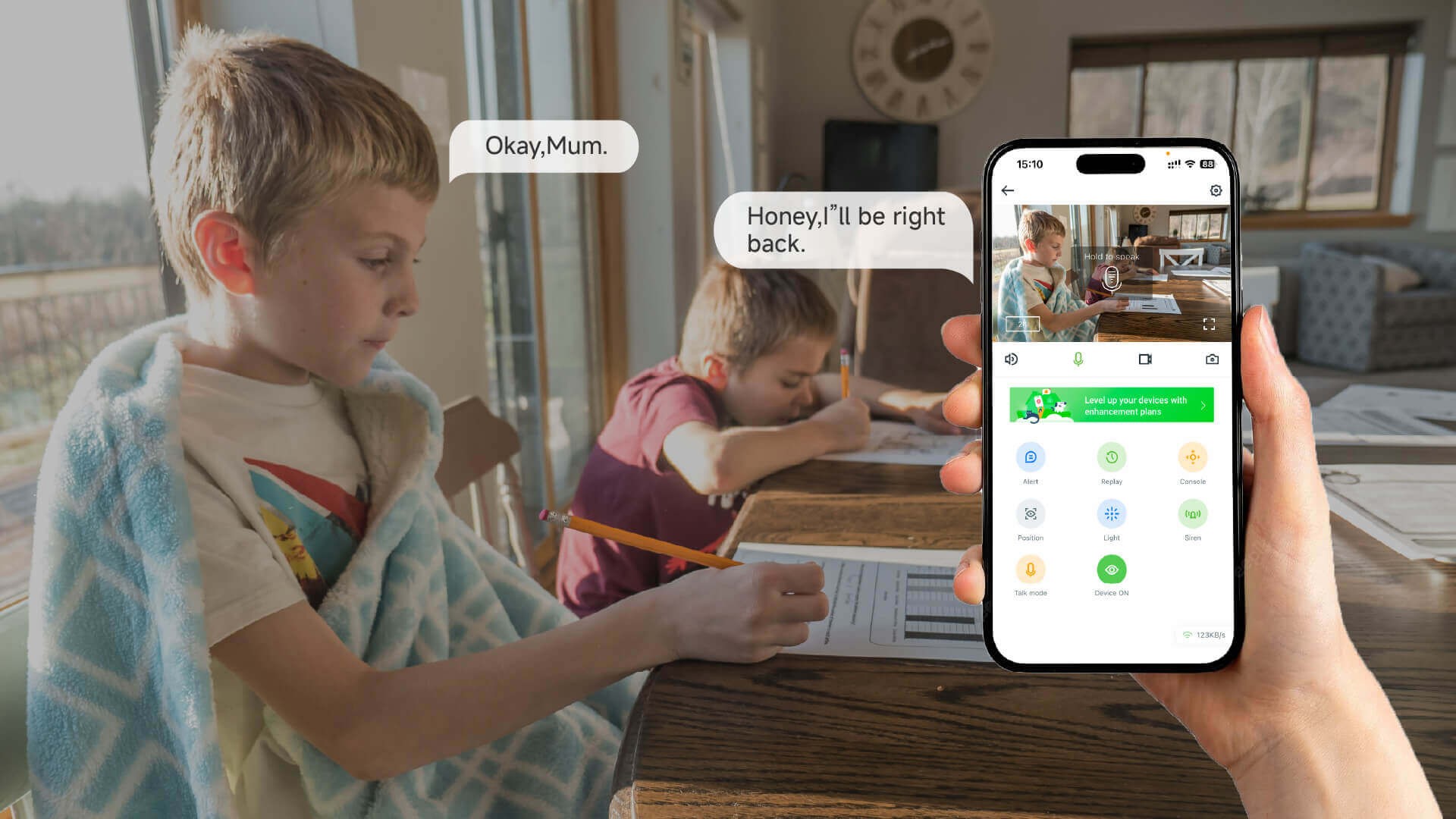
When a Phone is All You Need for Home Security
Common scenarios where a phone is perfect:
- Apartments and rentals: No drilling or wiring needed.
- Families: Easy checks on-the-go via mobile apps.
- Night monitoring: View night vision footage directly on your phone.
- Care and supervision: Use two-way audio and instant alerts with your phone.
These are exactly the scenarios where many wireless home cameras like RusinVision products come into play, designed for easy setup and practical use.
Key Features to Look for When Choosing a Monitor
When selecting a monitor for your security system, it’s less about screen size and more about the camera features.
Here’s what matters most:
- Wi-Fi stability
- Clear 2MP or 3MP image quality
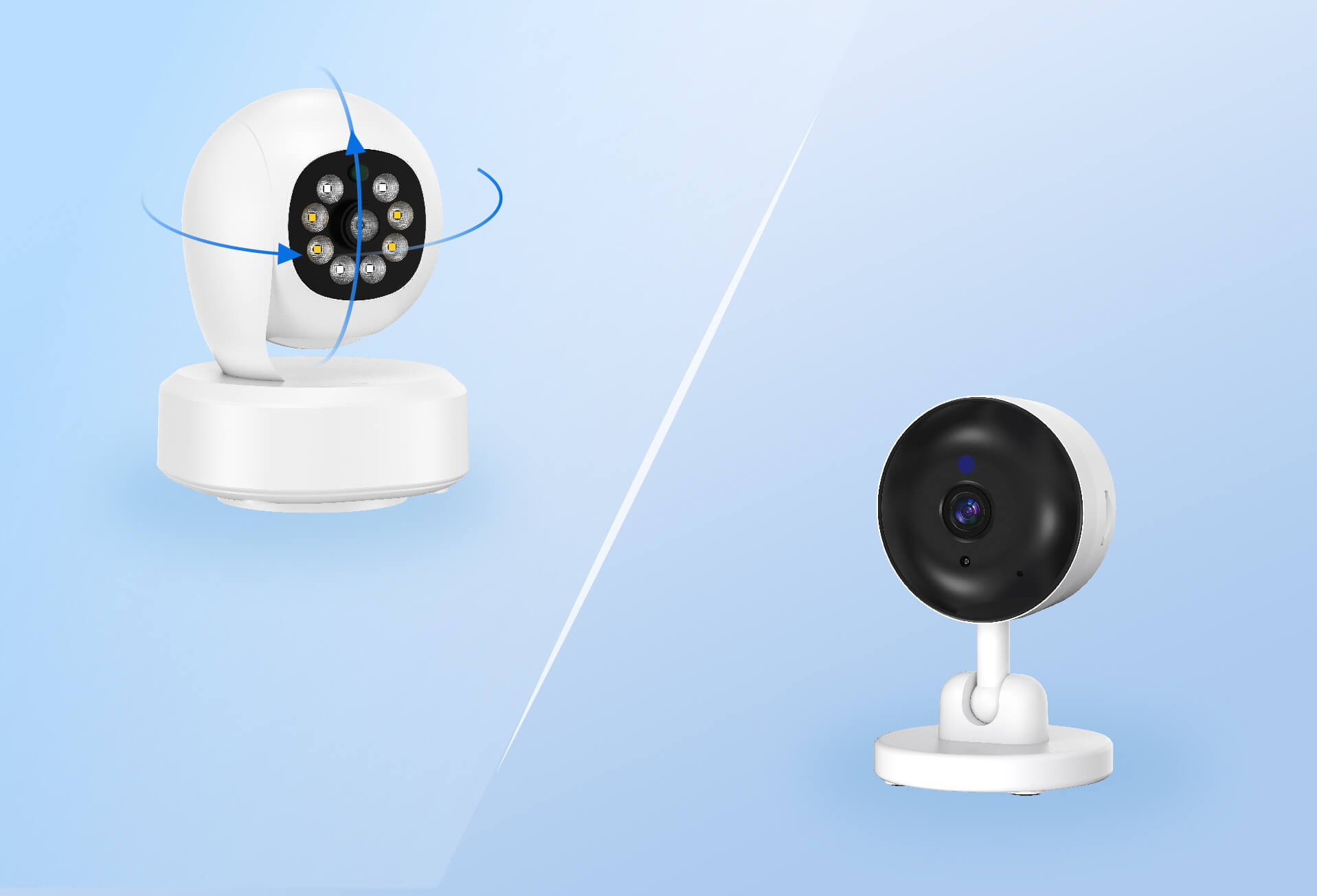
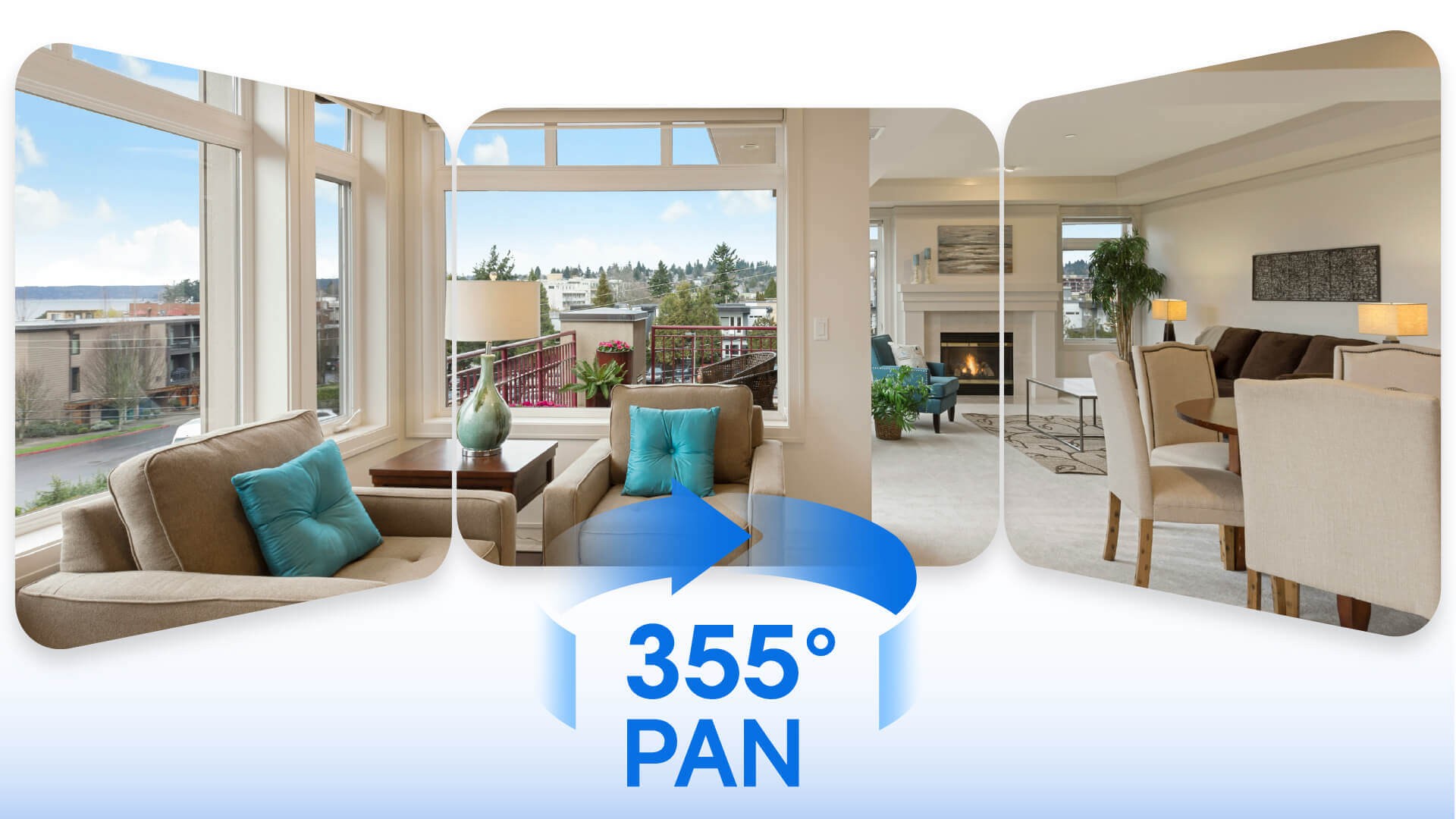
- 360° Pan & Tilt for full coverage
- Reliable night vision (infrared or full-color)
- AI-powered human detection
- Local SD card storage (up to 128GB)
If your camera delivers these key features, almost any modern screen can display the footage well.
Why a Dedicated Monitor Might Not Be Necessary
If:
- Your system uses just one or two indoor cameras
- You don’t need continuous live viewing
- You have limited space
- You prefer a simple, flexible setup
Then a wireless home camera with mobile access might be all you need.
This offers the most efficient solution, avoiding the need for a separate, dedicated monitor.
How to Choose the Right Monitor for Your Security System
Instead of asking, “What is the best monitor for security cameras?”, think about:
- How often do I need to check footage?
- Do I need multiple camera views at once?
- Who needs access, and where?
- What’s my space and setup like?
For homes with wireless indoor cameras, especially those using smart indoor monitoring, the monitor choice often solves itself.
Conclusion
In 2026, the best monitor for your security system is no longer just about screen size or resolution.
It’s about how well it fits into your routine.
For many households, a phone or tablet paired with a wireless home camera provides the most flexible, convenient solution.
It eliminates the need for extra screens, reduces setup time, and supports modern expectations for easy home protection.
Choose a setup that fits how you live, not how security systems used to work.
FAQ
Do I need a dedicated monitor for my security cameras?
No, with modern wireless home cameras, you can monitor footage via mobile apps. A smartphone or tablet is often sufficient, saving space and reducing the need for extra hardware.
What features should I look for in a security camera monitor?
Look for a monitor with high resolution, good brightness, and the ability to handle multiple camera feeds. Wi-Fi compatibility and mobile access are key for easy and flexible viewing.
Can I use my TV as a monitor for security cameras?
Yes, many security systems support HDMI connections, allowing you to display camera feeds directly on your TV for a larger and more detailed view, perfect for home or office monitoring.
Are wireless security cameras easy to set up?
Yes, most wireless home cameras, like those from RusinVision, offer simple plug-and-play installations with mobile app integration, making setup quick and hassle-free.