Best Wired Security Cameras Buying Guide
Why Some Homes and Businesses Still Choose Wired Cameras
Maximum Connection Stability
Wired security cameras use physical connections for power and data. This removes common wireless issues such as interference, congestion, or sudden signal loss. Once installed, wired cameras can operate continuously and are well suited for 24/7 monitoring.
Higher Video Quality and Bandwidth
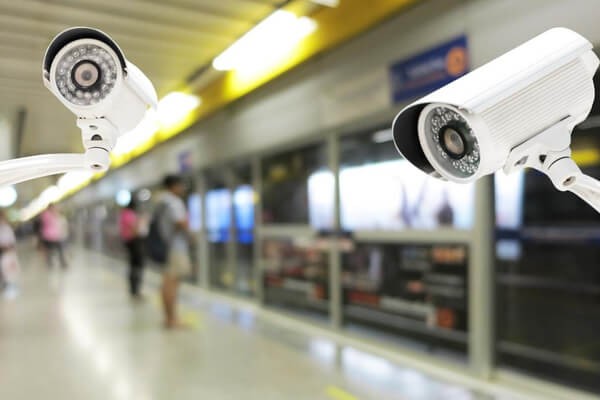
Dedicated cabling supports higher resolutions and frame rates. Wired systems commonly deliver 2K, 4K, or 8MP video with smooth motion and minimal compression. This level of detail is important for facial identification, license plate review, and accurate incident analysis.
No Battery Management
Wired cameras receive constant power and do not rely on batteries. This eliminates charging cycles and ensures uninterrupted operation in long-term monitoring scenarios.
Stronger Data Security
Because data travels through physical cables rather than open wireless signals, wired connections are harder to intercept or disrupt. This makes them a preferred option for environments with stricter privacy or security requirements.
Scalable Coverage for Large Properties
Using PoE switches or signal extenders, wired systems can cover large homes, warehouses, yards, or commercial sites. Camera placement is not limited by Wi-Fi range, allowing consistent performance across wide areas.
These benefits come with more complex installation. For apartments, rentals, or indoor-only monitoring where drilling and cabling are impractical, wireless Wi-Fi cameras are often a more flexible and economical alternative.
Types of Wired Security Cameras and How They Work
Wired Camera Technologies
PoE Cameras
Power over Ethernet cameras use a single CAT5e or CAT6 cable for both power and data. This simplifies installation and has become the dominant modern wired solution.
Traditional Wired Cameras
Some systems rely on separate power and video connections.
- HD over Coax systems reuse existing coaxial cables while upgrading to HD video
- HD-CVI, HD-TVI, and AHD technologies deliver HD signals over coax at lower cost and are common in legacy systems
Camera Form Factors and Typical Use Cases
Bullet Cameras
Highly visible and easy to install. Often used outdoors where deterrence is important.
Dome Cameras
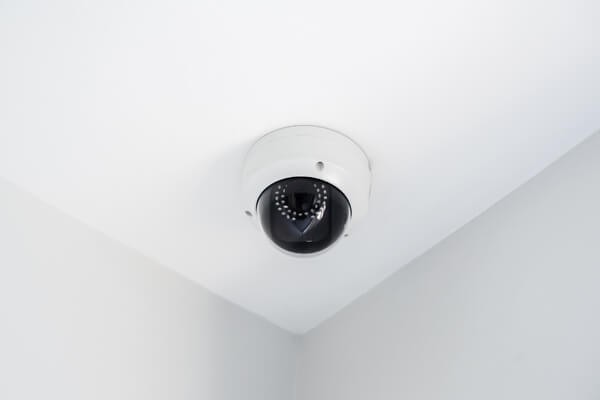
Compact and discreet, with good resistance to tampering. Common indoors or under eaves.
Pan-Tilt Cameras
Allow manual angle adjustment for flexible coverage without automation.
PTZ Cameras
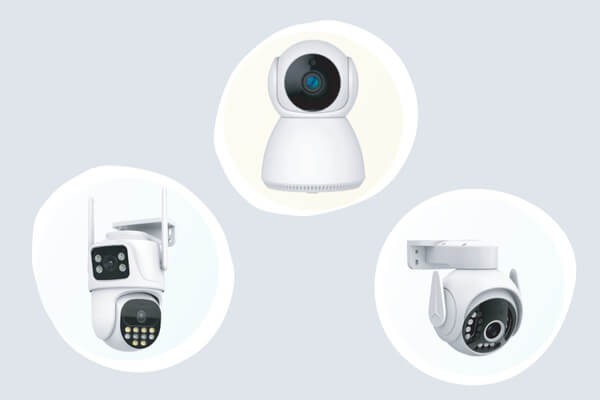
Enable remote pan, tilt, and optical zoom. Some models support auto-tracking and are suited for large or active areas such as parking lots or industrial sites.
The right choice depends on layout and monitoring goals. For general home use where full-room coverage and flexible placement matter, smart indoor monitoring devices with 360-degree pan-and-tilt functions can provide easy home protection without complex planning.
Key Features to Consider When Choosing a Wired Camera
Image Quality
Resolution is a primary factor.
1080p is a functional baseline, while 2K and 4K provide sharper detail and more usable digital zoom.
Lens and sensor quality also matter. Larger apertures improve low-light performance, while optical zoom lenses capture distant details without quality loss.
Night Vision Performance
Infrared night vision is the standard for low-light monitoring, with effectiveness determined by usable distance rather than advertised range.
Full-color night vision requires ambient light or built-in illumination and provides color detail when conditions allow.
Field of View and Movement
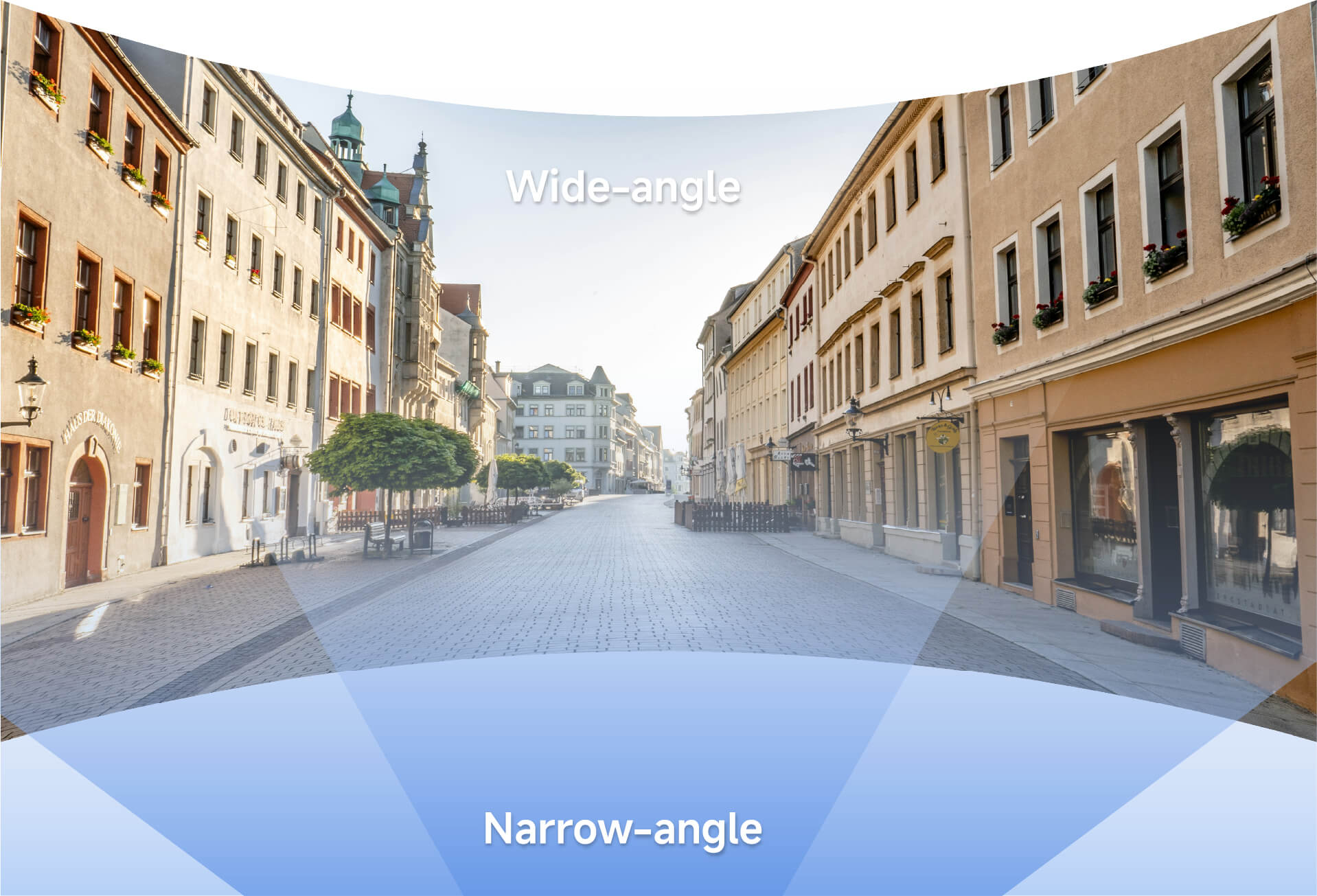
Wide-angle lenses above 110 degrees reduce blind spots.
Pan, tilt, and auto-tracking features improve coverage efficiency and reduce the number of cameras required.
Smart Detection and AI Features
AI-based human, vehicle, and pet detection reduces false alerts.
Custom activity zones focus notifications on relevant areas only.
Audio Capabilities
Two-way audio supports remote communication and audible warnings when activity is detected.
Storage Options
Local storage via NVRs, DVRs, or microSD cards avoids monthly fees and keeps data private.
Local SD card storage is also widely valued in wireless systems for the same reason.
Cloud storage provides off-site backup but typically requires a subscription.
Durability and Environmental Readiness
Outdoor cameras should meet at least IP66 standards and support wide operating temperatures for year-round reliability.
Many features once limited to professional systems are now available in home-focused devices. Wireless Wi-Fi cameras increasingly include AI detection, two-way audio, local SD storage, and mobile app access, making smart indoor monitoring more accessible.
What to Expect During Wired Camera Installation
Planning the Layout
Common camera locations include front and back doors, first-floor windows, garages, hallways, and storage areas. Planning cable paths in advance reduces installation time and material waste.
Wiring Considerations
- PoE systems require Ethernet runs from each camera to a PoE switch or NVR
- Traditional systems require separate power and video cables
Basic Installation Process
- Mount cameras securely and adjust viewing angles
- Connect cables to PoE switches or recorders
- Link the system to a router if remote access is needed
- Configure recording schedules, alerts, and detection settings
After reviewing the physical effort involved, it becomes clear why many home users prefer simpler alternatives. Indoor cameras with magnetic mounts and Wi-Fi connectivity can be installed in minutes and begin monitoring almost immediately.
Wired vs. Wireless Cameras
How to Choose What Fits Your Space
Where Wired Cameras Excel
- Consistent performance
- High-resolution video
- No battery dependency
- Strong physical security
- Best for permanent installations
Challenges of Wired Systems
- More complex installation
- Fixed camera placement
- Higher upfront setup effort
Where Wireless Cameras Make Sense
Wireless cameras emphasize flexibility and ease of use. They can be placed or moved freely and are well suited for renters and non-technical users.
For many indoor needs such as child care, pet observation, or general room monitoring, modern Wi-Fi cameras with 2MP or 3MP resolution, infrared or color night vision, and two-way audio are sufficient.
This balance between performance and convenience has driven increased focus on wireless indoor camera designs built for everyday homes. These solutions prioritize simple setup, flexible placement, and practical monitoring without added technical complexity.
FAQ
Are wired cameras better than wireless cameras?
Neither option is universally better. Wired cameras offer superior stability, image quality, and continuous recording, making them suitable for permanent or large-scale installations. Wireless cameras focus on flexibility, easier setup, and portability, which suits many indoor and rental environments.
Is installing a wired camera difficult?
Installing wired systems requires moderate DIY skills and planning for cable routing. PoE simplifies wiring but still involves physical installation. For large or complex properties, professional installation may help. Users who prefer no drilling often choose wireless cameras.
Do wired cameras need the internet?
Internet access is not required for local recording or live viewing on a connected monitor. It is only needed for remote viewing, mobile alerts, and cloud features, similar to wireless cameras.
How much storage do I need?
Storage depends on resolution, frame rate, recording mode, and retention time. One 1080p camera recording continuously may use about 1TB per month. Motion-based recording uses less space. SD card systems overwrite older footage automatically.
Why does night footage look blurry or show glare?
Blurry or reflective night footage often results from poor placement or lighting. Avoid aiming cameras at glass or bright lights and clean lenses regularly. Cameras with full-color night vision or smart illumination improve low-light clarity.
How can I protect cameras from hacking?
Change default passwords, use strong credentials, keep firmware updated, and enable encrypted connections. Isolating cameras on a separate network segment and choosing security-focused manufacturers further reduces risk.
Choosing the Right Security Camera for Your Needs
Wired security cameras remain the preferred choice for users who need maximum reliability, high-resolution video, and continuous monitoring. They are especially effective for outdoor areas, large properties, commercial sites, and permanent installations.
Not every environment requires the same level of complexity. The right choice depends on property type, monitoring goals, technical comfort level, and budget.
Whether selecting a robust wired system or a flexible wireless setup, the goal remains the same: clear visibility, dependable protection, and confidence in your monitoring solution.
What to Know Before You Buy
Wired security cameras remain a reliable foundation for serious video surveillance. They are commonly chosen by users who prioritize connection stability, consistent image quality, and long-term monitoring over quick installation.
Many buyers begin this process after experiencing unstable Wi-Fi, missed alerts, or inconsistent video quality. Others hesitate because of wiring complexity or installation concerns. This guide breaks those issues down step by step to help determine whether a wired system fits your environment.
For users who value stability above all else, wired systems offer clear advantages. At the same time, for indoor and home use where simplicity matters most, strong wireless home camera options can deliver easy home protection without complex setup.