Ultimate Guide to LTE Security Cameras: Secure Your Property Anywhere
What Is an LTE Security Camera and When Do You Need One
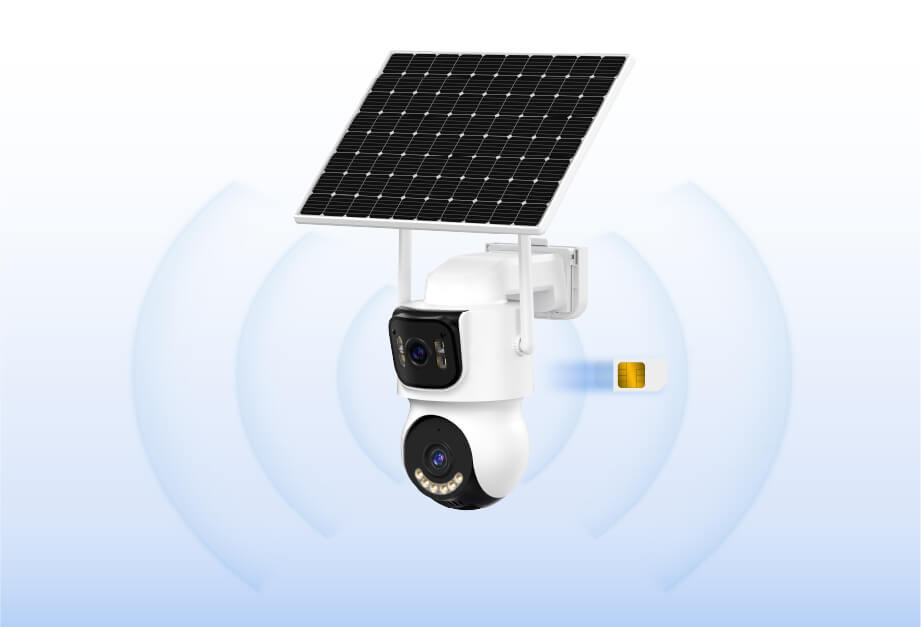
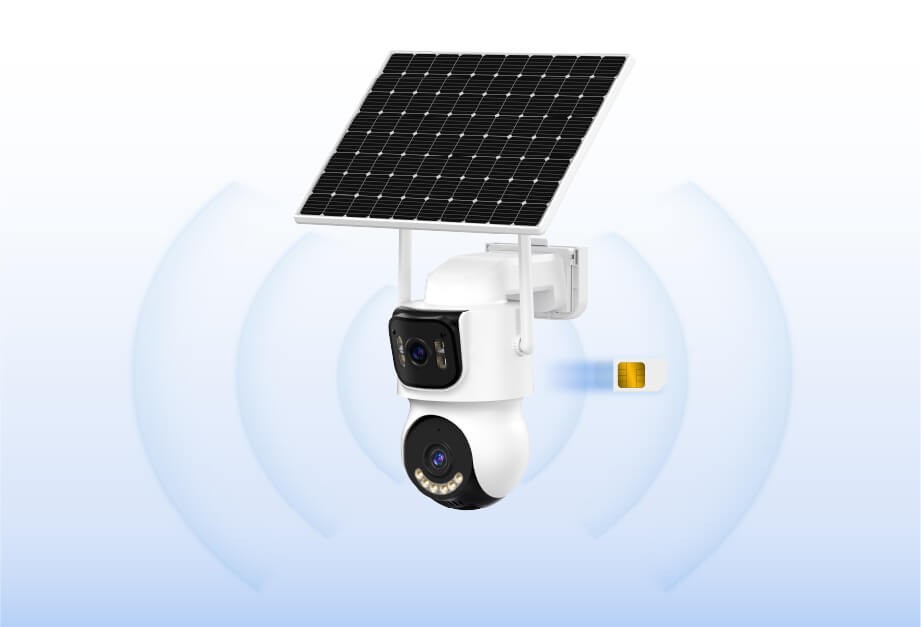
An LTE security camera transmits video data through a 4G LTE cellular network instead of relying on Wi-Fi or wired internet. It operates independently using a SIM card and mobile data plan, making it suitable for locations where network access is unavailable or unstable.
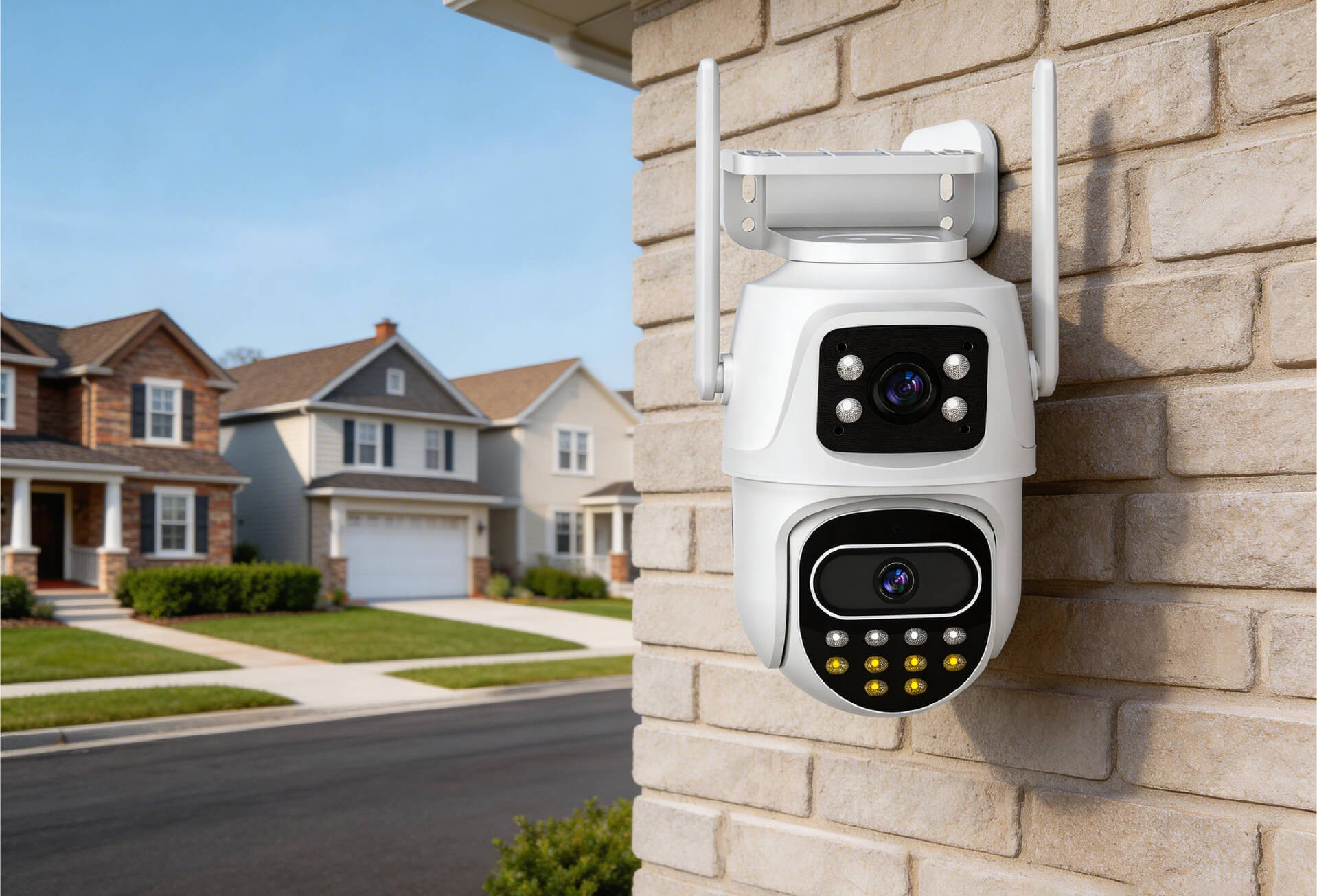
LTE cameras are commonly used in remote environments, temporary monitoring locations, and outdoor areas without fixed power or internet infrastructure.
Typical Use Scenarios
- Remote locations such as farms, cabins, or vacation homes
- Temporary monitoring sites like construction projects or event venues
- Backup surveillance when Wi-Fi is unreliable
- Outdoor areas without fixed power sources, using battery or solar models

How LTE Cameras Differ From Wi-Fi Cameras
LTE cameras connect using a SIM card and cellular data, while Wi-Fi cameras rely on a local router. LTE models offer greater installation flexibility but require ongoing data costs. Wi-Fi cameras are more cost-efficient when stable internet is available.
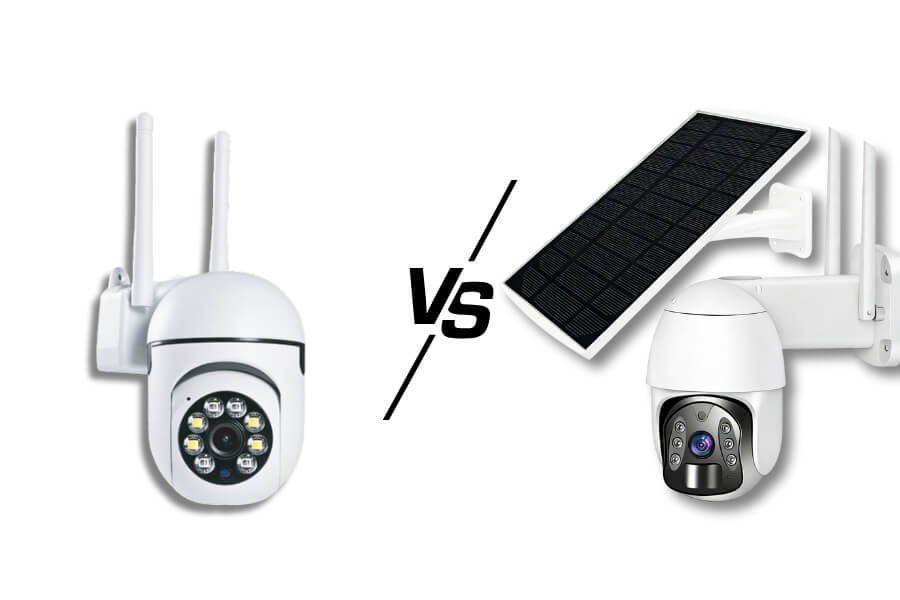
Key Features That Make LTE Security Cameras Practical in No-WiFi Locations
Wireless Operation and Independent Power
Most LTE security cameras support battery power, solar charging, or both. This eliminates the need for wiring and allows deployment in outdoor or off-grid locations. Outdoor models typically meet IP66 or IP67 standards for weather resistance.
Video Quality and Smart Detection
LTE cameras commonly support 1080p, 2K, or higher resolutions. Infrared or color night vision ensures visibility in low-light conditions. Many models include AI-based detection for people, vehicles, or animals to reduce false alerts.
Remote Monitoring and Alerts
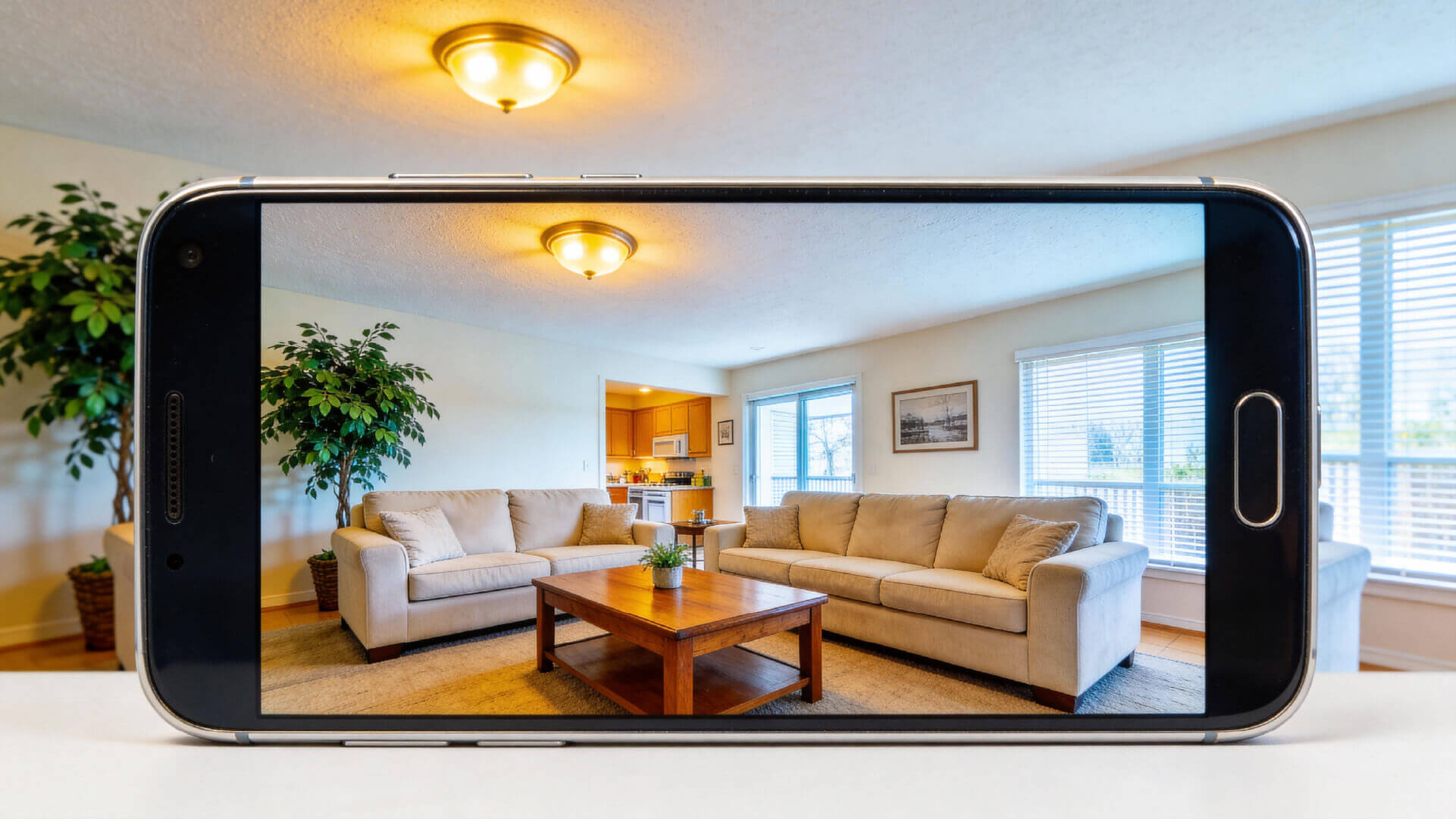
Live viewing and playback are available through a mobile app. Push notifications alert users to detected activity, and two-way audio allows communication through the camera when supported.
Flexible Storage Options
Footage can be stored locally on a MicroSD card or backed up to cloud storage. Local storage avoids subscription fees, while cloud storage provides redundancy in case of device damage or loss.
Simple Installation
LTE cameras typically follow a straightforward setup process. Insert the SIM card, power on the device, and complete app-based pairing. Multiple mounting options are available depending on the environment.
How to Choose the Right LTE Security Camera for Your Use Case
Match the Camera to the Environment
- Remote or off-grid locations benefit from solar-powered models with large batteries
- Temporary sites require portable designs with motion-based recording
- Long-term outdoor monitoring favors higher resolution and dual storage support
Key Specifications to Compare
- Resolution starting at 1080p, with 2K or 4K for wider coverage
- Night vision range of at least 10 meters
- IP65 or higher weather resistance for outdoor use
- Battery life of three to six months under low-power modes
- Support for both local and cloud storage
- AI-based motion detection for reduced false alerts
Data Plan Considerations
Light usage typically requires 1–3 GB per month. Moderate monitoring may need 5–10 GB. Continuous recording requires an unlimited data plan and higher ongoing costs.
How to Install and Set Up an LTE Security Camera Step by Step
Preparation Before Installation
Confirm strong 4G coverage at the installation site using a mobile phone. Purchase a compatible SIM card and activate a data plan. Prepare mounting accessories suitable for the environment.
Basic Installation Steps
Insert the SIM card and power on the camera. Mount the device in a location with stable signal and clear visibility. Pair the camera with the mobile app using a QR code or device ID. Configure detection zones, alerts, and storage preferences.
Optimization Tips
Avoid pointing the camera toward direct sunlight or reflective surfaces. Clean the lens and solar panel regularly if applicable. Keep firmware updated to maintain performance and security.
Common LTE Security Camera Problems and How to Fix Them
Connectivity Issues
If the camera fails to connect, verify SIM activation and signal strength. Repositioning the device or restarting it may restore connectivity. Updating APN settings can also help in some cases.
Video and Night Vision Issues
Blurry footage is often caused by dirty lenses or incorrect focus. Night vision performance improves when the camera is not facing glass or strong light sources.
Storage and Alert Problems
Recording failures may indicate a full or damaged storage card. Frequent false alerts can be reduced by adjusting detection sensitivity and defining exclusion zones.
Power-Related Issues
Rapid battery drain can be mitigated by lowering recording frequency and disabling unnecessary features. Solar charging performance improves with proper panel orientation and unobstructed sunlight.
FAQ
Do LTE security cameras require a SIM card?
Yes. LTE security cameras rely on cellular networks and require a SIM card with an active data plan. The SIM card enables video transmission, alerts, and remote access. Without a valid data plan, the camera cannot connect to mobile networks or provide off-site monitoring.
Can LTE security cameras work without a 4G signal?
No. LTE cameras depend on cellular signal to transmit data. If the installation site has weak or no 4G coverage, the camera will not function properly. Signal strength should be tested before installation.
Are outdoor LTE security cameras resistant to rain and snow?
Most outdoor LTE security cameras are designed with IP66 or IP67 ratings, making them resistant to rain, snow, and dust. Installing the camera under partial cover can further extend lifespan and reliability.
Can multiple users view the same LTE security camera?
Yes. Most LTE security cameras support device sharing through the mobile app. Authorized users can view live footage and receive alerts, depending on permission settings.
Will an LTE security camera work during a power outage?
Battery-powered or solar-powered LTE cameras can continue operating during power outages as long as cellular signal remains available. Runtime depends on battery capacity and usage patterns.
Which is better, local storage or cloud storage?
Local storage avoids monthly fees and keeps footage on the device but risks data loss if the card fails. Cloud storage provides off-site backup but requires ongoing subscription costs.
LTE or Wi-Fi: Which Should You Choose
LTE security cameras are best suited for locations without internet access or stable power infrastructure. They provide independent monitoring in remote or temporary environments.
For indoor or residential spaces with reliable Wi-Fi, wireless Wi-Fi cameras may be more practical. In these scenarios, solutions from RusinVision focus on ease of use, local storage options, and predictable long-term costs without cellular data management.
Selecting the right camera depends on connectivity conditions, monitoring goals, and maintenance preferences. Understanding these factors ensures the system fits naturally into how the space is used.