Ultimate Guide to Buying Indoor Security Cameras for Google Home or Alexa
Why Voice-Controlled Security is a Game Changer
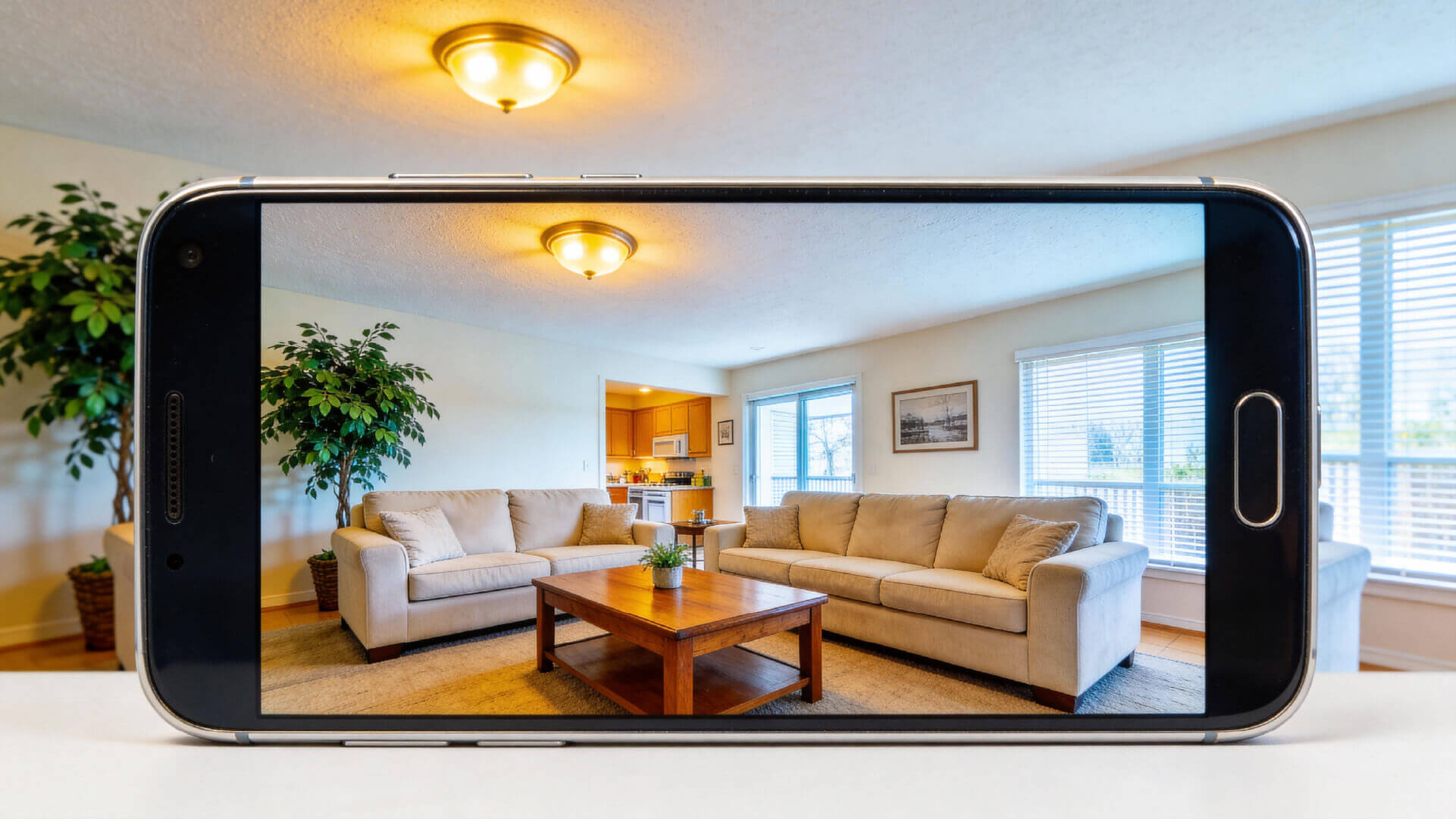
“Hey Google, show me the living room.”
“Alexa, show me the front door.”
With the rise of smart home technology, these voice commands are now a part of everyday life. Thanks to security cameras that work with Google Home and Alexa, monitoring your home has never been more convenient.
If you're considering upgrading your home security, it’s important to select cameras that integrate seamlessly with your voice assistants. In this guide, we’ll walk you through everything you need to know to make a smart, informed purchase.
For users looking to enhance their home security with indoor cameras, voice control adds an extra layer of convenience, making smart indoor monitoring an integral part of your daily routine.
What Are Google Home and Amazon Alexa?
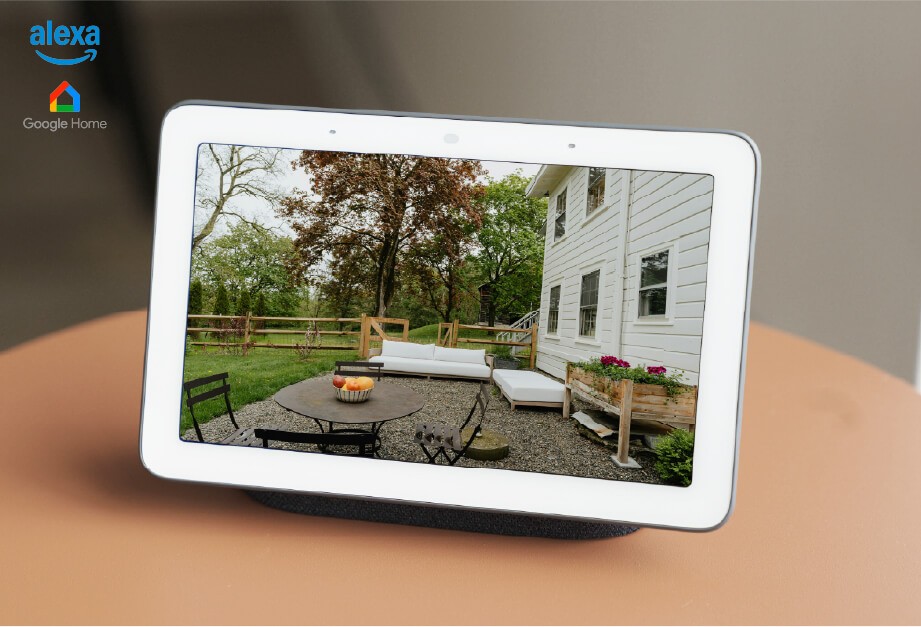
Google Home and Amazon Alexa are voice-activated assistants embedded in smart speakers and other home devices. These assistants allow you to control your home’s smart devices, like security cameras, with just your voice.
While smart speakers like Google Home and Amazon Echo make these controls easier, you don’t necessarily need them. You can also use your phone or tablet with Google Assistant or the Amazon Alexa app to control your devices.
Whether you use Google Home or Alexa, choosing a wireless home camera can help you easily build an easy home protection system that works with your voice assistant.
Why You Should Choose Cameras That Work with Google Home or Alexa
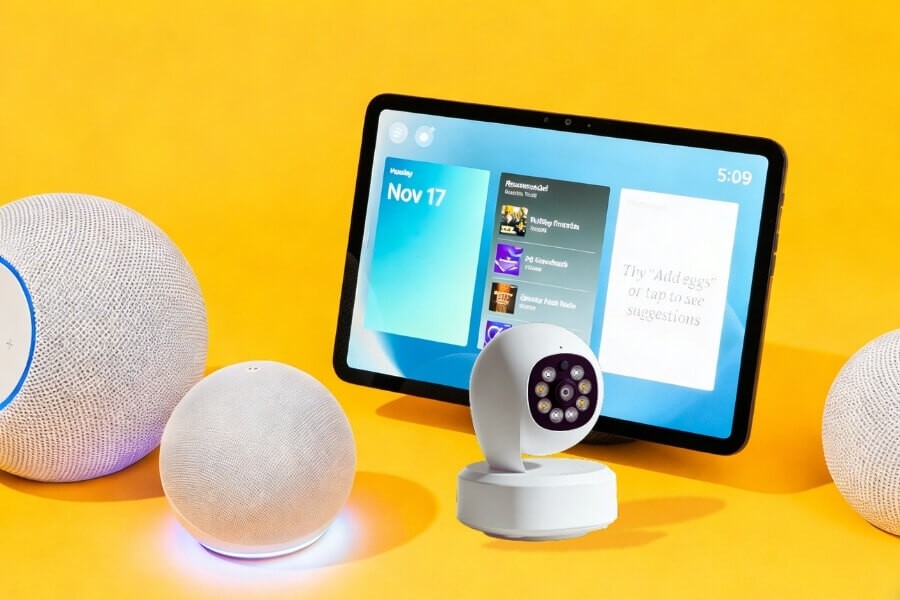
- Voice-Control Convenience With voice integration, there’s no need to open an app to check your camera. Simply say, “Alexa, show me the living room,” and your camera will immediately display the footage.
- Smarter Home Integration These cameras work together with other smart devices, like lights and door locks, to make your home smarter. For example, if your security camera detects motion, it could trigger your lights to turn on or send you an alert on your phone.
- Future-Proof Technology Smart home trends are continuing to grow. Cameras that work with Google Home or Alexa are a smart investment, as they are designed to evolve with the increasing demands of home automation.
For renters and apartment dwellers, a voice-controlled indoor security camera offers a plug-and-play solution that requires no complex wiring, making it perfect for both temporary and long-term use.
Top Things to Consider Before Buying Your Security Camera
Now that you understand the benefits of choosing security cameras compatible with Google Home and Alexa, let’s dive into the key factors to consider before making your purchase.
- Check Compatibility Before purchasing, ensure that the security camera supports Google Assistant or Alexa. Check the features it supports, such as live streaming, camera control, or pan/tilt adjustments via voice.
- Focus on Value While security cameras compatible with Google Home or Alexa can range from $150 to $250 or more, look at the value offered. Consider factors like weatherproof ratings, operating temperatures, and night vision for outdoor cameras. Additionally, check for any hidden fees such as subscription costs or installation fees. Cameras with local storage options avoid monthly fees and are often the best value.
- Prioritize Security Choose cameras that offer strong encryption, like SSL/TLS or WPA2-AES, to protect your privacy. Always update firmware regularly and set a strong password for extra security.
- Balance Video Quality and Features Aim for at least 1080p resolution, but 2K or higher is ideal for clearer images. Look for cameras with infrared or full-color night vision to ensure reliable monitoring at night. AI features like motion detection can help reduce false alerts by only notifying you of important movements.
If you’re looking for an indoor camera with high-definition resolution, full-color night vision, and intelligent detection, these features not only provide clear footage but also minimize unnecessary alerts—making them perfect for family use.
How to Set Up Your Camera with Google Home or Alexa
Connecting your security camera to your Google Home or Alexa device is easy. Follow these simple steps to get started:
- Install the Camera and Connect to Wi-Fi Set up your camera in the desired location and ensure it is connected to your home Wi-Fi network.
- Download the App and Sign In Open the Google Home or Amazon Alexa app on your phone and sign in to your account.
- Add the Camera In the app, tap “+” to add a new device, then select “Set Up Device” and follow the prompts to add your camera.
- Test Voice Commands Once your camera is connected, test voice commands like “Alexa, show me the living room” or “OK Google, show me the front door” to confirm everything is working.
For cameras that support 360° pan and tilt, you can also control the camera’s angle via voice, achieving full indoor security monitoring.
FAQ
Do I need a subscription to use voice control with my security camera?
Basic voice control is usually free, but features like cloud storage, event history, and advanced motion detection may require a subscription.
Are all cameras compatible with Google Home?
Not all cameras are compatible with Google Home. Ensure the product explicitly mentions compatibility with Google Assistant or Alexa.
Do outdoor cameras work with Google Home or Alexa?
Some outdoor cameras are compatible with both Google Home and Alexa. Check the weatherproof rating and ensure voice control functions are fully supported.
Can I use multiple cameras with Google Home or Alexa?
Yes, you can use multiple cameras with Google Home or Alexa, but ensure your Wi-Fi bandwidth can handle the data.
Conclusion: Build Your Smart Security System
As voice-controlled security cameras become increasingly popular, they offer greater convenience, security, and integration within your smart home. Whether you're a homeowner or a renter, a high-quality indoor security camera that supports voice control is an easy and efficient way to protect your home.
No matter if you are a regular homeowner or a renter, an easy-to-install, high-resolution indoor security camera with voice control can provide seamless protection for your home. Explore products like the Home Vision Core or Pro series to begin your smart security experience.