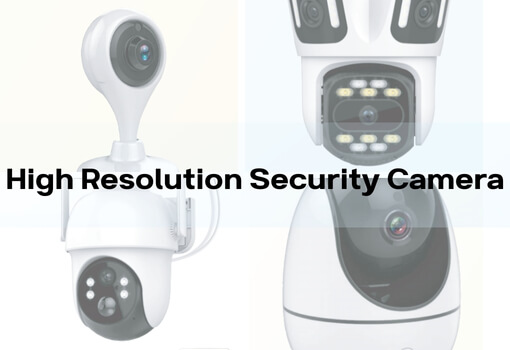
The Ultimate Guide to Local Storage Security Cameras: Selection, Setup, and Best Practices
Introduction: What is a Local Storage Security Camera?
A local storage security camera is one that stores footage directly on a physical device, such as an SD card, hard drive, or Network-Attached Storage (NAS), rather than relying on cloud services. This type of camera is perfect for users who prioritize privacy, seek to avoid monthly subscription fees, or want a system that can operate offline.
For homeowners, renters, and apartment dwellers, a wireless Wi-Fi indoor camera with local storage provides a simple, plug-and-play smart security solution, ensuring both ease of installation and privacy control.
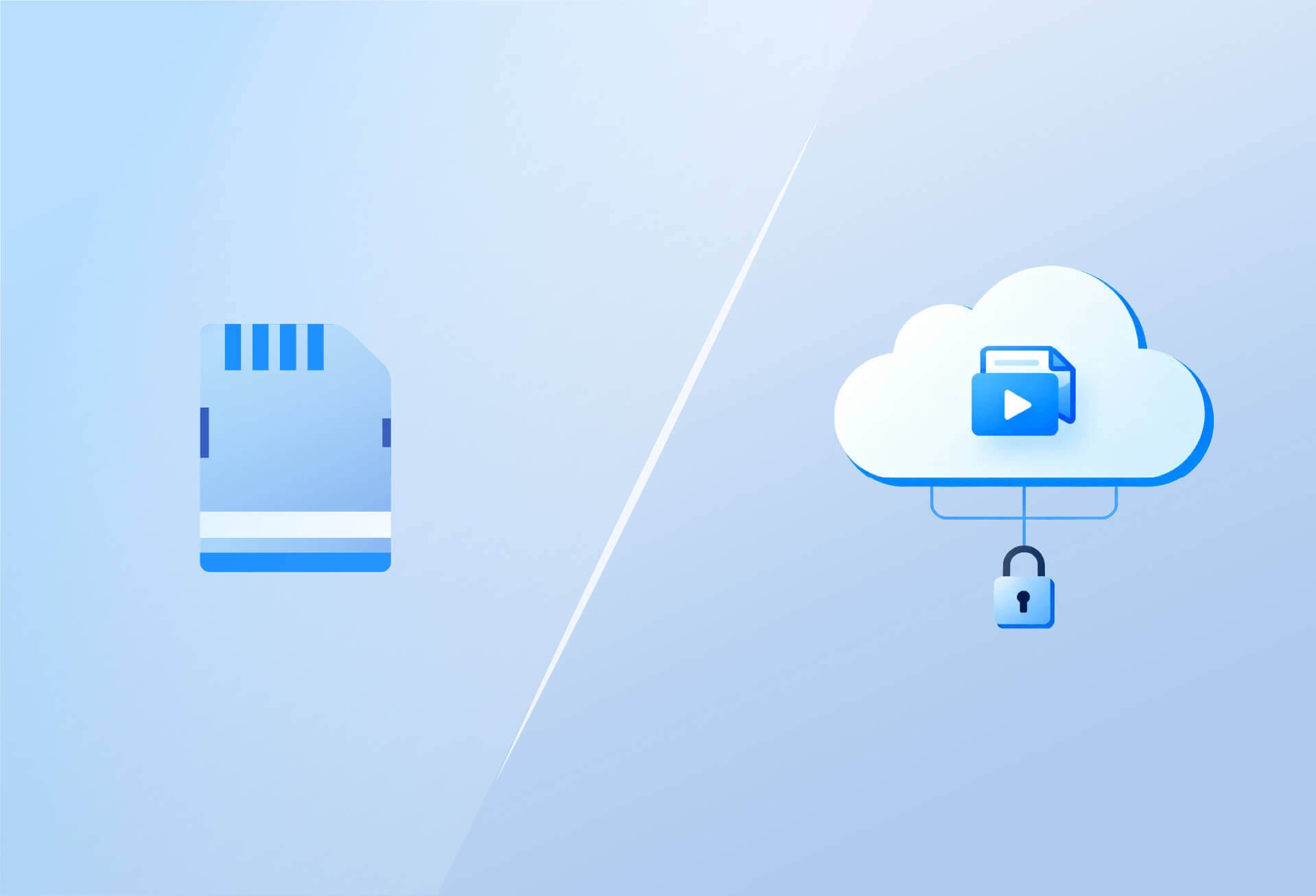
1. Local Storage vs. Cloud Storage: Which One is Right for You?
| Comparison Factor | Local Storage | Cloud Storage |
|---|---|---|
| Data Storage Location | Stored locally on SD cards, hard drives, or NAS | Stored remotely on third-party servers |
| Access Method | Requires physical access or LAN-based access | Access anytime, anywhere with an internet connection |
| Costs | One-time device purchase, no monthly fees | Subscription fees apply, often recurring |
| Privacy & Security | Full control, no third-party access. Vulnerable to physical damage, theft, or loss. | Relies on third-party encryption and security measures, but potential risks of data exposure and breaches from hackers or service providers. |
| Best for | Privacy-focused, limited budget, unreliable internet | Remote access, multiple-site monitoring |
Enhanced Privacy Protection with Local Storage
One of the biggest advantages of local storage security cameras is the complete control over your footage. Since the video data is stored on physical devices like SD cards, hard drives, or NAS (Network Attached Storage) located on your premises, only you have access to it. This means there is no need to trust a third-party cloud provider with your sensitive data, which significantly reduces the risks associated with online data storage.
Local storage offers stronger privacy protection because your data stays offline. You are not exposing your footage to potential hackers, data breaches, or unauthorized access by cloud providers or their employees. Even if your internet connection is compromised, your recorded footage remains safe and private on-site.
In contrast, cloud storage services store your footage on external servers managed by third-party providers. While these providers often use advanced encryption and multi-factor authentication to secure the data, the footage is still at risk of being accessed by unauthorized parties. Privacy concerns arise, as you’re essentially placing your trust in the service provider’s security protocols. Furthermore, the stored data is vulnerable to hacking or data breaches at the service provider’s end, despite their best efforts to secure it.
By choosing local storage, you can ensure that your data remains entirely in your control, without the risk of unauthorized access by third-party companies or cybercriminals.
Physical Risk vs. Cybersecurity Threats
While local storage gives you control over your data, it's important to recognize that there are still physical risks. The main vulnerability here is theft, damage, or loss of your storage devices. For instance, if an intruder gains access to your property, they could steal the camera or storage device, potentially erasing the recorded footage. To mitigate this risk, ensure your cameras are placed securely, out of easy reach, and consider adding additional physical security measures like locks or tamper-proof casings for storage devices.
On the other hand, with cloud storage, the risks are more related to cybersecurity threats. Your footage is stored remotely, so while it is less vulnerable to physical damage or theft, it can still be targeted by hackers or data breaches. Service providers usually encrypt your data, but there’s always a risk of unauthorized access due to vulnerabilities in cloud systems or poor security practices. Relying on cloud storage means you're placing your trust in the provider's cybersecurity measures, which are outside of your direct control.
Securing Your Local Storage Footage
To further enhance the security of your local storage system, follow these best practices:
- Physical Security: Place your cameras and storage devices in secure, tamper-resistant locations. Avoid mounting cameras or placing storage devices in easily accessible areas. Consider using tamper-evident seals for storage devices.
- Encryption: For added protection, encrypt your storage devices. This will help ensure that even if your storage device is stolen, the data remains inaccessible to unauthorized users.
- Backup and Redundancy: Periodically back up your footage to another device or an external drive, ensuring that you have a copy of critical footage in case of a device failure.
- Password Protection and Multi-Factor Authentication (MFA): Implement strong, unique passwords for your storage devices and enable multi-factor authentication where possible, especially if your devices are connected to a local network.
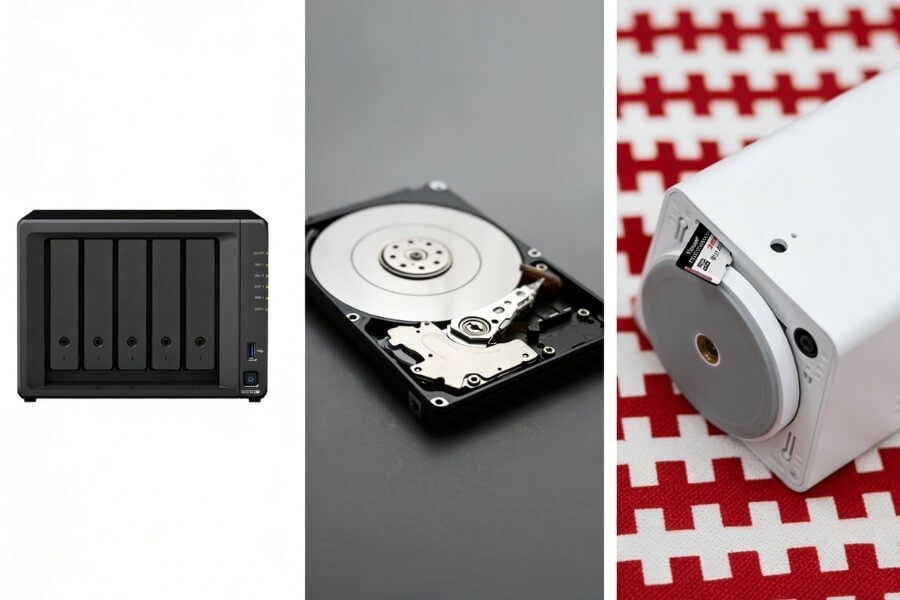
2. Three Main Local Storage Options
- SD Card Storage Overview: The most common storage method, supporting easy plug-and-play functionality. Common sizes include 32GB, 64GB, and 128GB. Ideal For: Compact, easy-to-install cameras such as home Wi-Fi pan-tilt cameras. Considerations: SD cards have a limited lifespan and should be periodically backed up to prevent data loss.
- Hard Drive Storage (Internal/External) Overview: Larger capacity options (typically 1TB-2TB), used for longer recording periods. Ideal For: NVR/DVR systems, supporting multi-camera setups. Considerations: More complex to set up and requires some technical knowledge.
- Network Attached Storage (NAS) Overview: Offers scalability and is more secure, allowing access across multiple devices. Ideal For: Small-to-medium businesses or advanced home users requiring larger storage capacity. Considerations: Higher cost and more complex setup.
For Home Users: We recommend selecting a wireless Wi-Fi camera with 128GB SD card support, such as the Home Vision series, to strike a balance between convenience and storage capacity.
3. Benefits and Drawbacks of Local Storage Security Cameras
| Advantages | Disadvantages |
|---|---|
| ✅ No monthly fees, long-term savings | ❌ Limited storage capacity, requires regular management |
| ✅ Complete control over privacy | ❌ Data loss risk from physical damage or theft |
| ✅ Operates without internet access | ❌ Inconvenient remote access |
| ✅ Easy to install, DIY-friendly | ❌ No automatic cloud backup |
For indoor security, choose a local storage camera with AI motion detection, two-way audio, and full-color night vision to greatly enhance home security.
4. How to Choose the Best Local Storage Solution for Your Needs?
- For Home/Rental Users: Opt for wireless Wi-Fi cameras with SD card storage, such as the Home Vision Core series. They’re simple to install and come ready to use.
- For Small Businesses/Multiple Room Monitoring: Consider an NVR system with hard drive storage, which supports multiple camera channels and continuous recording.
- For Long-Term Storage/Remote Access: Pair your system with a NAS for secure backups and remote retrieval of footage.
5. Best Practices for Setting Up and Maintaining Your Local Storage Cameras
- Camera Placement: Install cameras at high points, out of reach, and avoid direct exposure to light sources.
- Password Security: Use strong, unique passwords and enable multi-factor authentication if supported.
- Periodic Maintenance: Regularly update firmware, clear storage, and check device status to ensure the system works optimally.
- Storage Management: Set motion detection recording to save space; periodically export important footage.
For Home Vision series: These cameras offer easy remote management via the mobile app, allowing you to schedule recordings, check storage status, and maintain intelligent indoor surveillance.
6. FAQ
How long can a 128GB SD card last?
The duration varies from 7 to 30 days, depending on video quality, resolution, and recording mode. Higher resolution and continuous recording will consume more storage.
What happens when the storage fills up?
Once storage is full, the camera will either overwrite the oldest footage or alert you to manually back it up, ensuring continuous recording.
How can I expand storage?
You can expand storage by replacing the SD card with a larger one or connecting to an external NAS or hard drive, depending on the camera’s compatibility.
Can I still record if the internet goes down?
Yes, local storage cameras can continue recording without internet access, ensuring security even during network outages.
Are there cameras with no subscription fees?
Yes, cameras with local storage don’t require ongoing subscription fees. Once you’ve purchased the camera and storage devices, there are no additional costs.
7. Conclusion and Recommendations
Local storage security cameras are an ideal choice for those who prioritize privacy, want to avoid monthly fees, and need a system that can operate offline. For homeowners, renters, and apartment dwellers, we recommend wireless Wi-Fi cameras with SD card storage and AI features, such as the Home Vision Pro series, offering easy setup, intelligent monitoring, and around-the-clock security.
Choose the Home Vision series for high-definition footage, two-way audio, and the peace of mind that comes with local storage.