High Resolution Security Camera: 2026 Full Guide - The Complete Handbook for Smart Home Protection
Introduction: Why High-Resolution Security Matters in 2026
Elevating Security Needs:
In 2026, having clear and detailed footage is essential for effective home protection. High-resolution cameras provide the critical details needed to ensure safety, whether you're monitoring your home or business.
Technological Advancements and Cost Reduction:
Once considered a luxury, high-definition technology like 2K and 3MP is now accessible at affordable prices. This makes it easier than ever to upgrade your security system with professional-grade quality.
Integration with Smart Homes:
Today’s security cameras are an essential part of smart home ecosystems. Not only do they monitor your home, but they also allow for remote access, automatic alerts, and seamless integration with other devices like lights and smart locks, creating a fully connected environment.
Section 1: Understanding Resolution – What’s Behind the Pixel Count?
The Basics of Pixels:
Simply put, a camera’s resolution is determined by the number of pixels it can capture. More pixels mean clearer, more detailed footage. Higher resolution cameras allow you to zoom in without losing detail, making them perfect for identifying faces, license plates, and even small objects.
Common Household Resolutions Explained:
- 1080p (2MP): This resolution provides a great balance between image quality and storage space. It’s ideal for monitoring smaller areas, such as an entryway or living room, where you need clear footage without taking up too much storage.
- 2K/3MP: A great upgrade for those looking for more detail. Offering around 50% more pixels than 1080p, 2K/3MP resolution captures more specific details, such as facial expressions and item characteristics. This is a popular choice for home protection without overwhelming storage needs.
- 4K (8MP): For the highest level of detail, 4K cameras are the go-to choice. Perfect for large spaces or areas where you need to capture fine details, like monitoring a driveway or backyard. However, these cameras require more storage and network bandwidth.
Beyond Resolution – Factors Affecting Image Quality:
While resolution is important, other factors also affect your camera’s image quality. For example, the sensor size and lens quality can significantly impact how well your camera performs in low light, such as in a poorly lit driveway or entryway. Rusin Vision’s
Home Vision Pro series, for example, combines 2K/3MP resolution with advanced night vision, ensuring clear footage even in the dark.
Section 2: Choosing the Right Resolution for Your Home – A Simple Guide
Core Principle:
The resolution you need depends on how far away the camera is from what you're monitoring and how much detail you need to capture.
Easy Judging Method:
- Identify: If you need to clearly see faces, aim for a resolution that provides more than 100 PPF (pixels per foot).
- Observe: If you want to track general movement or identify large features, anything above 60 PPF will do.
- Detect: If you're only concerned with motion detection, anything above 20 PPF will suffice.
Example Applications:
- Entryways/Porches (Identify Visitors): Choose 2K/3MP or higher resolution to capture clear, identifiable footage.
- Living Rooms/Spacious Rooms (Observe Activity): 1080p or 2K is ideal for monitoring activities in a larger space.
- Hallways/Small Spaces (Detect Movement): 1080p is enough to detect movement in smaller areas.
For instance, Home Vision Pro series, with its 2K/3MP resolution, ensures crystal-clear footage for areas like entryways and living rooms, helping you "identify" visitors or activities in real-time. With features like AI-powered motion detection and color night vision, it’s perfect for enhancing your home security.
Section 3: Key Features to Look for in Wireless Home Cameras
While resolution is important, other features can greatly improve the performance of your wireless home camera.
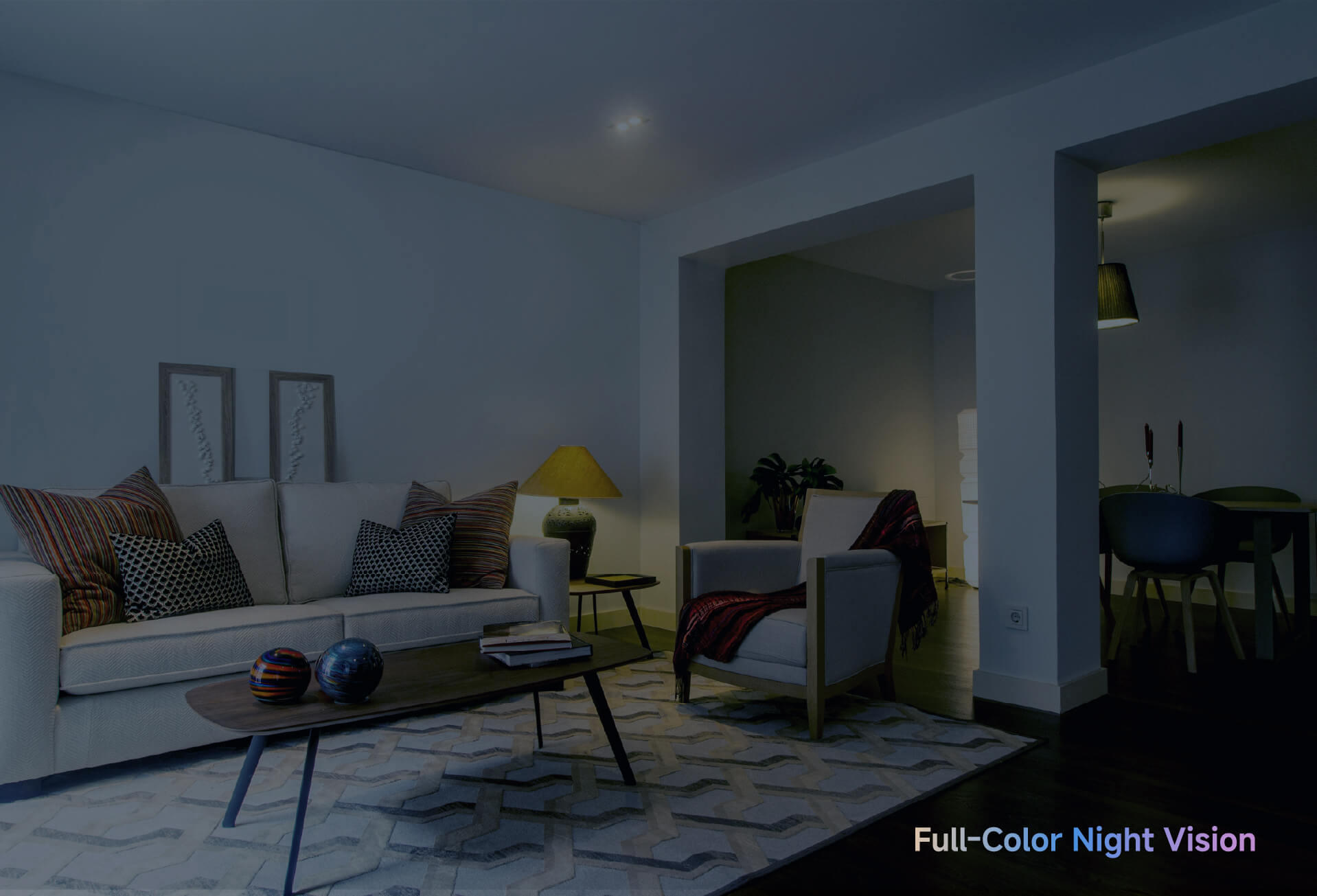
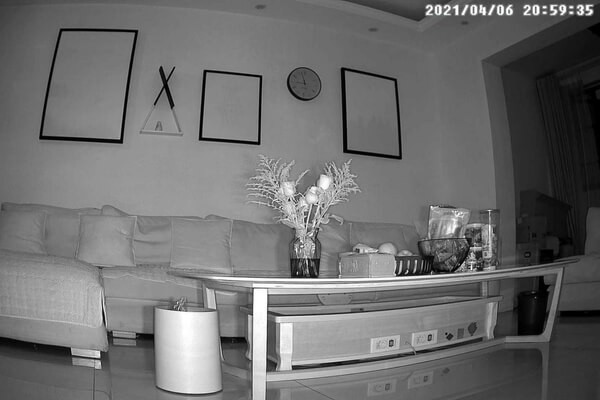
- Night Vision: Most cameras offer infrared night vision, but more advanced models, like Home Vision Pro, include color night vision. This allows the camera to capture color images even in low-light conditions, so you won’t miss crucial details at night.
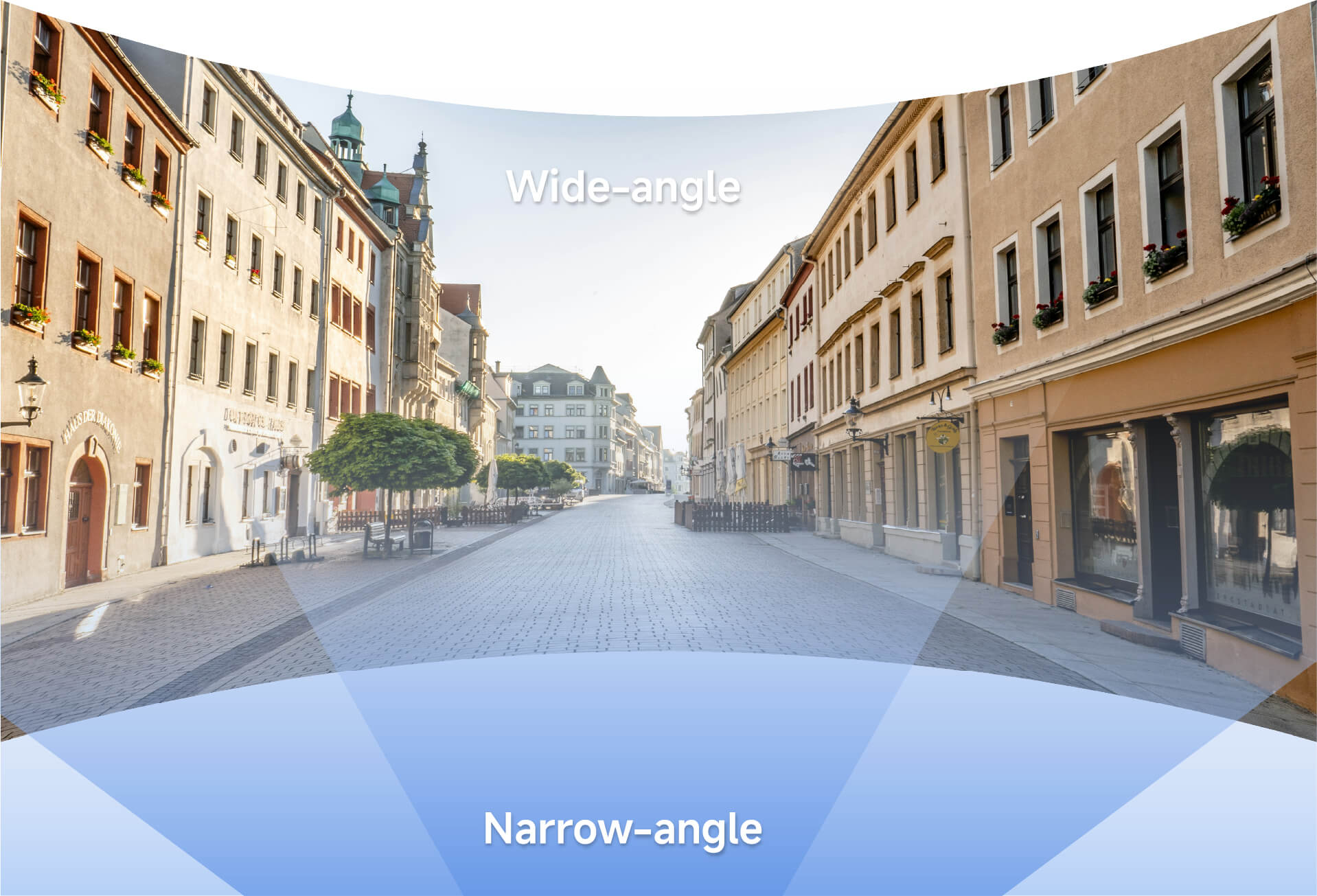
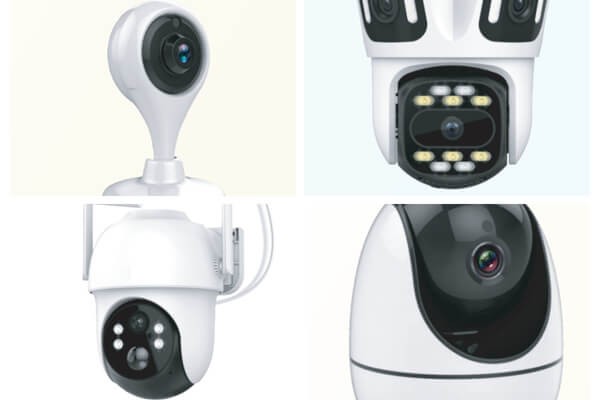
- Field of View and Mobility: Cameras with 360° pan & tilt features, such as Home Vision Magnet, allow you to cover a wider area with a single camera, ensuring there are no blind spots.
- Smart Detection and Alerts: AI-powered human detection can help filter out irrelevant alerts caused by pets or passing cars. This way, you only get notified about important activities.
- Audio: Two-way audio is a key feature, allowing you to speak to visitors or family members remotely. It can also act as a deterrent to unwanted intruders.
- Storage Solutions: Local storage via SD cards (up to 128GB) allows you to keep your footage private, while cloud storage offers backup options. Many cameras offer dual storage options for maximum security.
- Easy Installation and Power Options: Look for cameras with Wi-Fi connectivity and simple mounting solutions, like magnetic bases or adhesive mounts. This makes setup quick and easy without the need for drilling. Home Vision Magnet, for example, allows you to place cameras anywhere with no tools needed.
Home Vision Pro series makes it easy to install and enjoy top-tier security with AI motion detection, color night vision, and 360° mobility. It's the perfect solution for those looking to secure their home effortlessly, day or night.
Section 4: Installation and Optimization Tips – Getting the Most Out of Your Camera
Optimal Placement:
Place your cameras strategically at entryways, high-traffic areas, and near valuable items. Ensure they’re not directly facing bright lights or windows to avoid glare and poor visibility.
Network Optimization:
Ensure your camera is placed in an area with a stable Wi-Fi connection. For faster speeds and more reliability, use a dual-band router (2.4GHz and 5GHz) and avoid congested networks.
Privacy Settings:
Adjust the motion detection zones and sensitivity to minimize false alarms. Always use strong passwords and encryption to protect your system from unauthorized access.
Regular Maintenance:
Clean the camera lenses regularly and check for firmware updates to maintain optimal performance.
Section 5: What’s Next for Home Security in 2026? Trends to Watch
- AI Integration: In 2026, AI features like behavior analysis and package recognition will become more common, allowing for smarter, context-aware security.
- Wider Adoption of Higher Resolutions: Expect 3MP to become the new standard, with even more options for 5MP and 2.5K available for those who need high-definition footage.
- Enhanced Privacy and Security: Features like end-to-end encryption and edge computing will enhance both privacy and security for users.
- Seamless Smart Home Integration: Future security systems will work seamlessly with other smart devices, such as smart locks, lighting systems, and voice assistants, creating a fully automated security experience.
FAQ
What’s the difference between 2MP and 3MP for home use?
3MP provides more detail than 2MP, making it ideal for zooming in on faces or objects. If you need clearer images, especially for identification, 3MP is a better option for better clarity in your footage.
Are wireless cameras prone to disconnection?
Wireless cameras can be stable if placed in areas with good signal strength. For better reliability, opt for models with dual-band Wi-Fi support (like Home Vision Magnet series), which ensure a more consistent connection.
Do security cameras offer color night vision?
Yes, many modern indoor cameras, such as the Home Vision Pro, feature color night vision, allowing clear, colored footage even in low-light environments for improved monitoring and visibility.
Should I go for local storage or cloud storage?
Local storage provides privacy and no ongoing costs, while cloud storage offers added security in case of hardware failure. A combination of both can be an ideal solution for redundancy and convenience.
Do I need to drill holes for installation?
No, Home Vision Magnet models come with magnetic bases for easy, no-drill installation. This allows quick setup and flexible positioning without damaging your walls.
What is the best resolution for a home security camera?
The best resolution depends on your needs. For most home use, 2K (3MP) offers a great balance of detail and storage. If you need to zoom in on finer details, 4K is better, though it requires more storage.
Which is better: 4K or HD security camera?
4K cameras offer superior detail, making them ideal for larger areas or high-security locations. However, 1080p (HD) is sufficient for smaller areas, offering a cost-effective option with decent clarity for everyday monitoring.
Is 4K or 12MP better?
12MP offers higher resolution than 4K, making it perfect for situations requiring extremely detailed images. If you need larger coverage with precise details, a 12MP camera is a better choice over 4K.
What is the best high-resolution camera?
The best high-resolution camera depends on your requirements. For residential use, 3MP (2K) cameras like the Home Vision Pro offer great clarity. For larger commercial spaces or areas needing extra detail, 12MP or 4K cameras are ideal.
Conclusion
Choosing a high-resolution security camera in 2026 is about balancing image quality, functionality, and ease of use. With products like Rusin Vision's Home Vision Pro series, you can protect your home with clear, detailed footage and smart integrations that make security easier than ever. From installation to daily monitoring, these cameras provide the protection you need with the convenience you want. Stay ahead in home security and ensure peace of mind with Rusin Vision.