4K PTZ Cameras for Home Security: A Complete Residential Deployment Guide
The Growing Role of 4K PTZ Cameras in Residential Surveillance
Home security needs have changed. Many residential properties now include larger driveways, backyard spaces, detached garages, and multiple entry points.
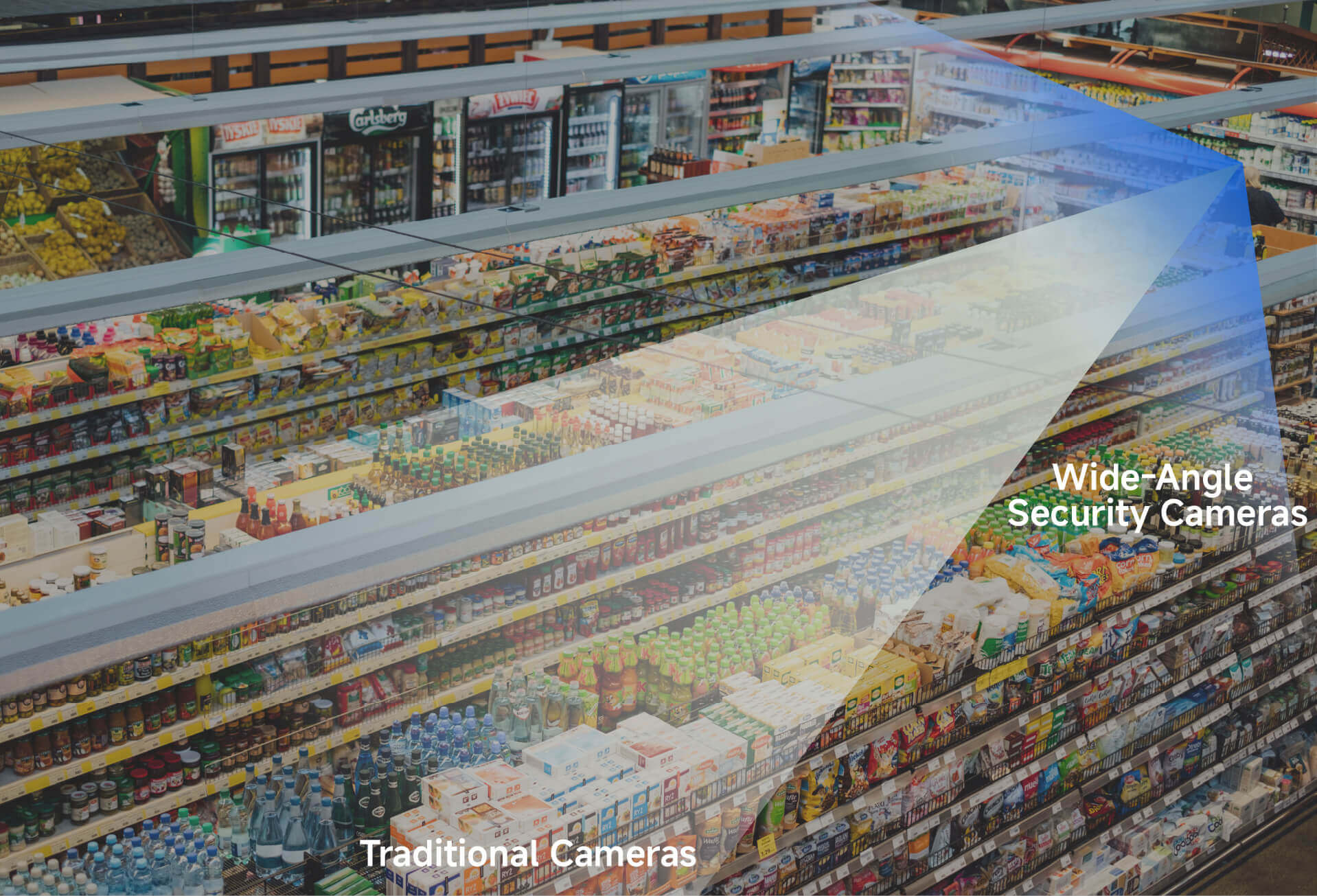
Fixed cameras often create blind spots. Covering wide areas may require several devices.
A 4K PTZ security camera offers an alternative. It combines ultra-high resolution with remote movement control, allowing one camera to monitor a broader area with greater detail.
At RusinVision, residential deployments increasingly involve flexible coverage rather than static monitoring. PTZ systems are often selected when homeowners want active viewing control instead of fixed angles.
For homeowners seeking practical coverage without complex multi-camera setups, this approach simplifies installation and long-term use.
Understanding What a 4K PTZ Camera Actually Provides
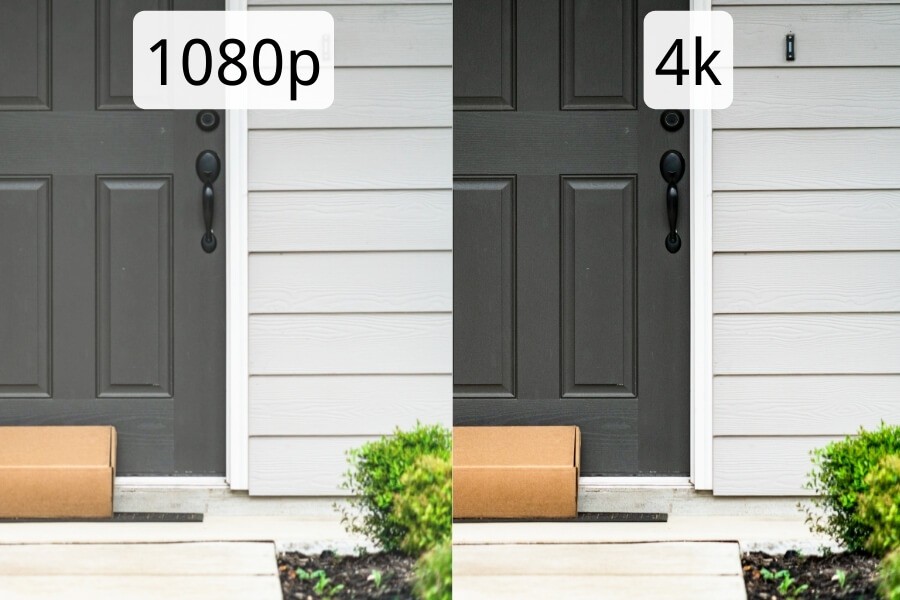
How 4K Resolution Improves Home Monitoring Detail
4K resolution typically refers to 3840 × 2160 pixels, also known as 8MP.
In residential monitoring scenarios, this level of detail allows:
- Clear facial identification at moderate distances
- Improved license plate readability in driveways
- Digital cropping of recorded footage without severe quality loss
Higher resolution also improves incident review. More pixels provide usable detail when isolating a specific frame.
For example, when monitoring a wide driveway, a high-resolution PTZ camera from RusinVision allows homeowners to zoom digitally into recorded clips while preserving clarity.
How Pan, Tilt, and Zoom Enhance Coverage Flexibility
PTZ stands for:
- Pan — horizontal rotation
- Tilt — vertical movement
- Zoom — focal length adjustment
Pan enables wide horizontal coverage. Tilt addresses vertical blind spots such as porches or second-floor windows. Zoom allows inspection of distant areas without repositioning the device.
Unlike fixed-lens cameras, a PTZ camera actively changes its viewing angle. This makes it suitable for properties where activity occurs across multiple zones.
Choosing the Right Type of 4K PTZ Camera for Residential Use
Indoor 4K PTZ Cameras for Living Spaces
Indoor PTZ cameras are compact and designed for quiet operation.
Common residential use cases include:
- Monitoring a living room
- Checking on children
- Observing pets
In smaller spaces, smooth rotation and app control matter more than extreme zoom.
Outdoor 4K PTZ Cameras for Driveways and Yards
Outdoor PTZ cameras must handle environmental exposure.
Key considerations include:
- IP66 or IP67 weather resistance
- Stable motor operation in varying temperatures
- Effective infrared night vision
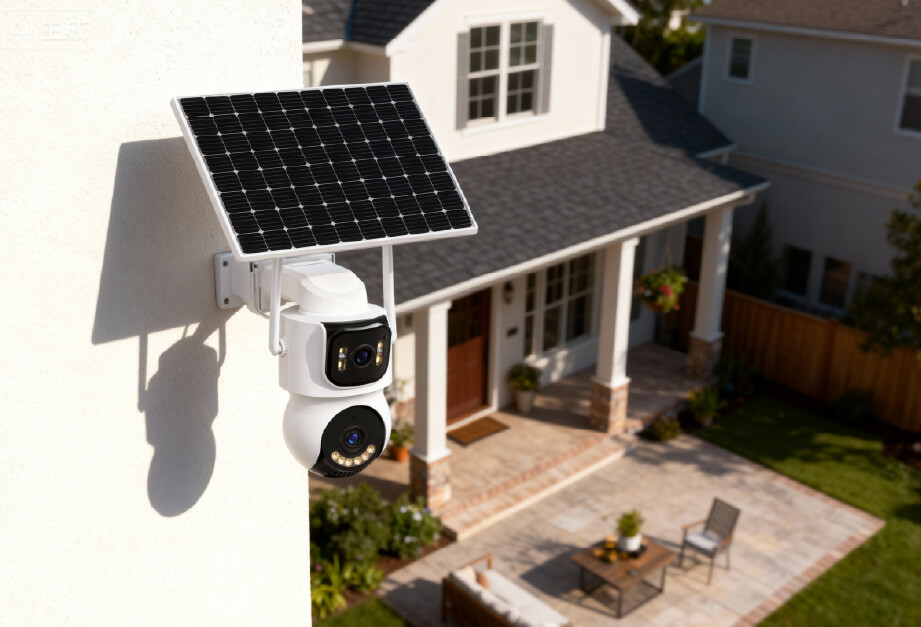
For example, a RusinVision outdoor PTZ security camera installed above a garage entrance can patrol preset positions between driveway and front gate automatically.
Wired vs Wireless 4K PTZ Cameras for Home Deployment
PoE cameras provide stable connectivity through a single Ethernet cable.
Wireless PTZ cameras reduce installation complexity when wiring is limited.
If you are monitoring a backyard with reliable Wi-Fi coverage, a wireless 4K PTZ camera may provide sufficient flexibility. In contrast, properties requiring uninterrupted recording often benefit from wired PoE deployment.
RusinVision offers both wired and wireless configurations to match different residential layouts.
Technical Factors That Determine Real-World Performance
Why Optical Zoom Matters More Than Digital Zoom
Optical zoom physically adjusts lens elements and preserves image clarity.
Digital zoom enlarges image sections electronically, reducing sharpness.
In residential environments:
- 10x optical zoom typically covers standard driveway lengths
- Higher optical ranges support larger properties
Optical zoom determines practical identification range. When selecting a 4K PTZ camera, prioritize optical specifications over digital claims.
Night Vision and Low-Light Performance Explained
Low-light performance depends on:
- Sensor size
- Lens aperture
- Image processing
Infrared night vision supports monitoring in complete darkness.
Color night vision requires some ambient lighting but enhances detail recognition.
In backyard deployments where lighting is limited, infrared distance rating becomes more important than resolution alone.
Auto-Tracking and AI-Based Detection in Residential Security
Modern 4K PTZ security cameras may include:
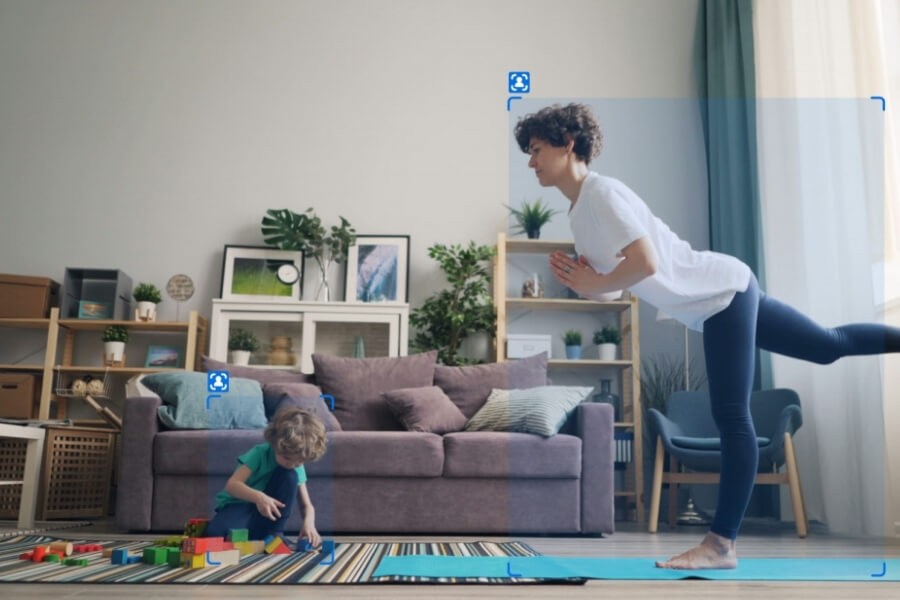
- Human detection
- Vehicle detection
- Motion tracking
Human detection reduces false alerts from trees or pets.
Auto-tracking allows the camera to follow movement across open spaces. This feature is particularly useful for driveways or perimeter monitoring.
In residential scenarios supported by RusinVision systems, preset patrol paths combined with AI detection often reduce manual camera adjustments.
Network Stability and Bandwidth Planning for 4K Video
4K video consumes more bandwidth than 1080P.
For stable 4K live viewing, at least 10 Mbps upload speed is recommended.
H.265 compression significantly reduces bandwidth requirements while maintaining image quality.
Homeowners should evaluate storage options:
- Local microSD storage
- NVR integration
- Cloud backup
When multiple high-resolution cameras operate simultaneously, router performance and network layout become critical.
When a 4K PTZ Camera Is the Better Choice Over Fixed Cameras
A 4K PTZ camera is appropriate when:
- The backyard is large and irregular
- The property includes multiple angles
- A detached garage requires monitoring
- One camera must replace multiple fixed units
A fixed camera may be sufficient when coverage is limited to one consistent angle.
At RusinVision, fixed cameras are often recommended for small entryways, while PTZ cameras are selected for wide-area residential coverage.
Step-by-Step Guide to Selecting the Right 4K PTZ Camera
Step 1: Assess Your Property Layout and Distance Requirements
Measure distances between installation points and monitored zones.
Consider driveway length and perimeter width. Distance determines required optical zoom.
Step 2: Confirm Indoor or Outdoor Requirements
Outdoor cameras require weather resistance and strong night vision.
Indoor cameras prioritize compact design and quiet motors.
Step 3: Match Zoom Range to Monitoring Goals
Select zoom range according to property size.
Avoid selecting excessive zoom capacity if monitoring range is limited.
Step 4: Review Connectivity and Network Conditions
Check Wi-Fi strength and router stability before choosing a wireless system.
For consistent performance, PoE deployment reduces interference risk.
If you are planning a more structured installation, RusinVision PoE-compatible PTZ cameras integrate cleanly with home NVR systems.
Step 5: Align Budget With Necessary Features
Higher tiers typically provide:
- Larger optical zoom
- Improved sensors
- More accurate AI tracking
The appropriate choice balances cost with practical need.
Installation Best Practices for Homeowners
Mounting height influences recognition accuracy.
Avoid placing the camera too high if facial identification is required.
Prevent glare from strong light sources.
Before finalizing installation:
- Test Wi-Fi strength
- Verify viewing angles
- Configure preset positions
Preset functions allow quick switching between driveway, gate, and entrance zones.
Maintenance and Basic Troubleshooting Guidelines
Routine maintenance extends system life.
Recommended steps include:
- Cleaning the lens periodically
- Updating firmware
- Testing PTZ movement
If image quality declines:
- Clean the lens
- Restart the device
- Check focus settings
- Verify firmware status
If PTZ motion fails:
- Inspect power supply
- Restart the unit
- Review app control settings
Consistent inspection reduces long-term wear on mechanical components.
FAQ
Is 4K necessary for home use?
4K is beneficial for larger properties or areas requiring detailed identification, such as driveways or gates. In smaller indoor spaces, lower resolutions may be sufficient.
How far can a 4K PTZ camera see?
Viewing distance depends primarily on optical zoom and environmental conditions. Higher optical zoom allows clearer identification at greater distances, especially in open outdoor areas.
Can I control a PTZ camera from my phone?
Most residential PTZ cameras support mobile applications for remote pan, tilt, zoom, and preset control. Stable network connectivity is required for smooth operation.
Does PTZ wear out over time?
Mechanical PTZ components experience gradual wear with frequent movement. Regular maintenance and firmware updates help maintain consistent performance and long-term reliability.
Is wireless reliable for 4K PTZ cameras?
Wireless performance depends on signal strength and bandwidth stability. For uninterrupted recording and higher reliability, wired PoE connections are generally more consistent.
Final Considerations for Deploying a 4K PTZ Camera at Home
A 4K PTZ security camera combines resolution with active viewing control. In larger residential layouts, it reduces blind spots while preserving detail.
The key is aligning zoom capability, network stability, and night performance with actual property conditions.
RusinVision focuses on practical residential deployment. When selected and installed correctly, a 4K PTZ system becomes a stable monitoring solution rather than a complex device.
Clear planning and appropriate configuration lead to long-term reliability and ease of use.