What Causes Video Loss in Security Cameras and How to Fix It
Common Signs of Video Loss You Should Notice
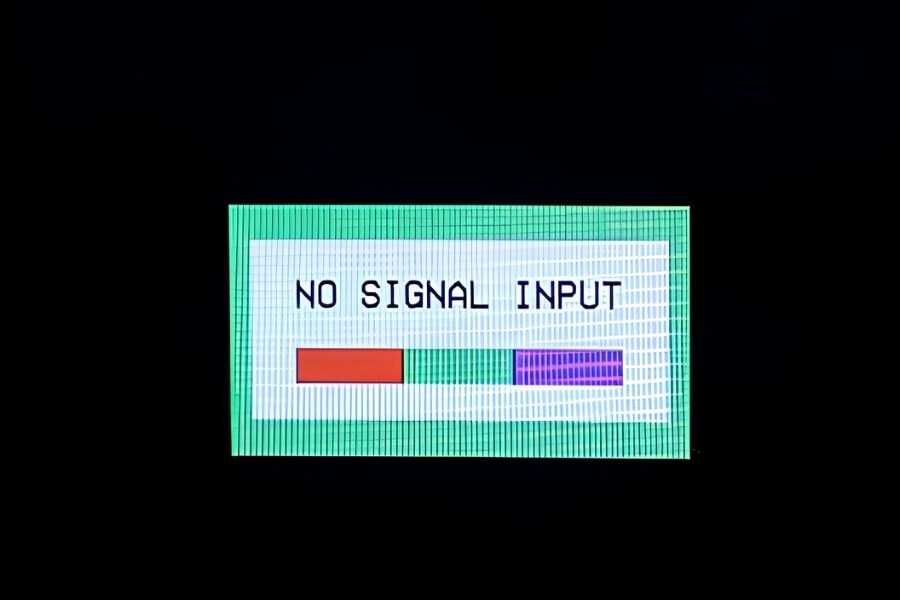
If your security camera shows a black screen, displays “no signal,” or keeps disconnecting, you are likely experiencing video loss.
Common signs include:
- Black screen
- “No signal” or “No input” message
- Flickering or intermittent video
- Image distortion such as lines or lag
- Cameras working during the day but failing at night
- One camera offline while others remain active
These issues reduce visibility and create monitoring gaps. In home environments, even short interruptions can affect real-time monitoring and playback.
How to Quickly Identify Why Your Camera Lost Video
Before checking every component, identify the pattern first. The way the issue appears often indicates where to start.
If All Cameras Go Offline at the Same Time
This usually points to a central failure such as power interruption, NVR malfunction, or network outage. If no cameras are visible, start by checking the main power source and recording device instead of individual cameras.
If Only One Camera Loses Video
This is typically a localized issue, such as a faulty cable, unstable power on one port, or a camera hardware problem. If swapping the camera to a working port restores video, the issue is likely the original port or cable.
If Video Loss Happens Only at Night
This often relates to night vision switching. Infrared LEDs may not activate, or the IR-cut filter may fail to switch correctly. Testing the camera in a dark environment helps confirm whether infrared functionality is working.
If Video Keeps Dropping On and Off
Intermittent video loss usually indicates instability. Common causes include weak WiFi signal, bandwidth limitations, loose connections, or electrical interference. If the issue improves when the camera is moved closer to the router, the cause is likely network-related.
Main Reasons Why Security Cameras Lose Video
Power supply issues
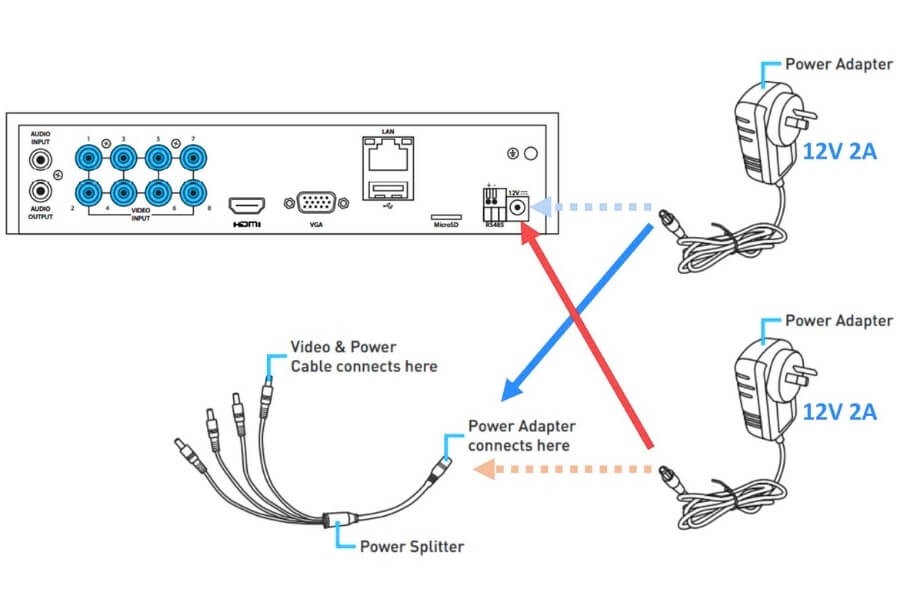
Unstable or insufficient power is one of the most frequent causes. Loose cables, overloaded adapters, voltage fluctuations, or long cable runs can reduce power delivery. Even when indicator lights are on, the camera may not receive enough power to transmit video consistently.
Connection problems
Both wired and wireless systems rely on stable connections. Loose connectors, damaged cables, or faulty ports can interrupt the signal. If reconnecting or replacing a cable restores video, the issue is connection-related rather than device failure.
Network and bandwidth limitations
For IP and wireless cameras, network quality directly affects performance. Weak WiFi signals, too many connected devices, or router limitations can lead to video loss. If video stabilizes after reducing network load, bandwidth is likely the issue.
Hardware failures
Physical damage or aging components can interrupt video. Moisture, overheating, or internal component failure may affect performance. Visible signs such as condensation or cracks often indicate hardware-related problems.
Software or firmware issues
Outdated firmware or incompatible software can cause instability. If restarting temporarily restores video, the issue may be software-related. Keeping firmware and apps updated helps maintain system reliability.
Night vision problems
Nighttime video loss is often linked to infrared components. IR LEDs may fail to activate, or the IR-cut filter may not switch properly. If issues occur only in low light, night vision should be checked first.
Environmental and installation factors
External conditions can affect performance. Cameras installed on metal surfaces, exposed to direct sunlight, or operating in extreme temperatures may experience instability. If problems occur under specific conditions, the environment should be evaluated.
Settings and configuration issues
Incorrect settings can make a working camera appear offline. Motion detection, recording schedules, or notification settings may not be configured properly. Always verify settings before replacing hardware.
Step-by-Step Guide to Fix Video Loss
Follow this sequence to isolate the issue efficiently.
- Check power. Confirm stable power supply and inspect adapters and cables.
- Inspect connections. Ensure all cables are secure and undamaged.
- Test the network. Check signal strength or Ethernet stability.
- Restart the system. Reboot cameras, routers, and recording devices.
- Update firmware. Install the latest updates to resolve compatibility issues.
- Perform swap testing. Exchange components to identify the faulty part.
This process helps identify the cause without unnecessary replacements.
Quick Fixes for Common Video Loss Problems
Black screen
Check power supply, inspect cable connections, and restart the camera. These steps often resolve basic video output issues.
“No signal” message
Verify the correct input channel, check cable integrity, and confirm compatibility between the camera and recording device.
Flickering or unstable video
Secure loose connectors, reduce electrical interference, and check network usage. Instability is often related to connection or bandwidth.
Video loss at night only
Enable night vision mode, test infrared LEDs, and improve lighting if necessary. This helps determine whether IR components are functioning correctly.
How to Prevent Video Loss in Security Cameras
Preventive maintenance reduces recurring issues.
- Inspect cables and connections regularly
- Keep firmware and apps updated
- Avoid network overload
- Install cameras away from interference sources
- Use equipment suited to the installation environment
Consistent system checks improve long-term reliability.
Choosing the Right Camera Setup to Avoid Video Loss
System stability often depends on how well the setup matches the environment.
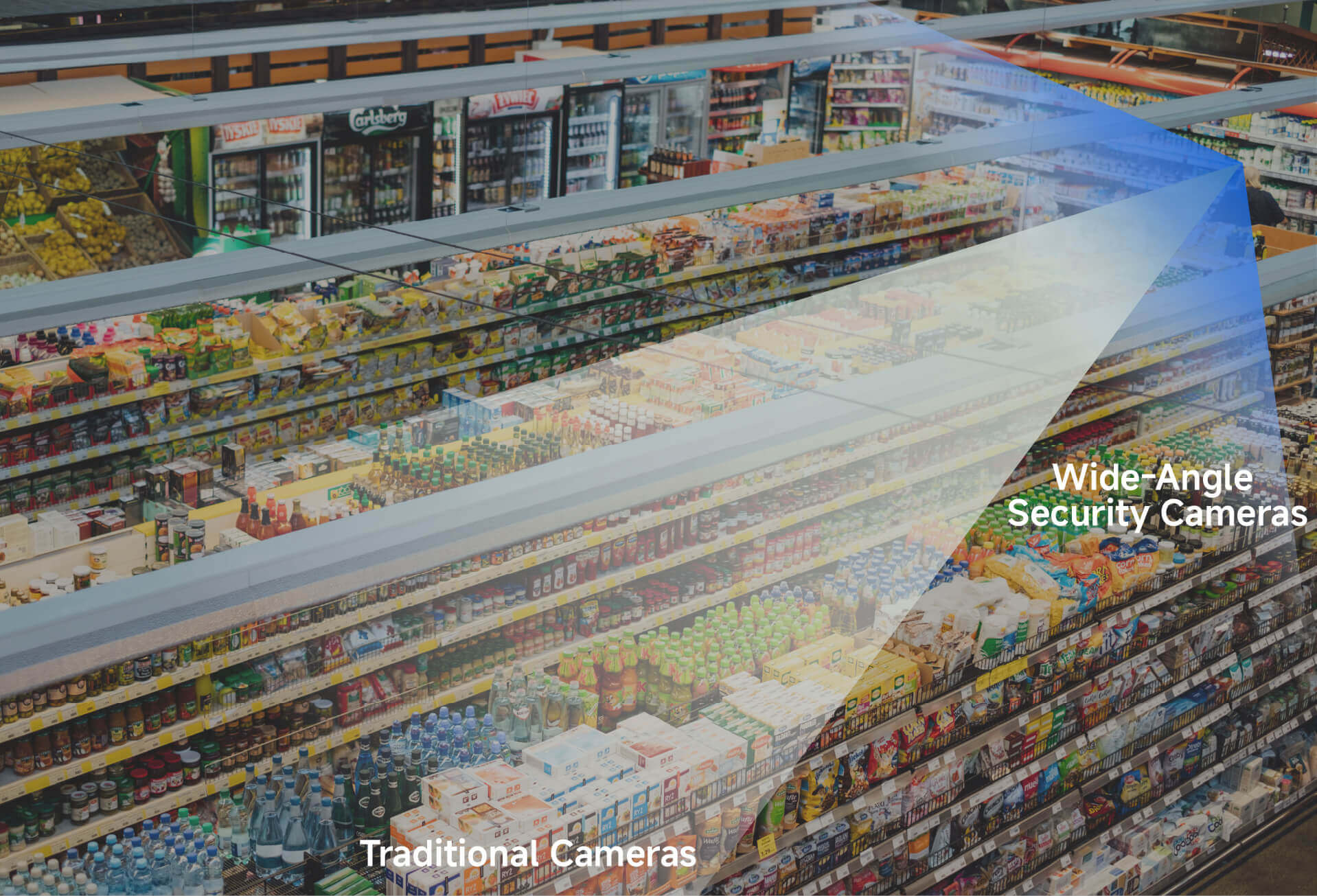
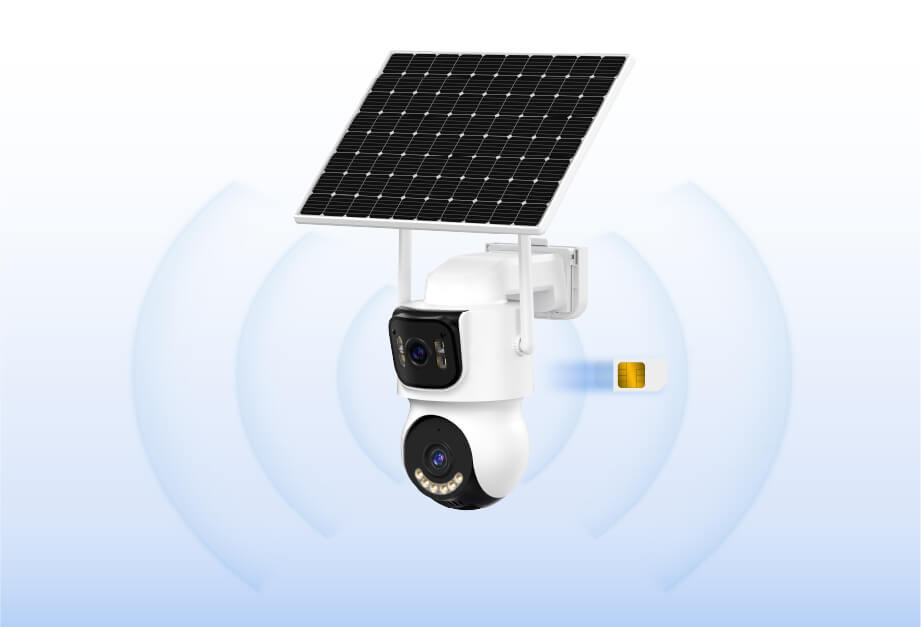
For example, using wireless cameras indoors with stable WiFi coverage and local storage reduces reliance on network conditions. For larger areas, cameras with wider coverage reduce system complexity. In environments with limited infrastructure, standalone or battery-powered cameras provide more consistent operation.
For typical home monitoring, a simple wireless setup with stable connectivity and straightforward configuration reduces many common failure points. In systems designed around this approach, such as RusinVision indoor camera setups, the focus is on maintaining reliable connections, simplifying installation, and ensuring consistent remote access under normal home conditions.
FAQ
Why is my security camera showing no video?
This usually indicates a power, connection, or network issue. Start by checking power supply, then inspect cables and connectors. If those are working, test network stability. A step-by-step check helps isolate the cause without replacing components unnecessarily.
Why does my camera work during the day but not at night?
This is typically related to night vision failure. Infrared LEDs may not activate, or the IR-cut filter may not switch correctly. Testing the camera in a dark environment helps confirm whether infrared functionality is working properly.
Why does only one camera lose signal?
When only one camera is affected, the issue is usually local. Common causes include a faulty cable, unstable power supply, or a damaged port. Swapping components helps determine whether the issue is with the camera or the connection.
Can weak WiFi cause video loss?
Yes. Weak or unstable WiFi can interrupt video transmission. Distance, obstacles, and network congestion can reduce signal quality. If video improves when the camera is moved closer to the router, the issue is likely related to signal strength.
How do I know if the problem is hardware or settings?
Check system settings first, including recording mode and network configuration. If settings are correct, perform swap testing. If the issue follows the device, it is likely hardware-related rather than a configuration problem.
Why does my camera keep disconnecting intermittently?
Intermittent disconnections are usually caused by unstable network conditions, loose connections, or interference. Checking WiFi strength, securing cables, and reducing nearby interference sources can help restore stable video transmission.
Final Thoughts on Fixing Video Loss
Video loss in security cameras is usually caused by a limited number of common issues.
By focusing on power stability, connection reliability, network performance, and proper configuration, most problems can be identified and resolved efficiently.
A structured troubleshooting approach, combined with a setup that matches the environment, helps maintain stable monitoring and reduce unexpected downtime.