iPhone/iPad Security Camera: The Smart Home Surveillance Solution
Introduction: The Rise of Smart Home Security
With the rise of smart homes, wireless security cameras are becoming a standard feature in modern households. Whether you're looking to buy a ready-to-use security camera with an app for easy live viewing, or you prefer to repurpose your old iPhone or iPad into a security camera, you can set up your own simple home surveillance system in just minutes.
What is an iPhone/iPad Security Camera and How Does It Work?
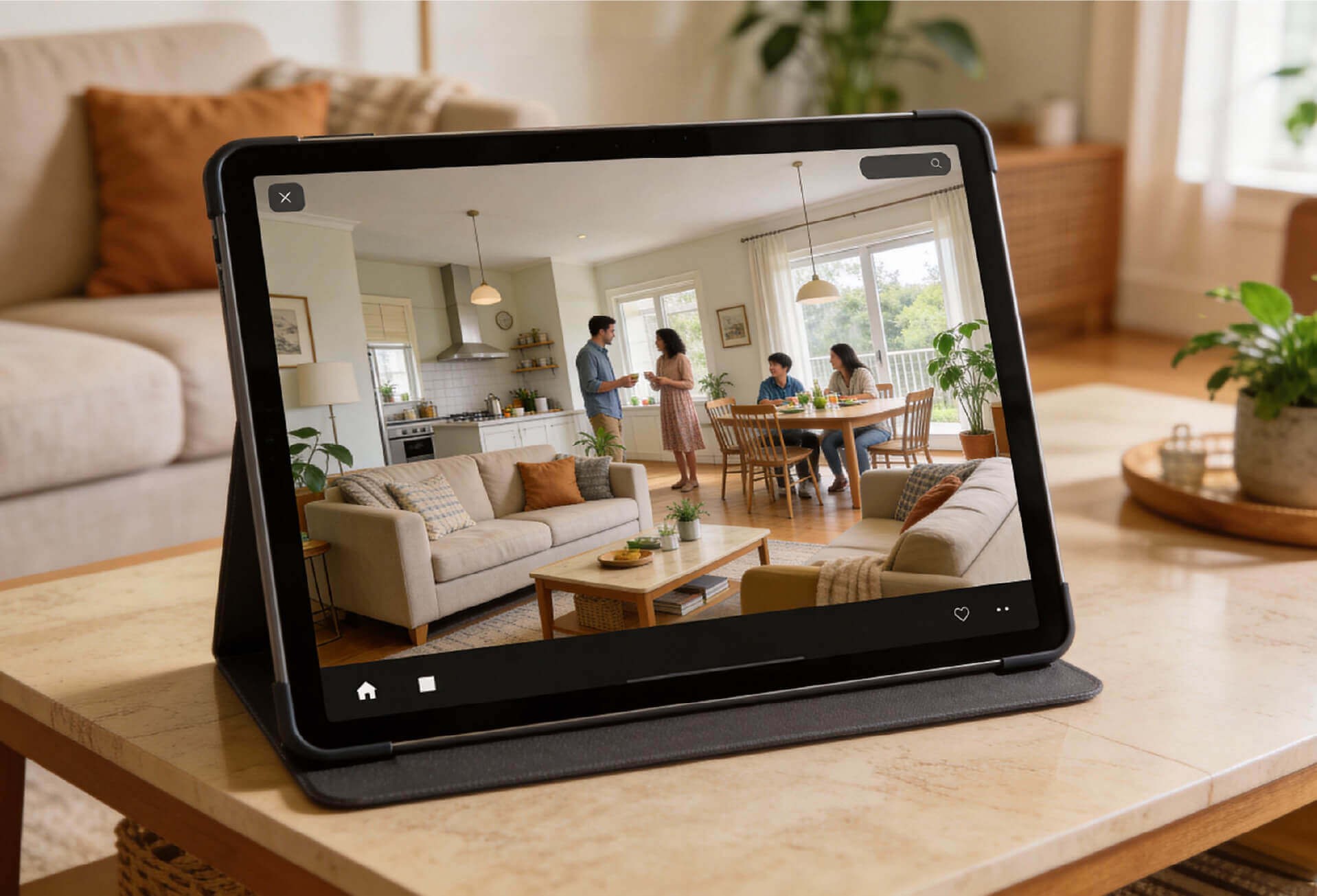
iPhone/iPad security cameras connect to your home network, allowing you to view what's happening at home, even from miles away. Some key features include:
- Remote Live Viewing: Watch what's going on in your home in real-time through a mobile app.
- Smart Alerts: Get push notifications and email alerts with pictures and videos when motion is detected.
- Simplified Setup: Thanks to P2P technology, these cameras easily connect to your devices without the need for complicated network configurations.
- Cross-Device Compatibility: Use the same account to view your security camera feed across multiple iPhones or iPads.
Professional Security Cameras vs. DIY iPhone/iPad Solutions
Advantages of Professional Wireless Security Cameras
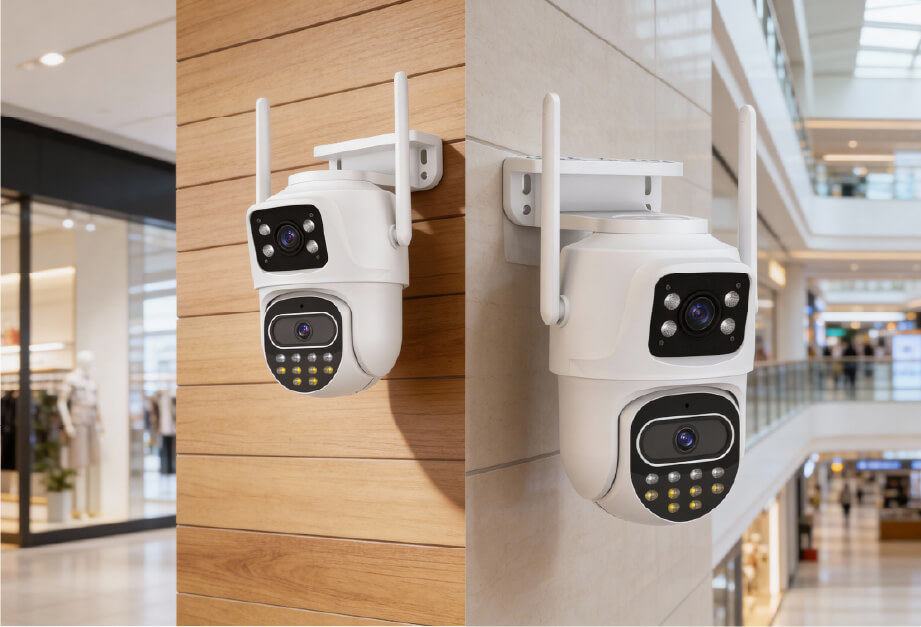
- 24/7 Stability: Designed for continuous monitoring with advanced heat dissipation.
- Enhanced Night Vision: Equipped with infrared or full-color night vision technology.
- Smart Detection: AI-powered person and vehicle recognition to reduce false alerts.
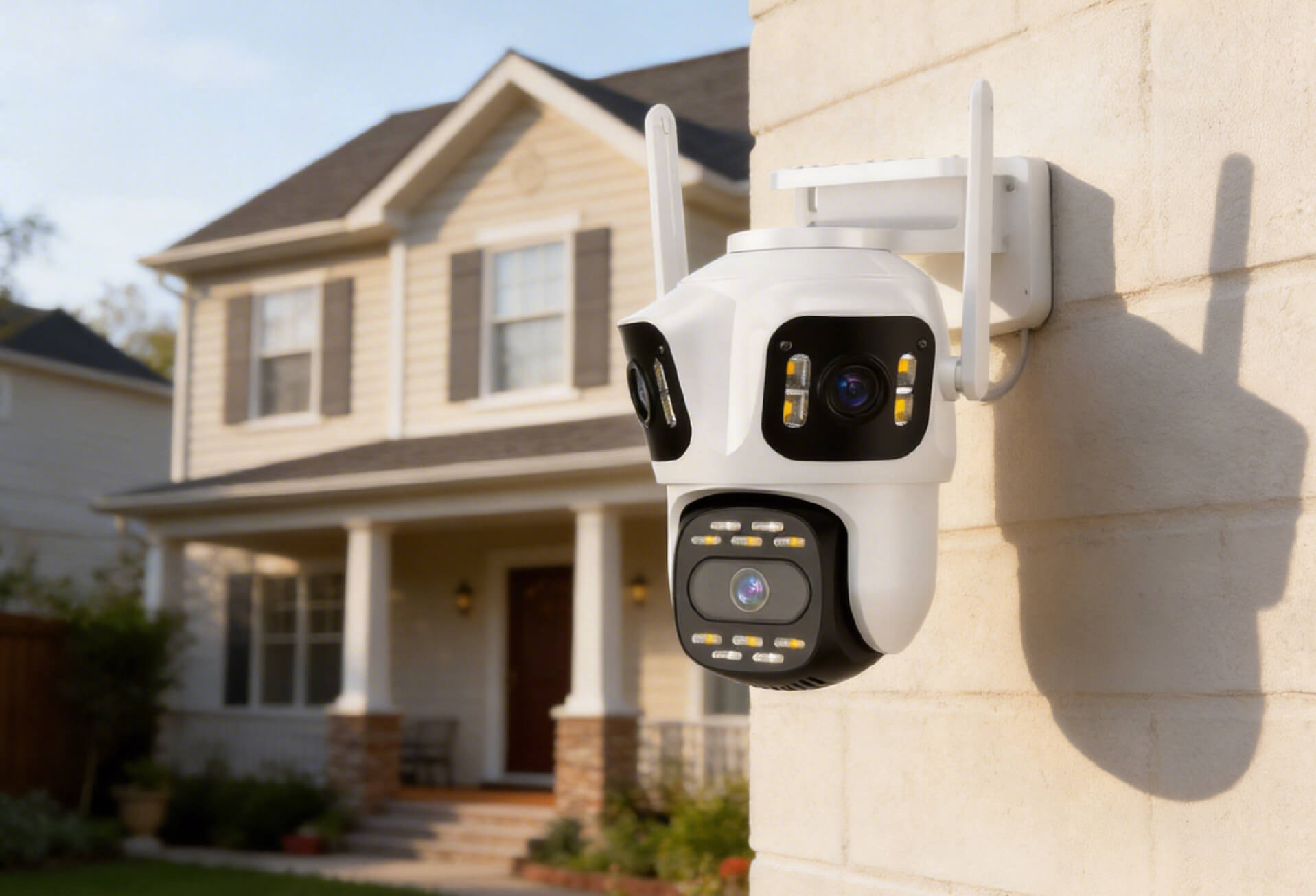
- Waterproof and Dustproof: Suitable for both indoor and outdoor use.
- Pan and Tilt Functionality: 360° rotation ensures no blind spots.
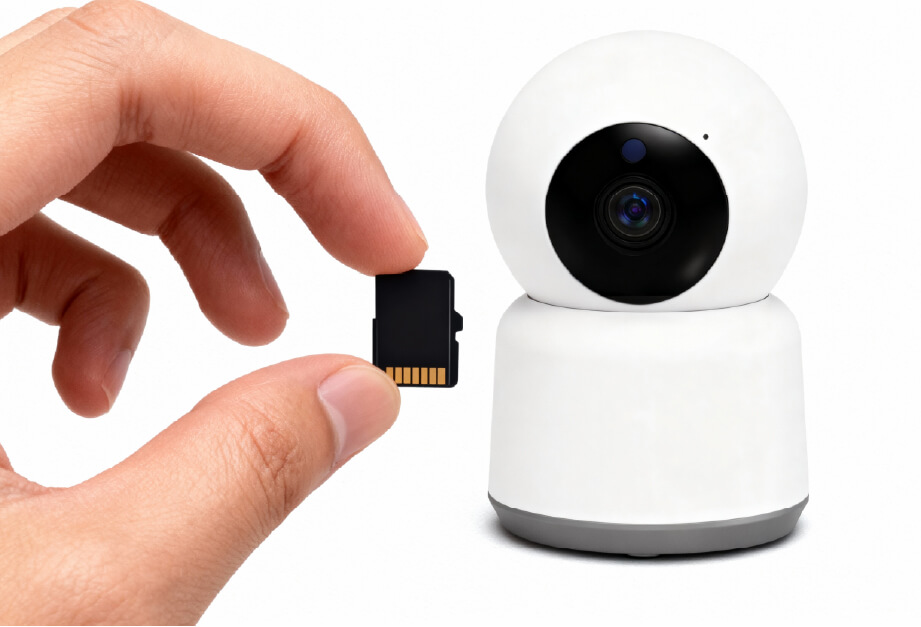
- Dual Storage Options: Supports both local SD card storage and cloud backups.
DIY Old Device Retrofit Solution
- Cost-Effective: Repurpose old devices at zero cost.
- Ease of Use: Quickly set up through an app.
- Flexible Placement: Can be temporarily placed in any desired location.
While the DIY solution offers cost savings, it’s important to recognize that it may lack certain features provided by professional systems. The next section will compare these two solutions in more detail.
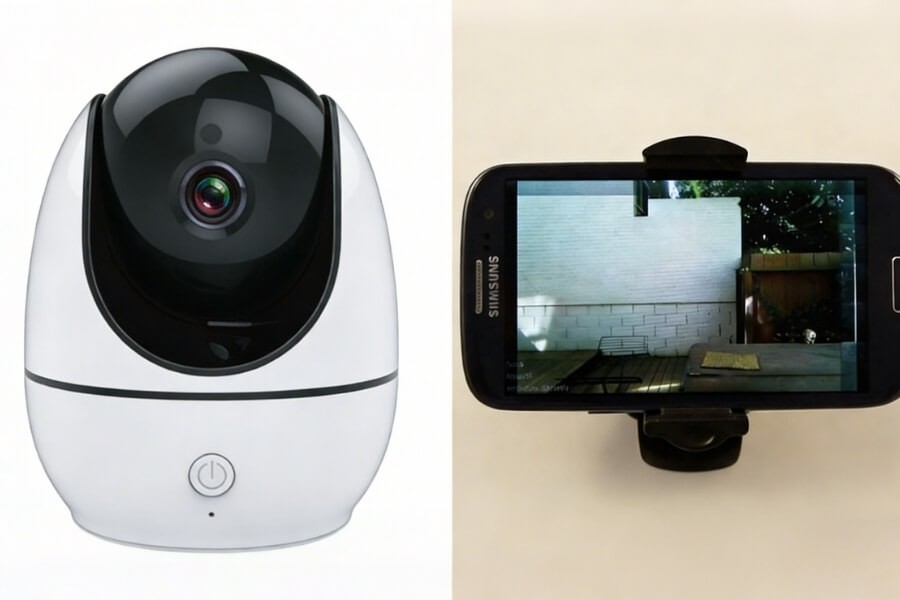
Comparison Between Professional Cameras and DIY Solutions
| Features | Professional Wireless Cameras | DIY Retrofit Solution |
|---|---|---|
| Stability | High, purpose-built for security | Medium to Low, affected by device condition |
| Night Vision | Professional infrared/full-color night vision | Dependent on device flashlight, limited performance |
| Battery Life | Power supply or long-lasting battery | Requires constant charging, prone to overheating |
| Complete Functionality | Comprehensive (motion detection, two-way audio, etc.) | Limited by app capabilities |
| Security | High, professional encryption | Medium, at risk of unauthorized access |
How to Set Up Your iPhone/iPad Security Camera
Option 1: Setting Up a Professional Wireless Camera
- Download the App: Download the security camera app from the App Store.
- Add the Device: Scan the QR code or enter the device ID to add the camera.
- Connect to Network: Follow the instructions to connect your camera to your home Wi-Fi (supports both 2.4G and 5G).
- Install and Place: Choose the best location for the camera, ideally covering main entry points.
- Configure Settings: Enable motion detection, set alert zones, and adjust image quality settings.
Option 2: Converting Old iPhone/iPad into a Security Camera
- Choose a Monitoring App: Select an app like Manything, Presence, or iCam from the App Store.
- Pair the Devices: Install the "camera" app on the old device and the "viewer" app on the new device.
- Sync Accounts: Log in to the same account on both devices.
- Position the Camera: Place the old iPhone or iPad at a suitable location near a power source.
- Configure Features: Set up motion detection sensitivity, alert types, and other preferences.
Key Features of iPhone/iPad Security Cameras
1. High-Definition Quality and Coverage
- Clear Imaging: 2MP/3MP HD resolution ensures sharp and detailed footage.
- Panoramic Coverage: 360° pan-and-tilt functionality provides complete coverage with no blind spots.
- Wide Dynamic Range: Maintains clear images even in backlit environments.
2. Smart Detection and Alerts
- AI Person Detection: Accurately identifies people and distinguishes them from other moving objects.
- Customizable Monitoring Zones: Mark important areas to reduce false alerts.
- Instant Push Notifications: Alerts you immediately when unusual activity is detected.
3. All-Day Surveillance Capabilities
- Full-Color Night Vision: Provides color footage in low-light conditions.
- Infrared Night Vision: Clear surveillance even in complete darkness.
- Continuous Recording: Local SD card storage, up to 128GB, supports 24/7 video recording.
4. Interactive and Expandable Features
- Two-Way Audio: Talk to family members or deter intruders with the built-in microphone and speaker.
- Multi-User Access: Share live footage with family members through the app.
- Smart Integration: Connect with other smart home devices for a fully integrated security system.
Troubleshooting Your iPhone/iPad Security Camera
1. Connectivity and Network Problems
- Unstable Wi-Fi: Ensure the camera is within the Wi-Fi coverage area; consider using a Wi-Fi extender.
- Remote Viewing Failures: Check if the camera is online and verify port forwarding settings.
2. Video and Image Quality Issues
- Night Vision Problems: Clean the lens and avoid direct light or reflective surfaces.
- Lagging Footage: Lower the video quality or check network bandwidth.
3. Alert and Notification Issues
- Missed or False Alerts: Adjust motion detection sensitivity and set up monitoring areas.
- Delayed Notifications: Verify the app’s notification settings and ensure it runs in the background.
4. Device Maintenance Problems
- Overheating Devices: Place the camera out of direct sunlight and ensure proper ventilation.
- Storage Issues: Regularly back up or clear footage; check the health of your SD card.
FAQ
Can I use my old iPad as a security camera monitor?
Yes, you can use apps like Manything or Presence to turn your old iPad into a monitor for live viewing of your other security cameras.
How do I set up motion detection zones?
In the app’s settings, select "Motion Detection," then drag to define custom zones and adjust the sensitivity for each zone to reduce false alerts.
Can I access my security camera from multiple iPhones?
Yes, you can access your camera from multiple devices by installing the same app and logging in with the same account on each iPhone.
Do iPhone security cameras work without Wi-Fi?
Some professional cameras support 4G/LTE, but most DIY iPhone security cameras require Wi-Fi. A mobile hotspot can be used as a temporary workaround.
How do I get real-time alerts on my iPhone?
Enable "Push Notifications" in the app’s notification settings, and make sure notification permissions are allowed in your phone's system settings for instant alerts.
What happens if my DIY iPhone camera is stolen?
To protect your privacy, enable device lock, use app security locks, and activate "Find My iPhone" to remotely lock or erase the data if it’s lost or stolen.
How to Choose the Best Home Security Camera
For typical households, renters, or apartment dwellers, it’s important to consider the following when selecting an easy-to-use home security camera system:
- Ease of Installation: Opt for wireless cameras that don’t require wiring and are truly plug-and-play.
- Privacy Protection: Look for systems with local storage so that your data stays in your hands.
- Cost of Ownership: Choose systems with no monthly fees and long-term usability.
- Simplicity of Use: Make sure it’s a user-friendly system that even children or elderly family members can operate.
- Expandable Options: Select cameras that can easily be added as your security needs grow.
The Future of Home Security with iPhone/iPad Cameras
Today, home security is no longer limited to expensive, complex systems. With wireless Wi-Fi cameras, every household can enjoy professional-grade protection at an affordable price. Whether you're securing your family, watching your pets, or monitoring your home remotely, modern smart home surveillance technology brings peace of mind within reach.
Conclusion
Now that you know how to set up your iPhone/iPad security system, you’re ready to monitor your home with ease. Rest assured, whether you choose a DIY solution or a professional camera, your home will be more secure than ever.