How Long Do Security Cameras Keep Footage
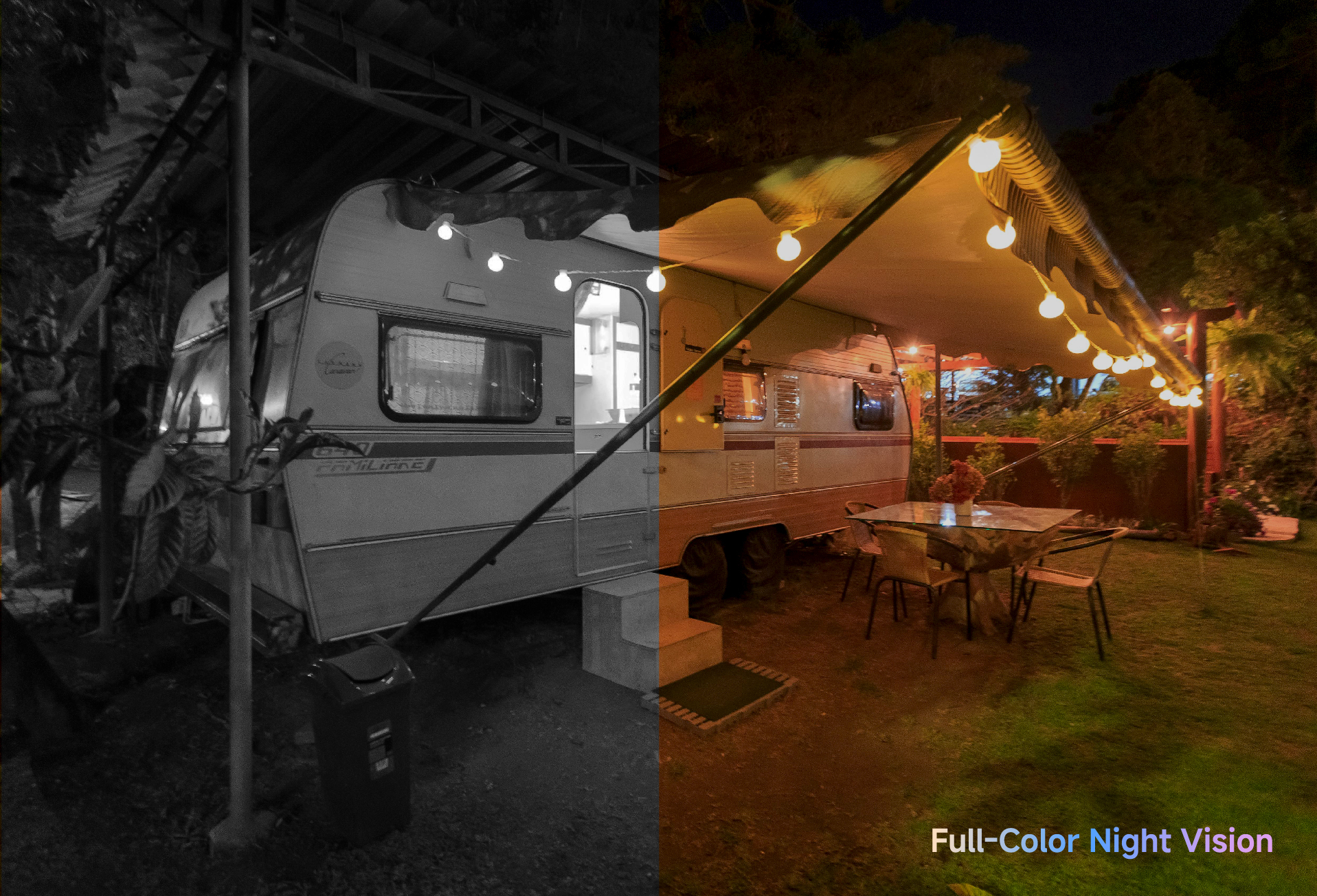
Most home security cameras keep footage for about 7 to 30 days. Some systems store less, while others can keep recordings for several weeks or longer.
Security cameras do not save video forever. When storage is full, older footage is usually overwritten automatically. How long recordings last depends on how the camera stores and records video.
Why Footage Retention Varies Between Homes
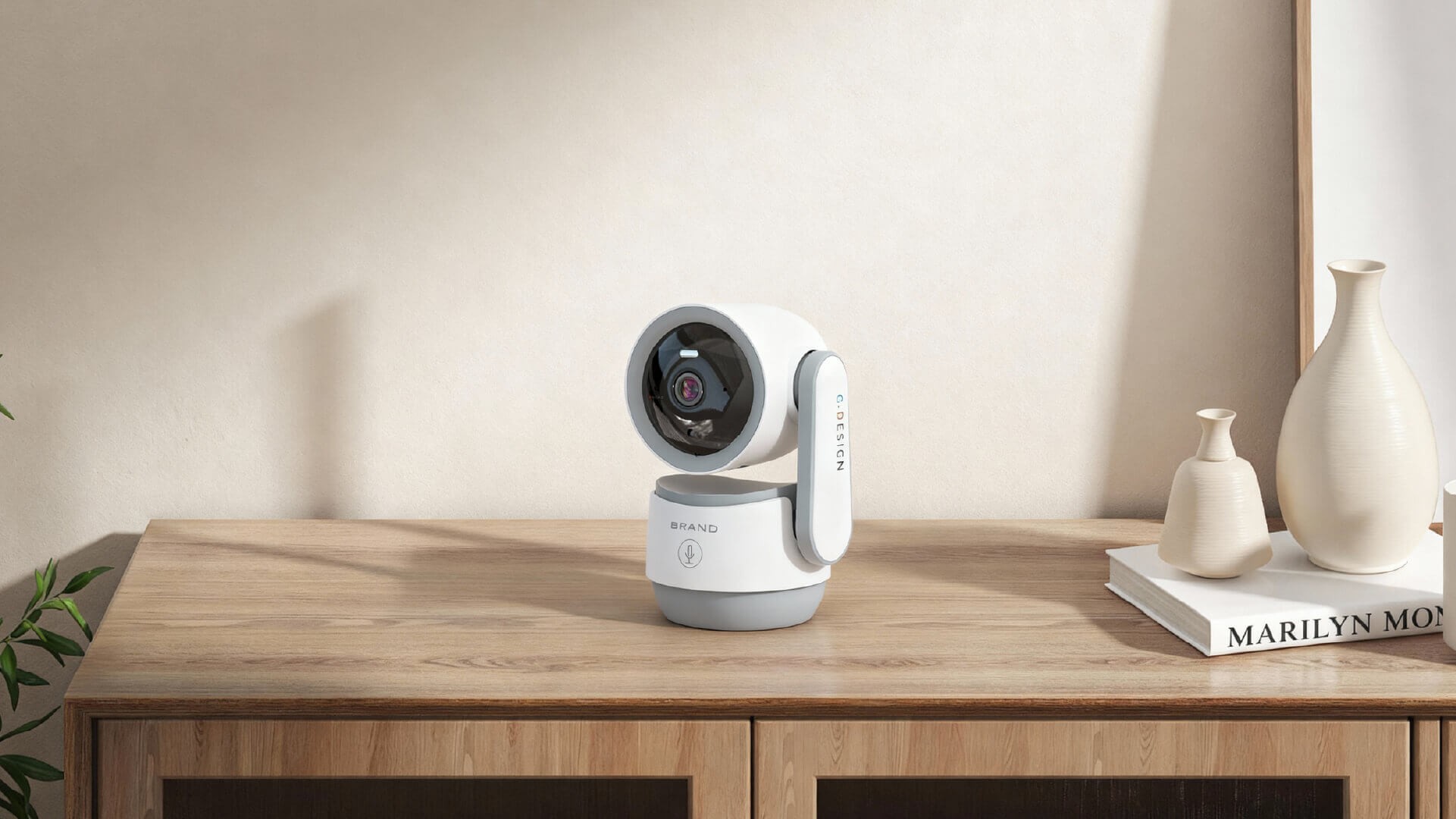
Two homes using similar cameras can have very different retention times. The reason is not the camera alone, but how it is set up and used.
Where Does the Footage Go
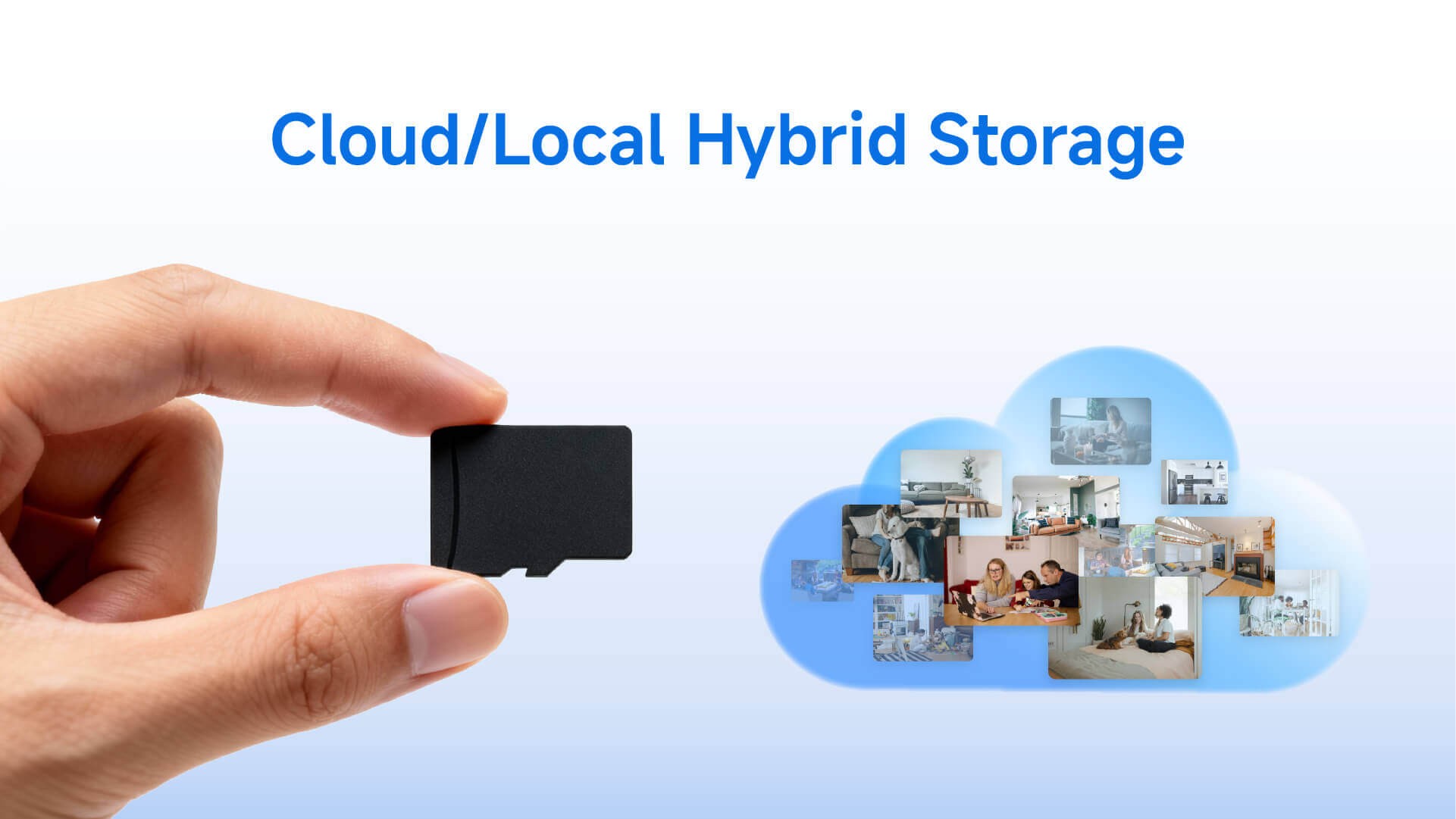
Most indoor security cameras use one of two storage methods:
- Local storage, such as an SD card inside the camera
- Cloud storage, which saves video on remote servers
Local storage gives users direct control over footage and does not require a subscription. Many wireless indoor security cameras designed for home use support local SD cards, making it easier to manage recordings without ongoing fees.
Cloud storage can offer remote access and backups, but retention time is often limited by the service plan.
How Does Your Camera Record
Recording mode plays a major role in how long footage is kept.
- Continuous recording captures everything and fills storage quickly.
- Motion-based recording saves clips only when activity is detected.
For everyday home use, motion-based recording usually extends storage time. Smart indoor monitoring cameras that use AI human detection can avoid recording empty scenes, which helps conserve space while still capturing important events.
How Video Quality Affects Storage
Higher video quality uses more storage.
- Higher resolution means larger files
- More efficient compression helps save space
Many home users find that 2MP or 3MP resolution provides enough detail for indoor monitoring without reducing retention time too much.
What Happens When Your Storage Gets Full
Most home security cameras use loop recording.
When storage reaches its limit, the system automatically deletes the oldest footage to make room for new recordings. Once footage is overwritten, it usually cannot be recovered.
This behavior is normal and expected for consumer-grade security systems.
How to Keep Footage for Longer
Most users can extend retention time with a few simple adjustments:
- Use motion-based recording instead of continuous recording
- Lower resolution in areas where fine detail is not critical
- Export important clips to a phone or computer before they are overwritten
- Expand storage if the camera supports larger SD cards
For renters and apartment users, wireless Wi-Fi cameras with plug-and-play setup make these changes easier, since settings can be adjusted directly in the app without complex installation.
More User Scenarios for Managing Footage
For renters or apartment users, wireless cameras that offer local SD card storage are ideal, as they can easily be moved and reconfigured without any hassle. These cameras are perfect for monitoring entryways, garages, or courtyards, where motion-based recording can extend storage time.
For larger homes, especially those with multiple cameras, cloud storage or NVR setups can be more efficient, as they allow you to store footage from several cameras in one location. These setups are also ideal for those who want to remotely access footage, providing peace of mind when away from home.
FAQ
Do security cameras delete footage automatically?
Yes. Most home security cameras automatically overwrite old footage when storage is full to make room for new recordings.
How far back can I check recorded video?
It depends on storage size, recording mode, and video quality. Typically, home security systems retain footage for 1–4 weeks.
Can security cameras keep footage forever?
No. Security cameras do not store footage indefinitely. Important clips must be saved elsewhere for long-term retention.
Can deleted footage be recovered?
Usually not. Once footage is overwritten, it cannot be recovered unless special recovery tools are used before the space is reused.
How long are camera recordings kept?
The duration varies based on storage capacity, camera settings, and recording mode. Most home systems keep footage for 7 to 30 days.
Conclusion: What You Need to Know About Retention Time
Most home security cameras keep footage for 7 to 30 days, but the actual duration depends on storage type, recording mode, and video settings. Understanding how these factors work together helps prevent accidental data loss.
Indoor security cameras designed for everyday home use, like those focused on wireless setup and local storage, make it easier for users to manage retention without technical complexity. At RusinVision, our smart indoor monitoring solutions offer simple controls and reliable performance, helping homeowners and renters maintain effective security without worrying about data loss or storage limitations.
By choosing the right camera and storage setup, you can ensure your footage is retained for the appropriate amount of time while also keeping your system cost-effective and easy to use.