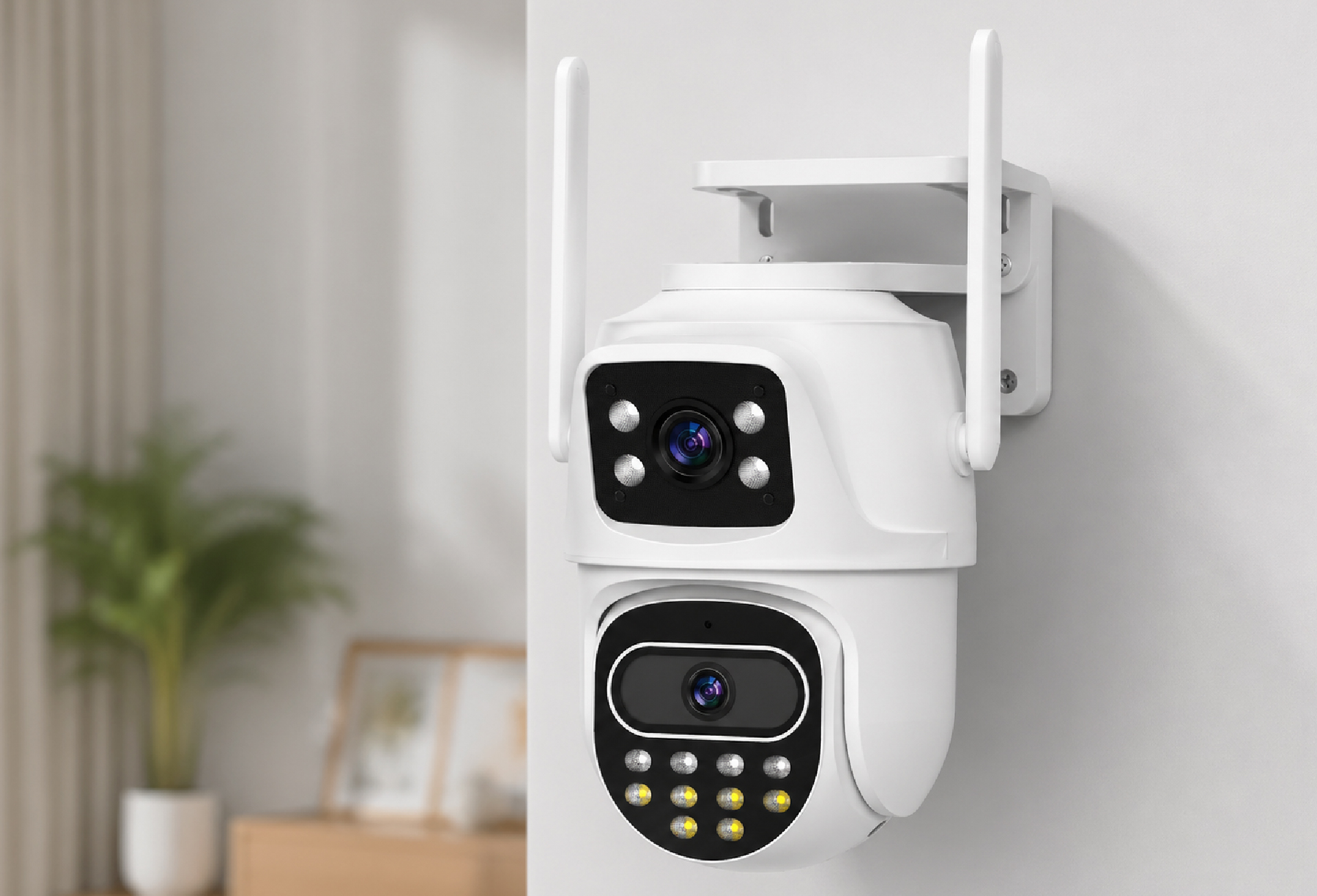
Best 360-Degree Security Camera: Ensuring Comprehensive Surveillance
Security cameras help reduce uncertainty in daily environments. However, traditional fixed cameras often leave blind spots that limit visibility inside a room or workspace.
A 360-degree security camera addresses this issue by expanding the field of view. Instead of monitoring only one direction, the camera can cover a full area using panoramic imaging or rotation.
For homes, apartments, and small offices, this approach simplifies surveillance while maintaining clear coverage.
Why More Homes Are Using 360-Degree Security Cameras
Many households install security cameras for routine monitoring. Common reasons include checking entryways, watching pets, or monitoring children and elderly family members.
Traditional cameras often require multiple units to cover one room. This increases equipment cost and installation effort.
A 360-degree security camera can monitor a larger area with a single device, reducing complexity while improving coverage.
Typical use cases include:
- living room monitoring
- apartment entrance surveillance
- small office monitoring
- caregiving observation
Because of this flexibility, panoramic cameras are becoming common in residential monitoring systems.
What Is a 360-Degree Security Camera and How Does It Work
A 360-degree security camera is designed to monitor a wide area using panoramic imaging or mechanical rotation.
Unlike traditional cameras that capture a narrow viewing angle, these cameras allow users to observe an entire room or large space.
Most models support remote viewing through a mobile application. Users can adjust viewing angles or zoom into specific areas when necessary.
This approach improves situational awareness and helps reduce blind spots.
How 360-Degree Security Cameras Work
Different cameras achieve wide coverage using different technologies. Most systems fall into three main categories.
Fisheye Security Cameras
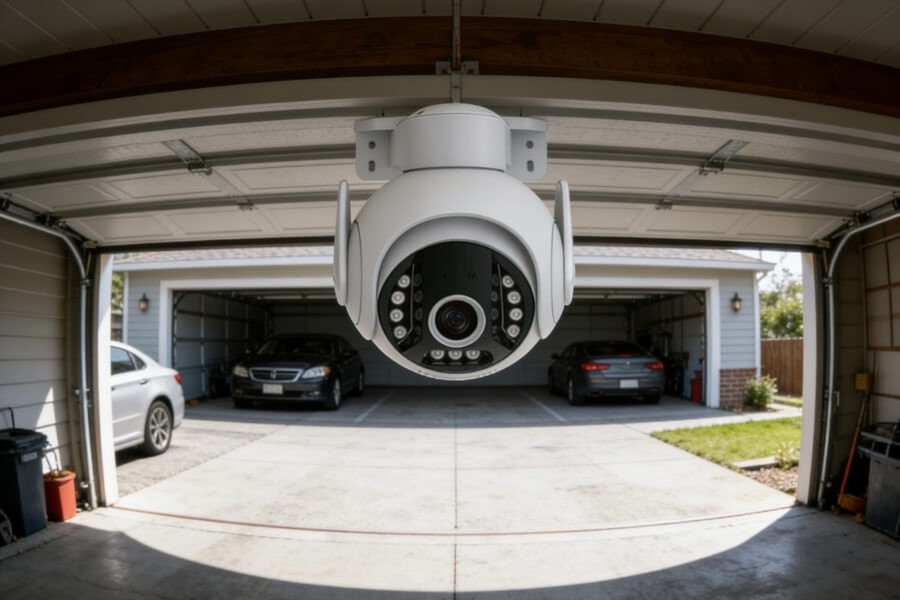
Fisheye cameras use ultra-wide lenses to capture a panoramic image in a single frame.
Software processes the image and corrects distortion so users can view multiple perspectives.
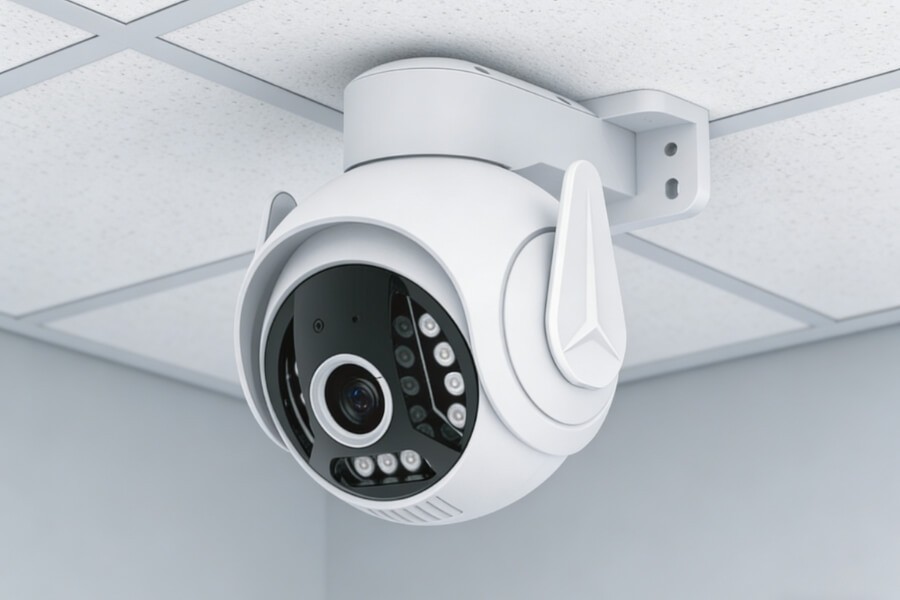
These cameras are often installed on ceilings to monitor indoor areas such as offices or living rooms.
Multi-Lens Panoramic Cameras
Some surveillance cameras use multiple sensors or lenses.
Each lens captures part of the environment, and the system combines these images into a continuous panoramic view.
This design is commonly used in commercial surveillance or large open areas.
PTZ Security Cameras
PTZ cameras use motors to pan and tilt the lens.
Instead of capturing the entire area at once, the camera rotates to monitor different parts of a room.
In many residential environments, rotating indoor cameras can track activity across living spaces through remote control or motion detection.
Types of 360-Degree Security Cameras
Selecting the appropriate camera depends on monitoring goals and environment.
Fisheye Cameras
Fisheye cameras are suitable for:
- ceiling installation
- static indoor monitoring
- wide panoramic coverage
They provide full-room visibility while maintaining relatively simple installation.
However, these cameras depend on software to correct lens distortion.
Multi-Lens Surveillance Cameras
Multi-lens cameras combine images from several sensors.
They are commonly used in:
- commercial buildings
- warehouses
- large outdoor areas
This design allows wide coverage while maintaining image clarity across larger spaces.
PTZ Cameras for Indoor Monitoring
PTZ cameras are widely used for residential monitoring.
They allow users to adjust viewing angles remotely and follow movement across a room.
For example, some indoor monitoring cameras combine PTZ movement with human detection to track activity within living spaces.
Benefits of Using a 360-Degree Security Camera
Wider Coverage With Fewer Cameras
One panoramic or rotating camera can monitor an entire room.
This reduces the number of devices needed in a home surveillance system.
Reduced Blind Spots
Traditional cameras capture only a limited viewing angle.
A 360-degree camera reduces areas that might otherwise remain unmonitored.
Easier Installation
Many indoor security cameras use wireless connectivity and mobile setup.
This allows homeowners to install monitoring devices without complex wiring.
Smart Monitoring Features
Modern security cameras often include features such as:
- motion detection
- human detection
- night vision
- two-way audio communication
These features help users identify meaningful activity without reviewing long recordings.
Some cameras also support automatic tracking to follow movement within a monitored space.
Where 360-Degree Security Cameras Work Best
Understanding typical use cases helps users determine which camera type is appropriate.
Monitoring Living Rooms
A rotating camera placed on a shelf or wall mount can monitor the entire living room.
This allows homeowners to check activity remotely while away from home.
Monitoring Children and Elderly Family Members
Indoor cameras are often used in caregiving situations.
Family members can view live footage and communicate through built-in audio systems.
Monitoring Apartment Entrances
In smaller apartments, a single camera can cover both the entrance and main living space.
This helps track visitors or deliveries when no one is home.
Monitoring Small Offices
Small offices and shared workspaces often benefit from panoramic cameras.
Using one wide-angle camera can reduce equipment costs while maintaining adequate coverage.
How to Choose the Right 360-Degree Security Camera
Several practical factors determine whether a camera fits a specific environment.
Camera Resolution
Resolution determines how clearly objects appear in video recordings.
Common residential options include:
- 2MP (1080p)
- 3MP for improved clarity
Higher resolution can make it easier to identify faces and objects.
Night Vision Performance
Security cameras must operate reliably in low-light environments.
Most cameras include infrared night vision, while some models support color night monitoring.
Smart Detection Features
Detection systems reduce unnecessary alerts.
Human detection technology helps distinguish between people, pets, or background motion.
Storage Options
Most cameras support two recording options:
- local microSD storage
- cloud video storage
Local storage allows recording without subscription fees, while cloud storage provides remote backup.
Connectivity and Setup Options
Wireless cameras are common in residential installations.
Many devices allow quick network connection through a mobile application.
Stable Wi-Fi coverage is important for reliable monitoring.
Wired vs Wireless 360-Degree Security Cameras: Which Is Better for Homes
Both wired and wireless cameras have advantages depending on installation conditions.
Wireless Cameras
Advantages include:
- simple installation
- flexible placement
- suitable for apartments and rental homes
A stable Wi-Fi signal is necessary for consistent performance.
Wired Cameras
Wired cameras provide continuous power and stable connections.
However, installation may require additional cabling and less flexible placement.
For many indoor monitoring environments, wireless cameras offer a practical balance between convenience and performance.
How to Install a 360-Degree Security Camera for Best Coverage
Proper placement helps ensure effective monitoring.
Install the Camera Above Eye Level
Elevated placement improves the field of view and expands coverage.
Wall mounts or shelves often provide suitable positions.
Avoid Physical Obstructions
Large furniture or walls can block the camera’s view.
Place the camera where it has a clear line of sight to main activity areas.
Ensure Strong Wi-Fi Signal
Wireless cameras depend on stable network connectivity.
If the router is far away, a Wi-Fi extender may improve signal strength.
Adjust the Camera View Using the Mobile App
Most cameras allow real-time preview through a mobile application.
Users can adjust viewing angles to ensure the intended monitoring area is visible.
FAQ
Are 360-degree security cameras suitable for indoor use?
Yes. Many indoor cameras use fisheye lenses or PTZ rotation to monitor an entire room. A single camera can cover living rooms, offices, or entry areas while reducing blind spots and simplifying surveillance.
Can I monitor my camera remotely?
Most modern security cameras support remote viewing through a mobile app. Users can check live footage, review recordings, and receive motion alerts from anywhere with internet access.
Do security cameras require a subscription?
Not always. Many cameras support local microSD storage for video recording without monthly fees. Cloud storage services are optional and typically provide remote backup and longer recording history.
Are rotating cameras noisy?
Most indoor PTZ cameras use quiet motors designed for residential environments. The rotation sound is usually minimal and does not interfere with normal household activities.
Are 360 security cameras worth it?
For many homes and small offices, they can be practical. A single panoramic or rotating camera can monitor an entire room, reducing equipment costs and simplifying installation compared with multiple fixed cameras.
What are the disadvantages of 360 cameras?
Some panoramic cameras may produce image distortion near the edges. Rotating PTZ cameras monitor areas sequentially rather than simultaneously, so coverage depends on camera position and movement.