IP Camera Cloud Storage Explained: Costs, Risks, and Smarter Home Options
Why Home Security Feels More Complicated Than It Should
For many households, home security is no longer about complex systems or professional installations. It is about quickly checking on your home, receiving useful alerts, and knowing your footage is available when you need it.
At the same time, many users want to avoid complicated setups, long-term subscriptions, or hardware they cannot take with them when moving. This is where IP camera cloud storage often enters the conversation. It promises remote access and convenience, but it also raises questions about cost, privacy, and whether it is truly necessary for everyday home use.
For apartment residents, renters, and families looking for easy home protection, starting with an indoor security camera that is simple to install and operate is often the most practical first step.
How Cloud Storage Works on Home Security Cameras
IP camera cloud storage follows a straightforward process designed for remote access and data protection.
- The camera captures video inside your home
- Video data is encrypted directly on the device
- Footage is uploaded through your home Wi-Fi network
- Encrypted files are stored on remote cloud servers with redundancy
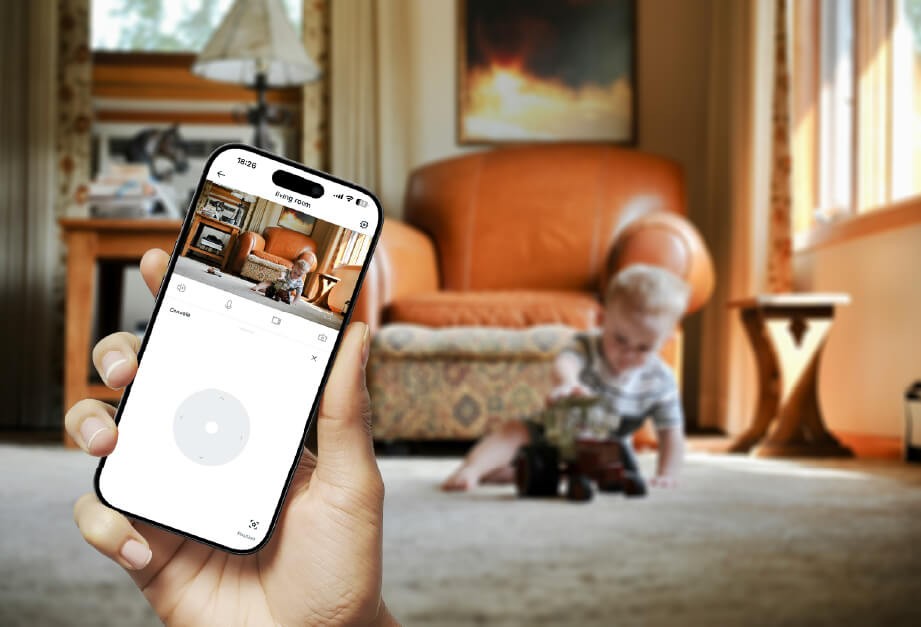
A stable home Wi-Fi connection plays a central role. For a wireless home camera, reliable Wi-Fi ensures smooth uploads and timely alerts, especially when motion events occur.
Once uploaded, users can access live video or recordings through a mobile app or web portal. After secure account verification, footage can be viewed, downloaded, or shared from anywhere with an internet connection.
The Real Benefits and Trade-Offs of Cloud Storage at Home
Cloud storage offers clear benefits, but it also introduces trade-offs that matter for everyday households.
Benefits
- Remote access anytime View live feeds or recordings through your phone, even when away from home.
- Protection from physical loss If a camera or SD card is damaged or removed, cloud-stored footage remains available.
- Automatic backups No manual file management is required. Older recordings are rotated automatically.
- Easy sharing Selected clips can be securely shared with family members or service providers.
Risks and Limitations
- Ongoing subscription costs Free plans are limited. Extended storage usually requires monthly or yearly fees.
- Dependence on internet quality Upload delays or missed recordings may occur if Wi-Fi is unstable.
- Privacy considerations Footage is stored on third-party servers, requiring trust in the provider’s security practices.
- Retention limits Most entry-level plans keep recordings for only 7 to 30 days.
Cloud storage is convenient, but it is not risk-free or cost-free.
Cloud Storage vs. Local Storage: Which Fits Your Home Better
Choosing between cloud and local storage is less about which is “better” and more about which fits your situation.
| Feature | Cloud Storage | Local Storage (SD Card) |
|---|---|---|
| Storage location | Remote servers | Inside the camera |
| Cost model | Subscription-based | One-time purchase |
| Internet dependency | Required for uploads | Works offline |
| Physical theft protection | Strong | Limited |
| Privacy control | Shared with provider | Fully user-controlled |
| Scalability | Easy with plans | Limited by card size |
Many smart indoor monitoring devices now support hybrid storage. This allows users to rely on local SD card recording for daily use while enabling cloud storage only when extra backup or remote access is needed.
How to Set Up Cloud Storage Without Overcomplicating Things
Most cloud storage setups follow the same general process.
- Confirm camera compatibility Ensure your indoor camera supports cloud storage services.
- Create an account Register through the manufacturer’s official app or website.
- Add and bind the camera Connect the camera to your home Wi-Fi and link it to your account.
- Select a storage plan Choose a free trial or a paid plan based on retention needs.
- Adjust recording preferences Motion-only recording helps reduce storage usage and bandwidth.
- Secure your account Enable two-factor authentication and use a strong, unique password.
Most setups can be completed in minutes with app-based guidance.
How to Keep Your Cloud Storage Safe in Everyday Use
Security depends as much on user behavior as on technology.
- Choose reputable providers that use TLS or HTTPS encryption
- Change default passwords immediately
- Enable two-factor authentication for account access
- Keep camera firmware and apps updated
Safe cloud storage starts with proper configuration.
Free and Subscription-Free Ways to Store Camera Footage
Cloud storage is not the only way to manage recordings.
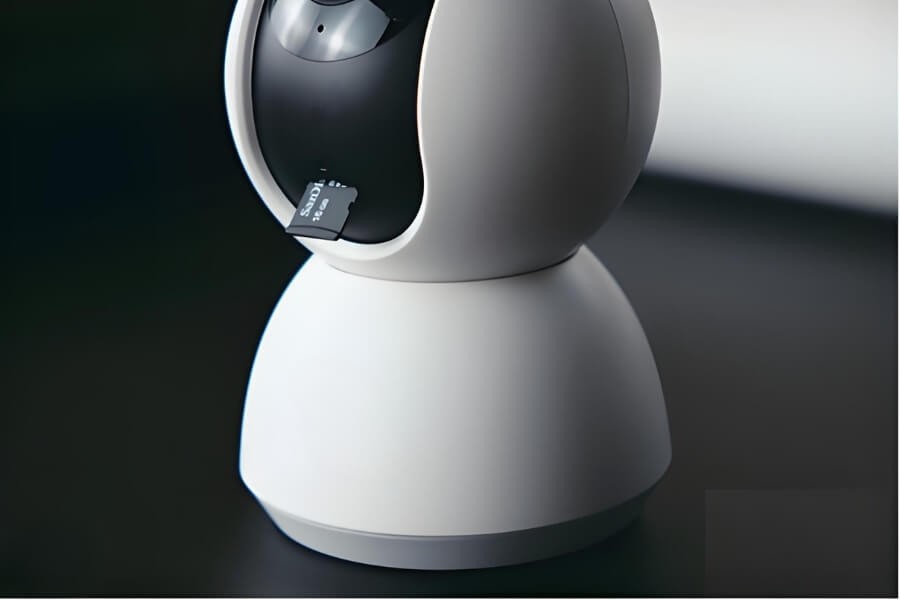
Free Cloud Plans
Many brands offer limited free storage, often covering recent motion events for a short period. This can be enough for basic monitoring.
Local SD Card Storage
Using a Micro SD card avoids subscriptions entirely. Footage stays private and accessible through the app. For many households, this is the most cost-effective solution.
FTP or NAS Backups
Advanced users may upload recordings to personal servers or network storage. This offers full control but requires technical setup.
Hybrid Storage as Best Practice
Combining local storage for daily recording with optional cloud backup provides balance between cost control and data protection.
What Really Matters in an Indoor Camera for Home Use
For home environments, usability matters more than complexity.
- Simple plug-and-play wireless installation
- 2MP or 3MP resolution with pan-and-tilt coverage
- AI-based human detection to reduce false alerts
- Infrared or color night vision for day and night monitoring
- Flexible storage support for both local SD cards and optional cloud services
Indoor-focused wireless home cameras designed around these features make cloud storage an option, not a requirement.
A Practical Way to Think About Cloud Storage at Home
Cloud storage is a powerful tool, but it is not the foundation of home security. Its value depends on stable internet access, good security habits, and realistic expectations.
For most households, the real starting point is a reliable, easy-to-use indoor Wi-Fi camera. With clear video, simple installation, and flexible storage options, users gain control over how their monitoring data is stored and accessed.
Before committing to complex cloud plans, choosing the right indoor camera can already deliver smart indoor monitoring and dependable, everyday home protection.
FAQ
How much does cloud storage for security cameras cost?
Many brands offer free basic cloud plans with limited retention, often around seven days for motion events. Paid plans usually cost between $3 and $10 per camera per month, depending on video quality and storage length. Cameras with local SD card storage help avoid recurring fees.
Is cloud storage safe for home security footage?
Cloud storage can be safe when providers use encrypted data transfer, secure servers, and features like two-factor authentication. In practice, most risks come from weak passwords or disabled security options. Proper setup and regular updates are essential.
Are there security cameras without subscription fees?
Yes. Many indoor security cameras support local Micro SD card storage, allowing recording and playback without any monthly subscription. This keeps data fully under the user’s control, with cloud storage remaining optional.
What are the downsides of wireless home cameras?
Wireless cameras rely on Wi-Fi stability and still need power from a battery or outlet. Weak signals can affect video quality. Proper placement and dual-band Wi-Fi support reduce most issues in indoor environments.
What happens if I cancel a cloud subscription?
When a cloud subscription ends, access to cloud-stored recordings is usually removed after a short period. If the camera supports local SD card storage, locally saved recordings remain available.
Is cloud storage better than local storage?
Neither option is universally better. Cloud storage offers off-site backup and easy remote access, while local storage provides privacy and no recurring costs. Many households benefit from using both together.